Alt Text for WooCommerce Variation Images
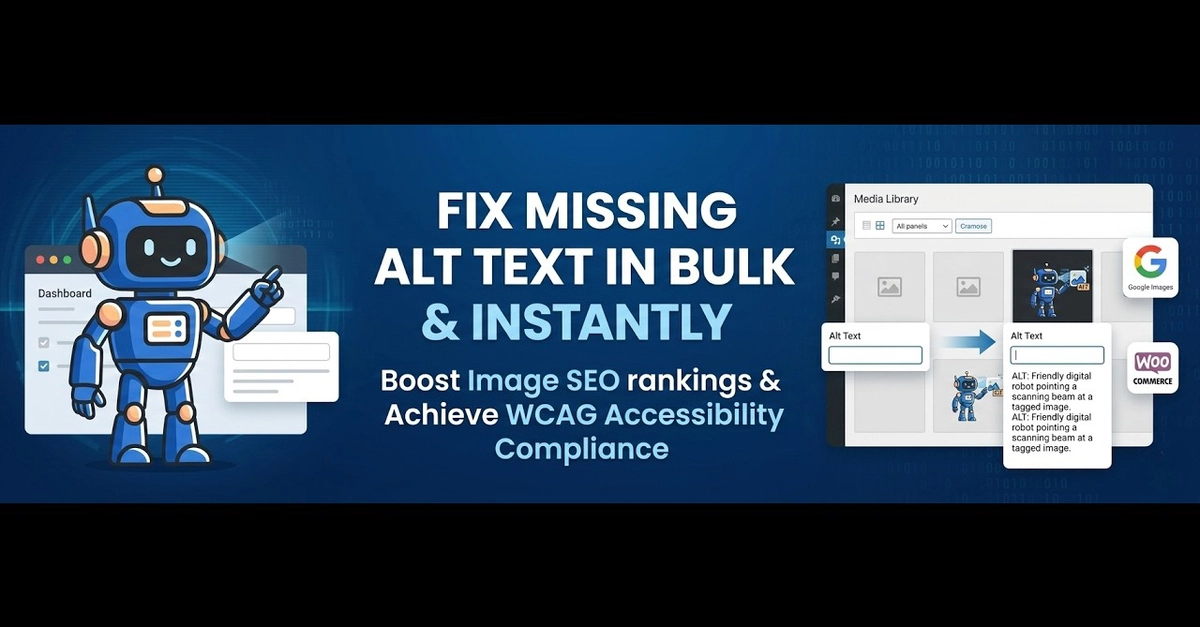
Alt text for WooCommerce variation images is the gap almost nobody checks. You set alt text on the main product image, feel like the job is done, and move on. But a variable product — a t-shirt in six colours, a mug in three sizes — has a separate image for each variation, and every one of those images is its own attachment in the media library with its own empty alt field.
So the "Red" swatch swaps in a photo with no alt text. The "Blue" swatch swaps in another with no alt text. To Google and to a screen reader, those variation photos may as well not exist. This post explains why WooCommerce variation images slip through, what good alt text for a variant actually says, and how to fill the gaps without opening every product by hand.
Why variation images escape your alt text
The reason is structural, not carelessness. A WooCommerce variable product isn't one product with one image. It's a parent product plus a set of variations, and each variation can point to its own image attachment.