Bulk Alt Text for WordPress & WooCommerce: A Demo
If you run a WooCommerce store with more than a handful of products, writing alt text by hand stopped being realistic a long time ago. Every product has a main image, usually a gallery, often variation images, and the media library grows every time you add a line. Describing all of that manually is the kind of job that sits on a to-do list for two years and never gets done.
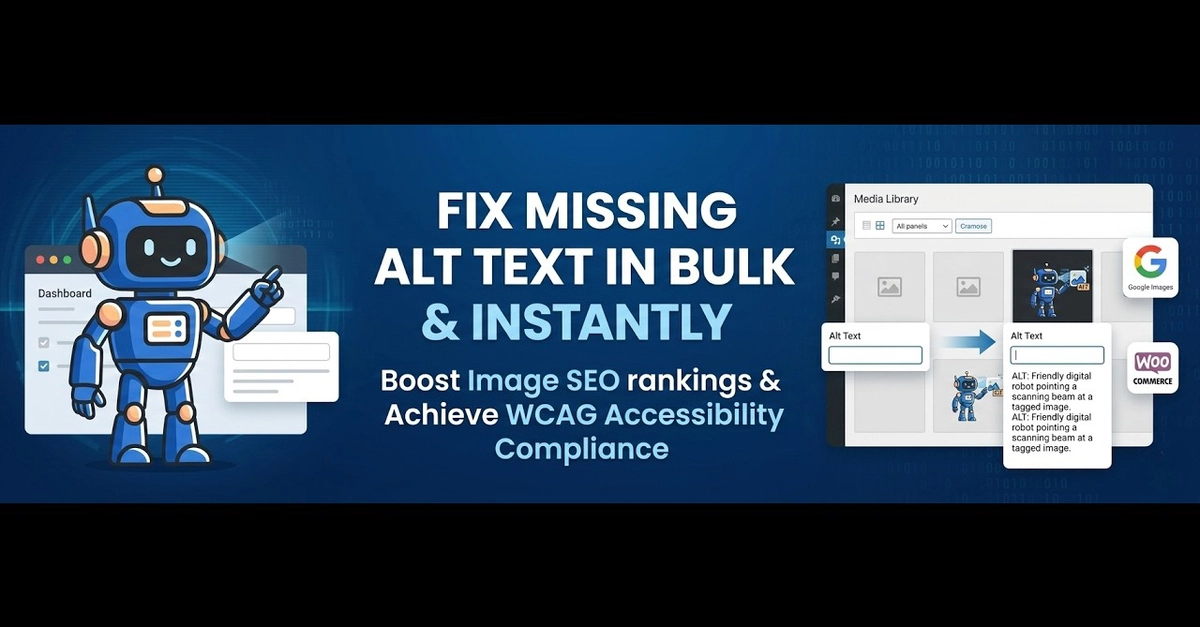
So instead of describing the problem again, here's a demo of fixing it in bulk — scanning a media library, generating SEO-friendly alt text for WordPress and WooCommerce images, and applying it without editing each product one at a time.
Why bulk alt text matters for WooCommerce
On a store, alt text isn't a nicety — it's part of how products get found. Google Images is a genuine discovery channel for physical products, and it relies heavily on how each image is described. A product photo with no alt text, or with IMG_3391 sitting in the field, is a product that's harder to find for someone searching for exactly what you sell.