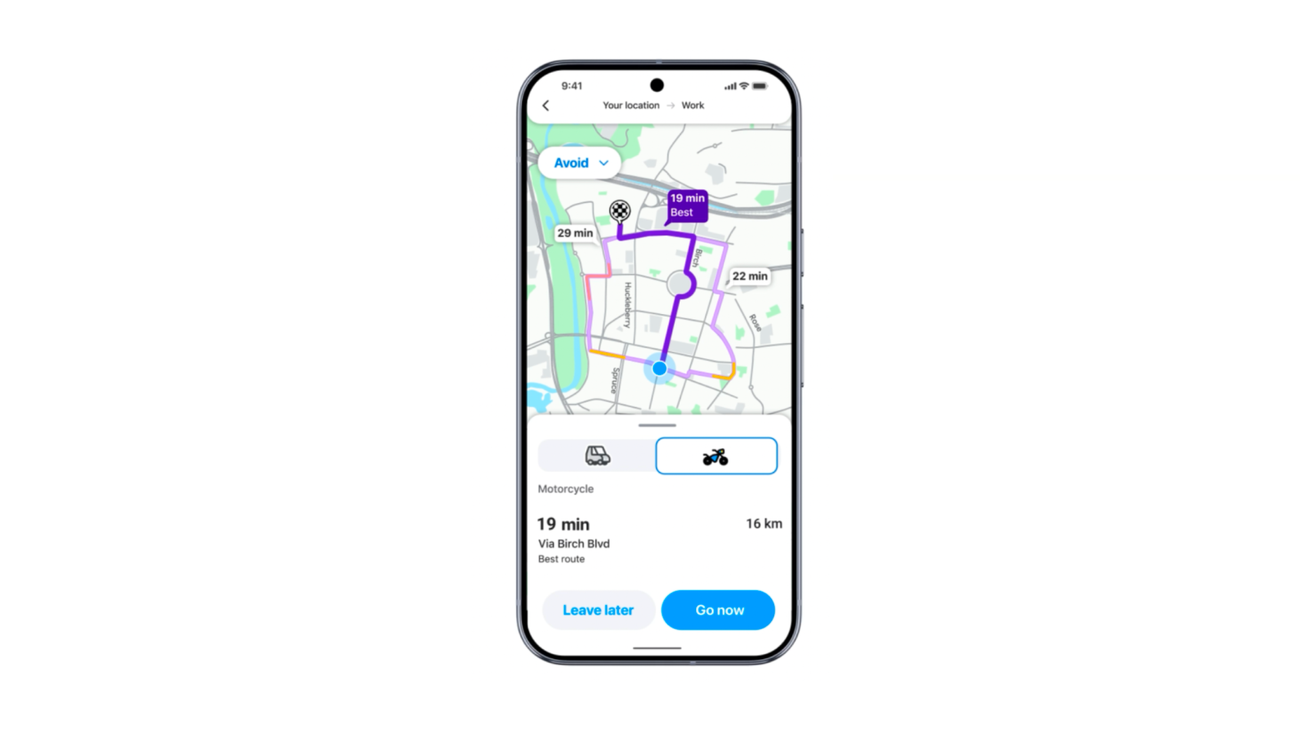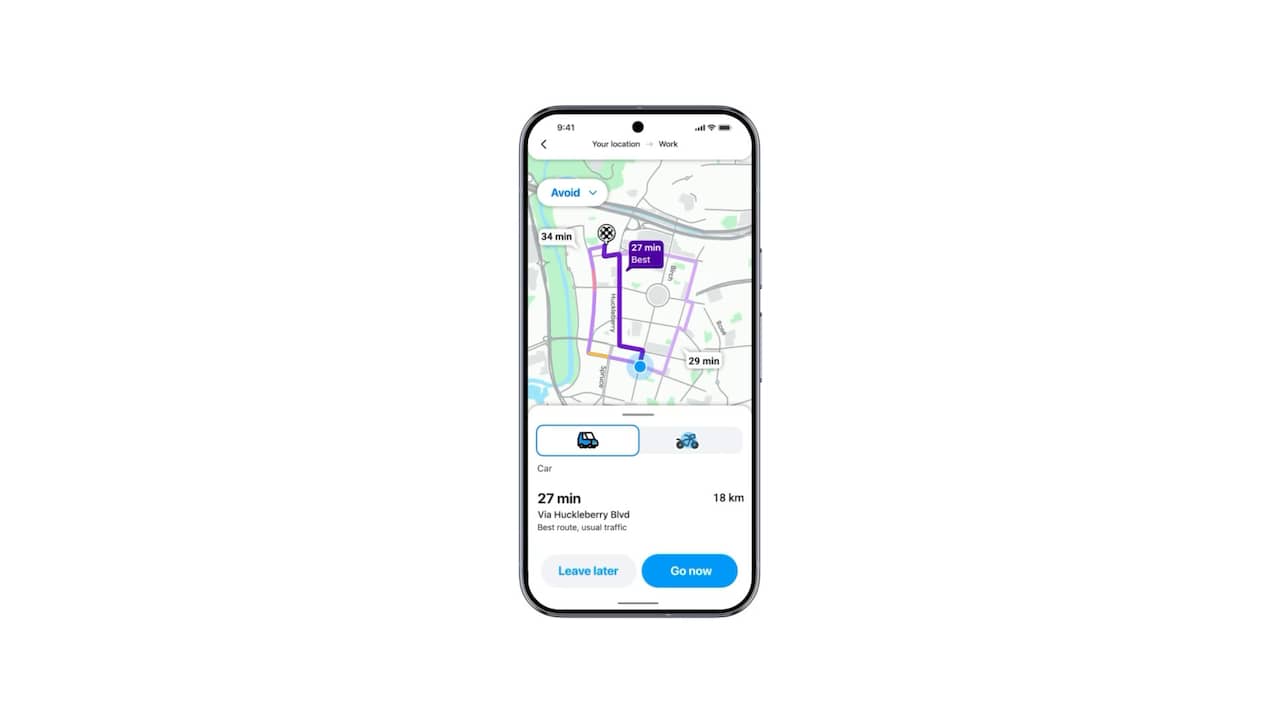
Elyse Betters Picaro / ZDNETFollow ZDNET: Add us as a preferred source on Google. ZDNET's key takeaways Waze is great for fast reroutes and real-time driver alerts.Google Maps has deep Gemini integration and more features.Both apps keep improving, but which one is truly the best?The internet is loaded with claims that Waze leaves Google Maps in the dust. But is that really true? I'm a longtime Google Maps (and Google Earth) user. I swear by it and regularly side-eye anyone who says otherwise (especially, god forbid, Apple Maps users). Also: I tested Google Maps vs. Apple Maps to find the best navigation app - and this one winsI'm a tech editor, though, so I do my best to set aside personal bias in the name of journalism. Every now and then, I force myself to try alternative navigation apps, including Waze, which, in case you didn't know, Google acquired in 2013. So, if you're looking for a feature-by-feature breakdown of how Waze actually compares to Google Maps, you've come to the right place. I've tested both to find out which one will get me where I need to go faster, smarter, and better. Is Waze or Google Maps better? Let's look at all the major features of both apps to determine a clear winner. Will the final scorecard surprise me? Maybe. Waze is for people who want to get where they are going, fast.It prioritizes the quickest route and will automatically reroute you the second traffic gets messy. There's no asking for permission. It just does it, but, unfortunately, that means it may end up taking you down a weird side street. That said, Waze has begun rolling out personalized navigation globally on Android and iOS. It uses your previous trips and local traffic patterns to suggest routes that better match how you prefer to drive, such as favoring highways over local streets. You can still choose another route or turn personalization off.Google Maps, on the other hand, is far more measured. It considers things like road types and even fuel efficiency for different vehicle types to decide the best route. Google Maps can also use landmarks to provide navigation directions instead of just distances, so you might hear "Turn left after the Shell station," rather than "Turn left in 600 feet." It warns you about traffic jams or closures ahead too, even before you start your route.Also: Master your navigation: 41 hidden Google Maps settings you should knowMore recently, Google launched Immersive Navigation, which adds 3D route previews, Street View context, parking cues, entrance guidance, and clearer route trade-offs to your driving experience. This helps if you want to better understand a route before you commit, but it also puts a lot of the onus on you to decide a route.Personally, I do like having the final say. If an app wants to reroute me at the last minute, I'd rather know where I'm headed and approve it before I take the turn. But if your top priority is shaving off seconds and arriving somewhere quickly without having to overthink the route, Waze is the way to go. I'll give this one to Waze for that, but it's close because of the sheer number of features Google Maps offers.
I tested Google Maps vs. Waze to find the best updated navigation app - and this one wins
Want to know whether Waze or Google Maps is better? I've driven with both for hundreds of miles. Here's my choice.
2,667 words~12 min read