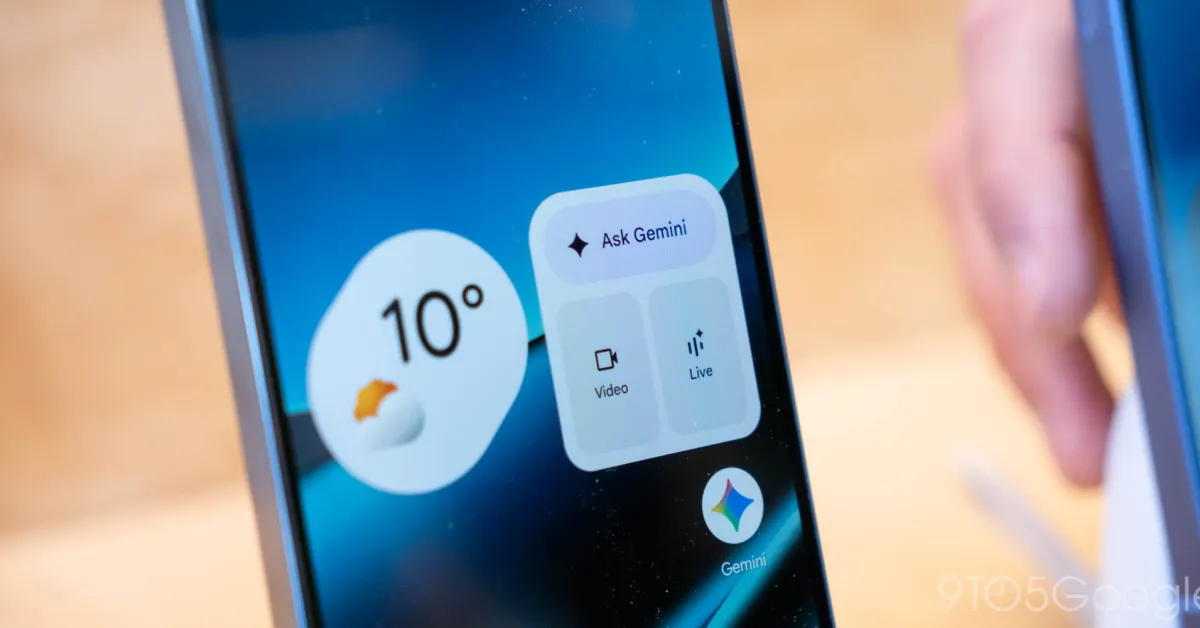
Widgets, widgets, widgets. Has there ever been an Android feature so full of promise that went unloved by Google for so very long?
Okay, so maybe there has been — erm, lots of times, actually. But even so, Android’s widgets system is a perfect example of an exceptional advantage that Google basically buried, abandoned, and left on the brink of extinction up until its overdue revival in 2021’s Android 12 update. (And that revival, by the way, happened for no apparent reason whatsoever. Just a totally random, unprompted change of heart after a decade of indifference. Riiiiiiiiight.)
Google may have given up on widgets for a while, but the good news is that (a) they’re back, baby — still now, more than ever, even in our overly AI-obsessed 2026 timeline — and (b) the Android developer community keeps chuggin’ along and coming up with ever-more creative new ways to embrace widgets beyond what Google itself sees fit to give us. That means no matter what Android version your favorite phone is running, you can step up your own Android widget game and give yourself some fresh and fruitful paths to make the most of your phone’s framework.
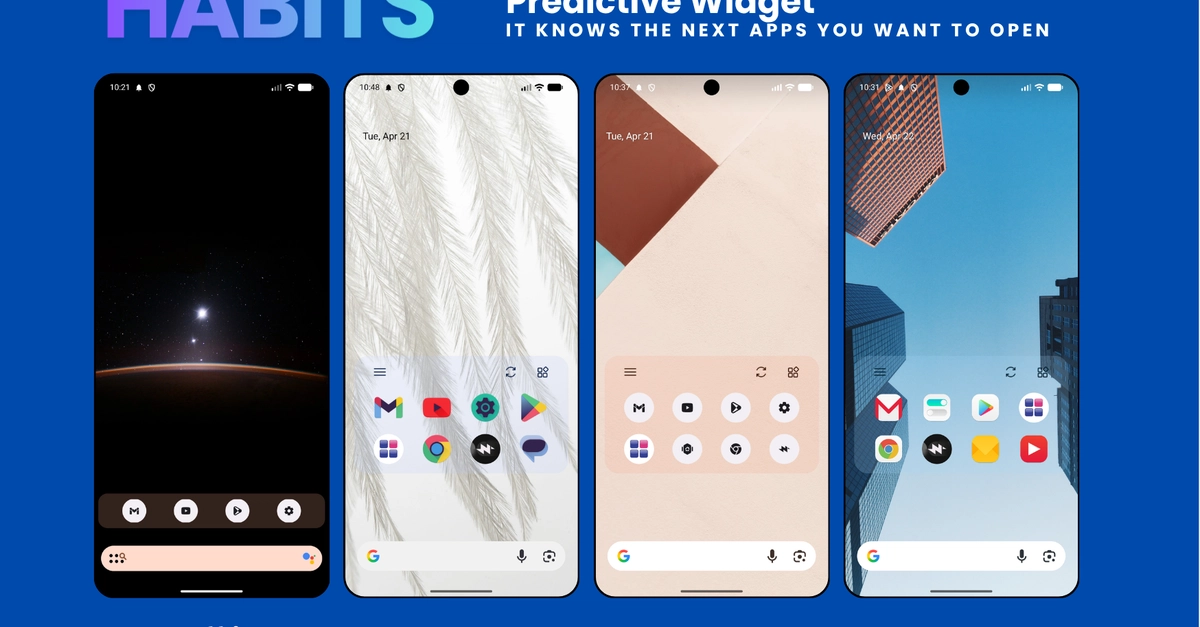
Here, my dear, are some fantastic beyond-the-basics ways to put your favorite Android widgets to use and change the way you get stuff done on your phone.