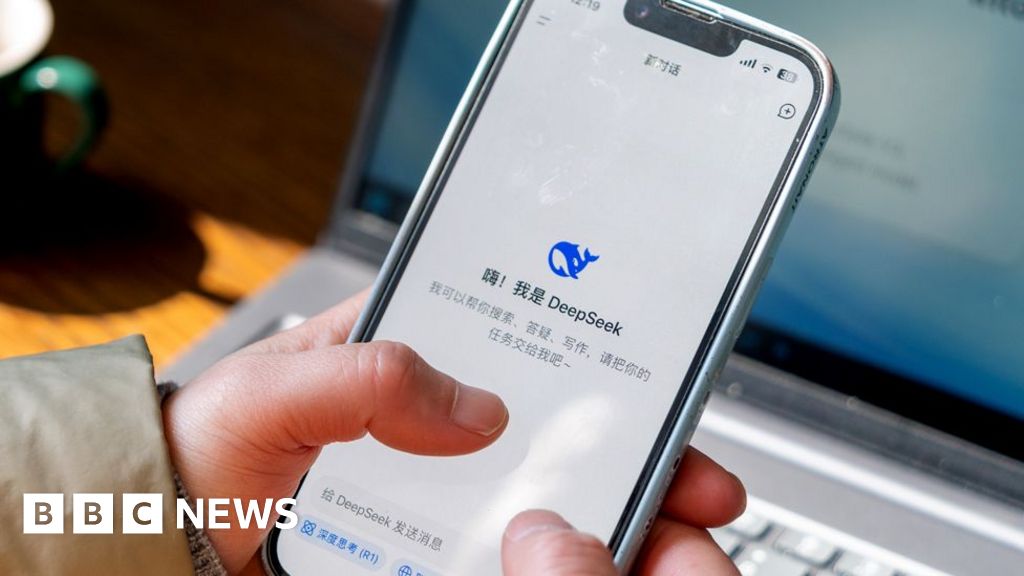
The problem : I love using DeepSeek AI, but every time I wanted to ask something, I had to: Unlock my phone and then find the DeepSeek app icon , wait for it to launch ,tap the chat input.
That’s 4 steps just to start typing. What if I could do it in 1 tap – from my home screen?
So I built DeepSeekWidget – a tiny, open‑source Android widget that gives you instant access to DeepSeek’s chat, voice, and camera features.
What it does:
The widget has three buttons: