WordPress major version upgrades (5.x → 6.x, and eventually 6.x → 7.x) are a different animal from minor releases. Minor releases (like 6.4.1 → 6.4.2) are mostly bug fixes with low compatibility risk. Majors land API deprecations, raised PHP minimum requirements, and core block replacements all at once — and those things hit operations hard.
The "just hit Update in the admin and patch whatever breaks" workflow can survive on a single personal site, but it tends to fall apart under multi-site maintenance — simultaneous failures across sites overwhelm root-cause triage. This post collects the things worth verifying before you run a major upgrade, as a seven-item checklist.
1. Has the minimum PHP version been raised?
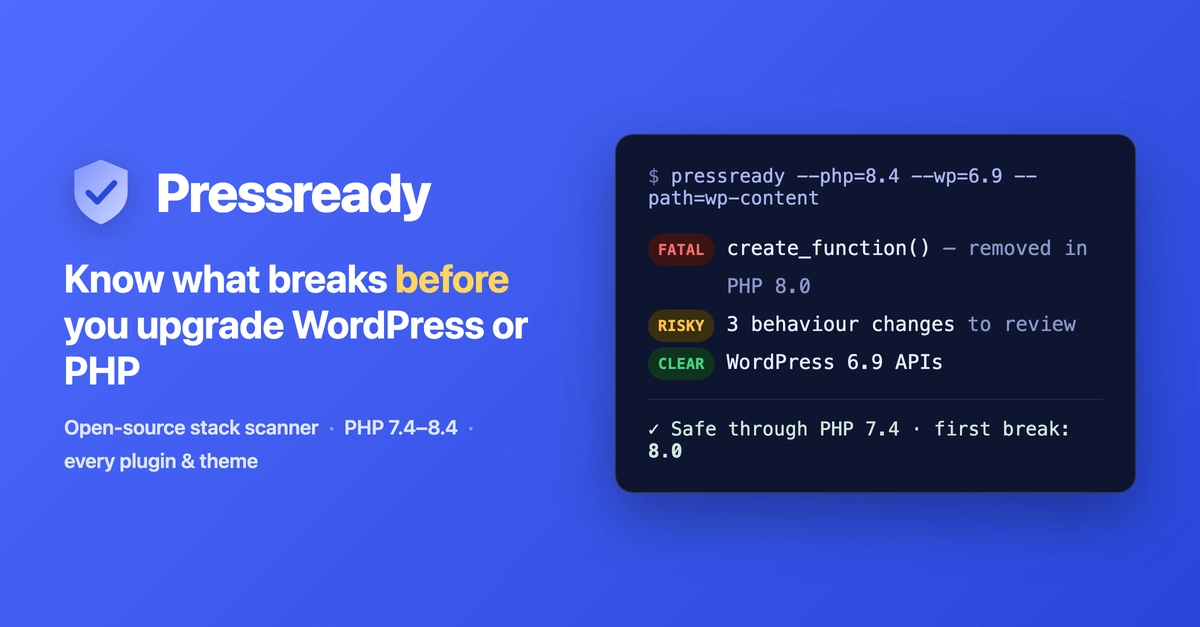
Major WordPress releases sometimes raise the minimum supported PHP version (6.6 lifted it to PHP 7.2.24, and a future 7.0 will very likely require PHP 8.x). What matters operationally isn't just the server's PHP version and WordPress's stated minimum — it's the intersection with the PHP versions your plugins and themes actually run on.
You can usually upgrade your server's PHP, but older themes and plugins not running on new PHP isn't rare. A subtle failure mode here: traps like PHP 8.2+ deprecated warnings leaking into older WP-CLI JSON output, where nothing visibly errors but your operational tooling silently breaks. Before upgrading, run wp plugin list --format=json on the production PHP environment and verify you're getting clean JSON. That one check catches a lot of post-upgrade pain.