Every WordPress developer knows the feeling. A host emails: "PHP 7.4 reaches end of life — we're moving you to 8.x." Or you finally want the performance and security of PHP 8.4. You stage it, click upgrade, and… white screen. Somewhere in the 40 plugins and 3 themes on the site, something called a function PHP removed years ago — and now the whole site is down.
The frustrating part: the broken code is almost never yours. It's buried in third-party plugins and themes you didn't write and can't easily read. So how do you find out what breaks before you upgrade, instead of after?
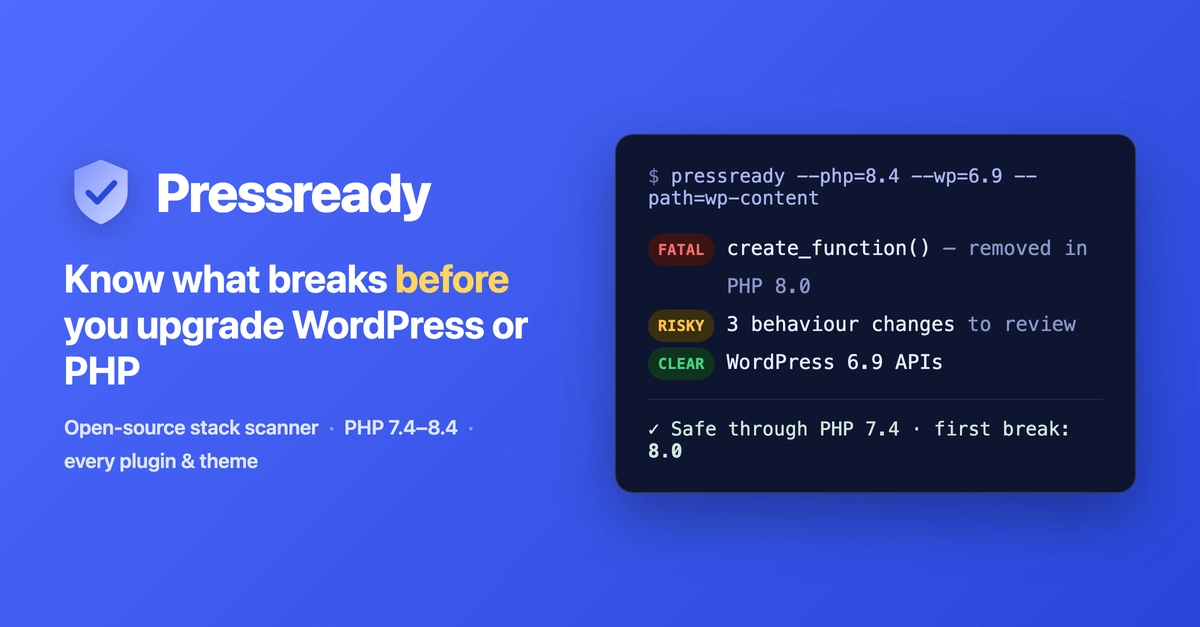
This post walks through exactly that, using an open-source tool called Pressready.
Why "just test it on staging" isn't enough
Staging tells you that something broke, rarely what or where — and only for the code paths you happen to exercise. A fatal in an admin screen or a checkout edge case you didn't click won't surface until a real user hits it. You need something that reads all the code statically and reports every risky symbol, whether or not that path runs during your manual test.