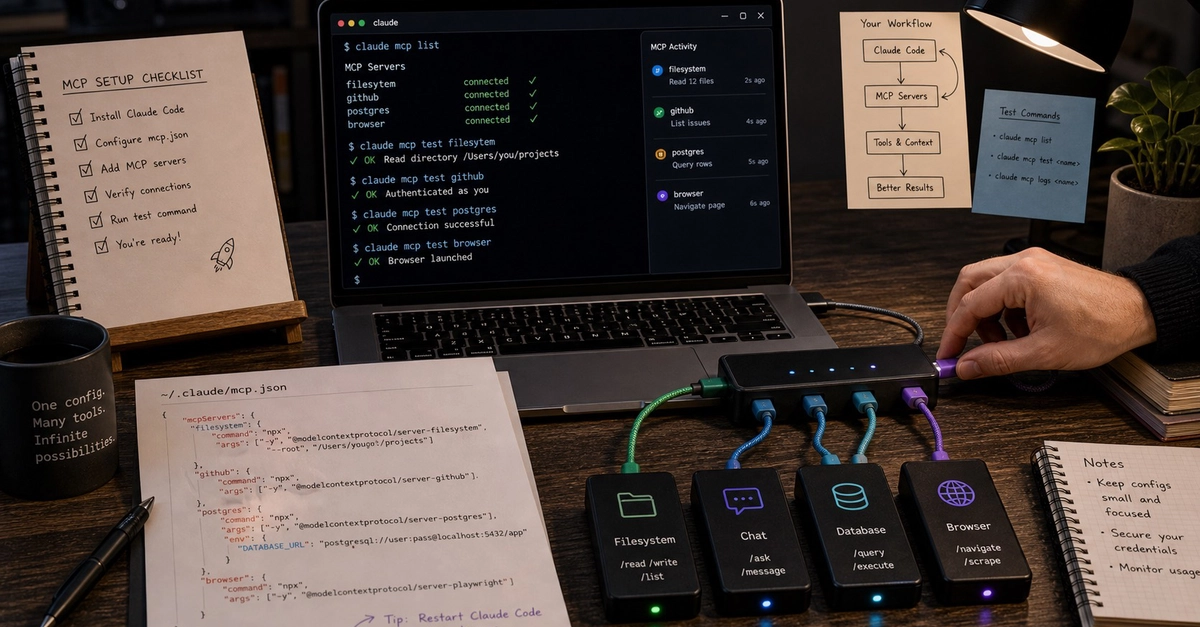
You know the drill for adding an MCP server to a project: dig the exact command string out of the docs, hand-write a .mcp.json with an absolute path you'll typo once, restart the editor, and discover no tools showed up because the server expected a config file you haven't created yet. Plenty of MCP servers lose their would-be users somewhere inside that loop.
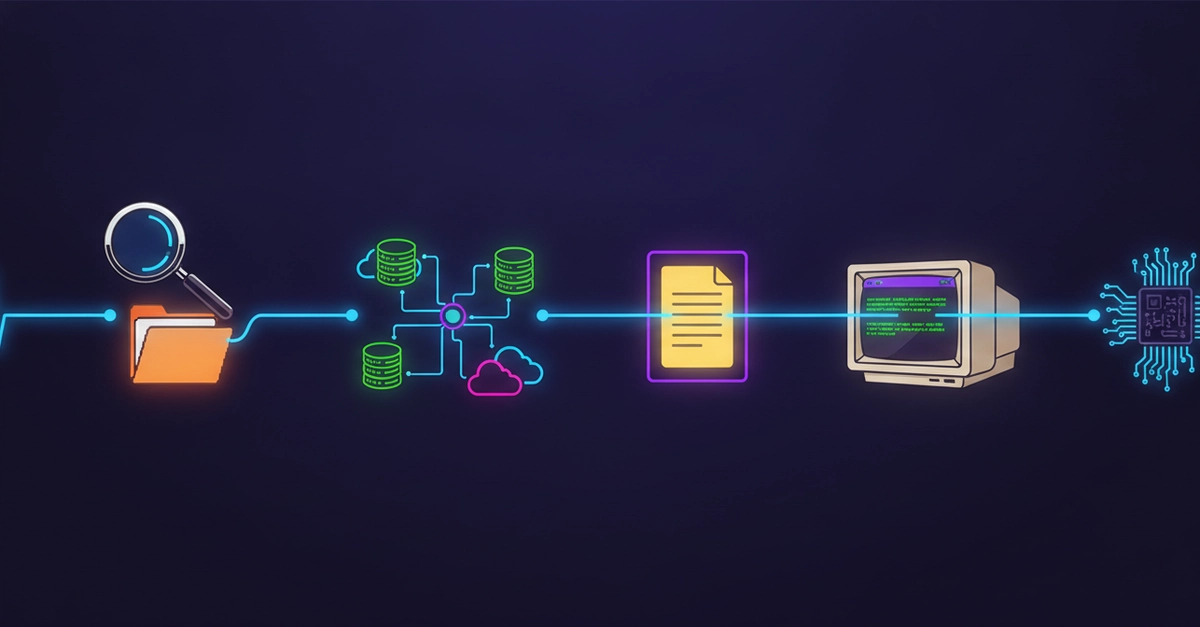
Infrawise collapses the whole loop into one command. It's an open-source tool (npm) that statically analyzes your codebase, AWS infrastructure, and database schemas, then exposes that context to AI coding assistants over MCP — so Claude Code knows your actual partition keys, GSIs, and indexes instead of guessing from source files. This post is about the part that usually kills tools like this before they deliver any value: setup.
Section 1: One command, four steps
npm install -g infrawise # or skip install and use npx
cd your-project