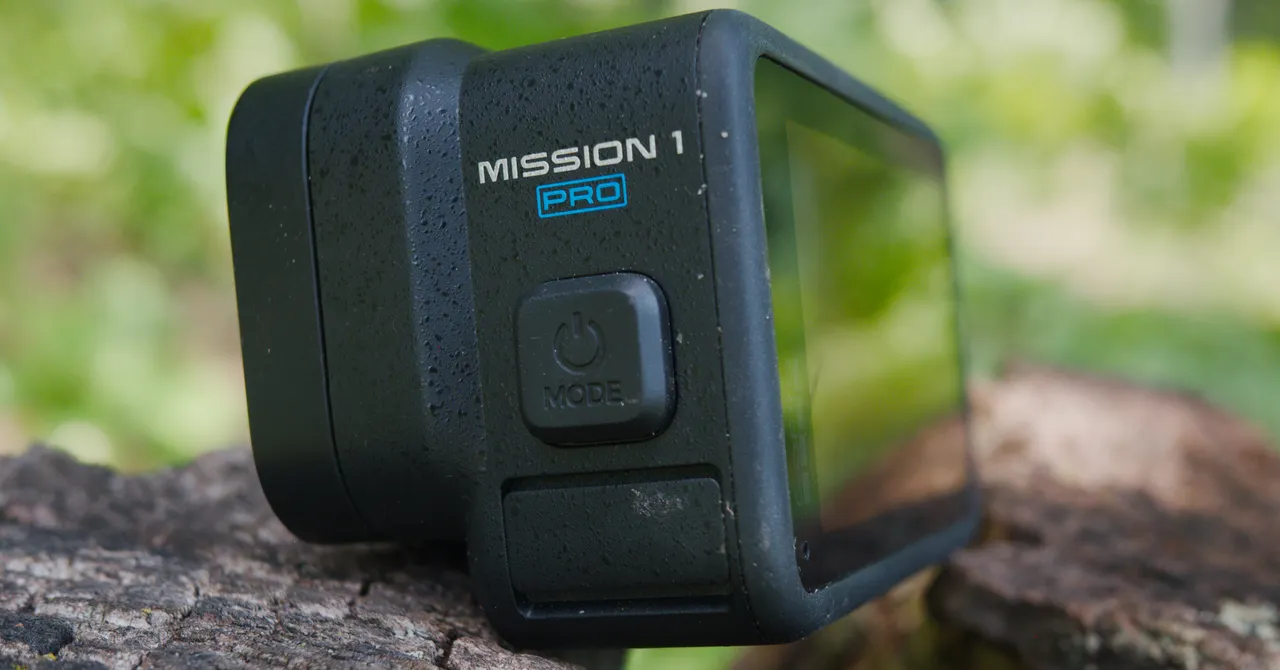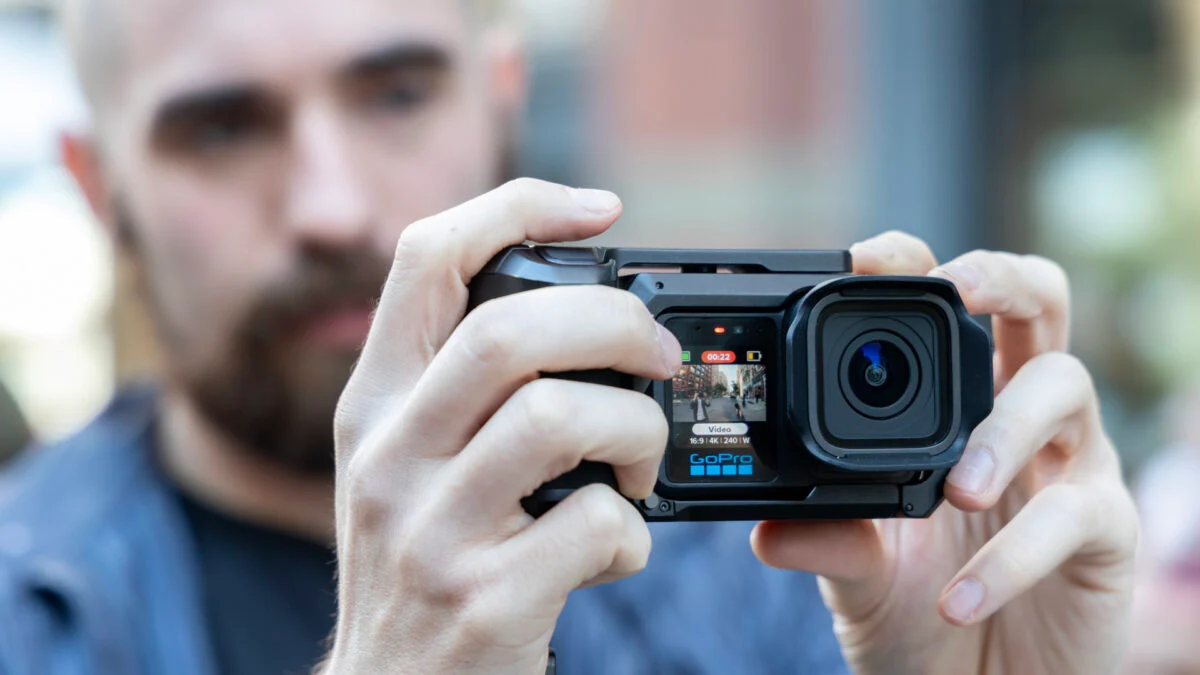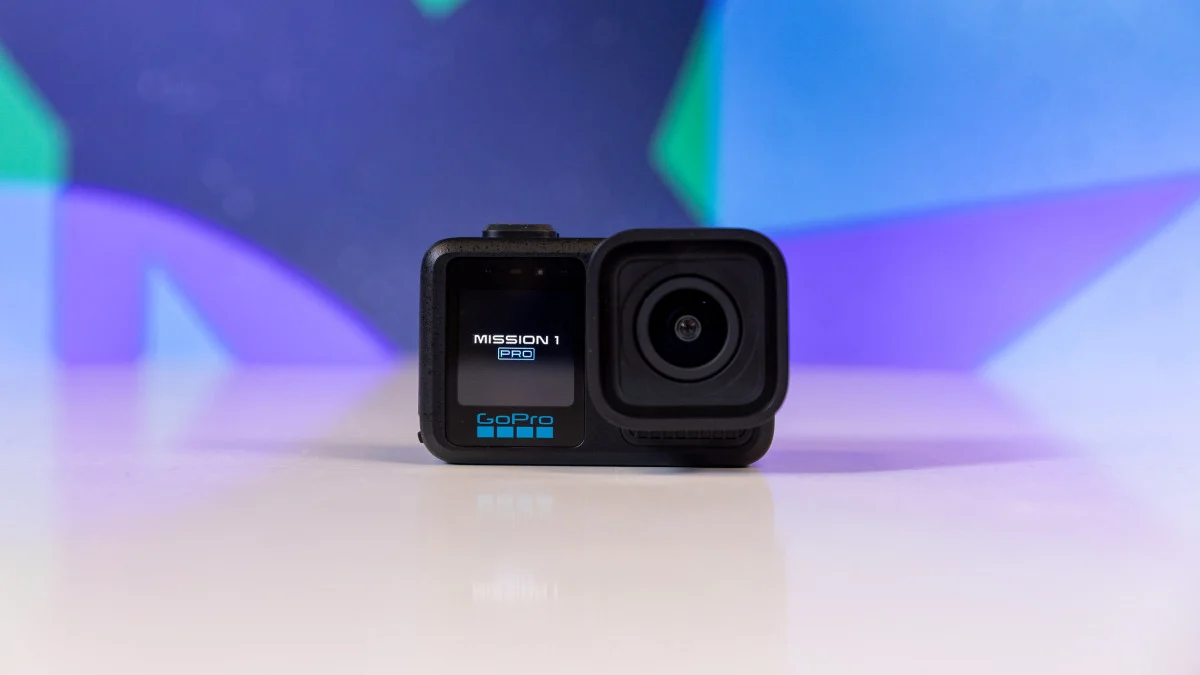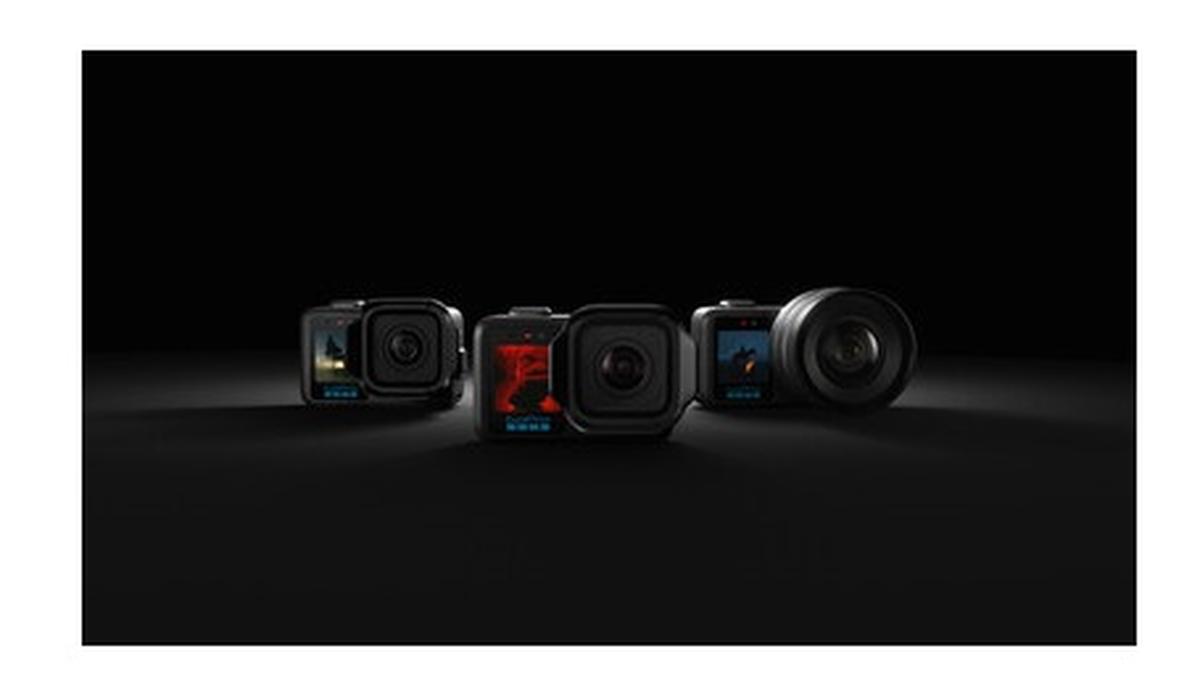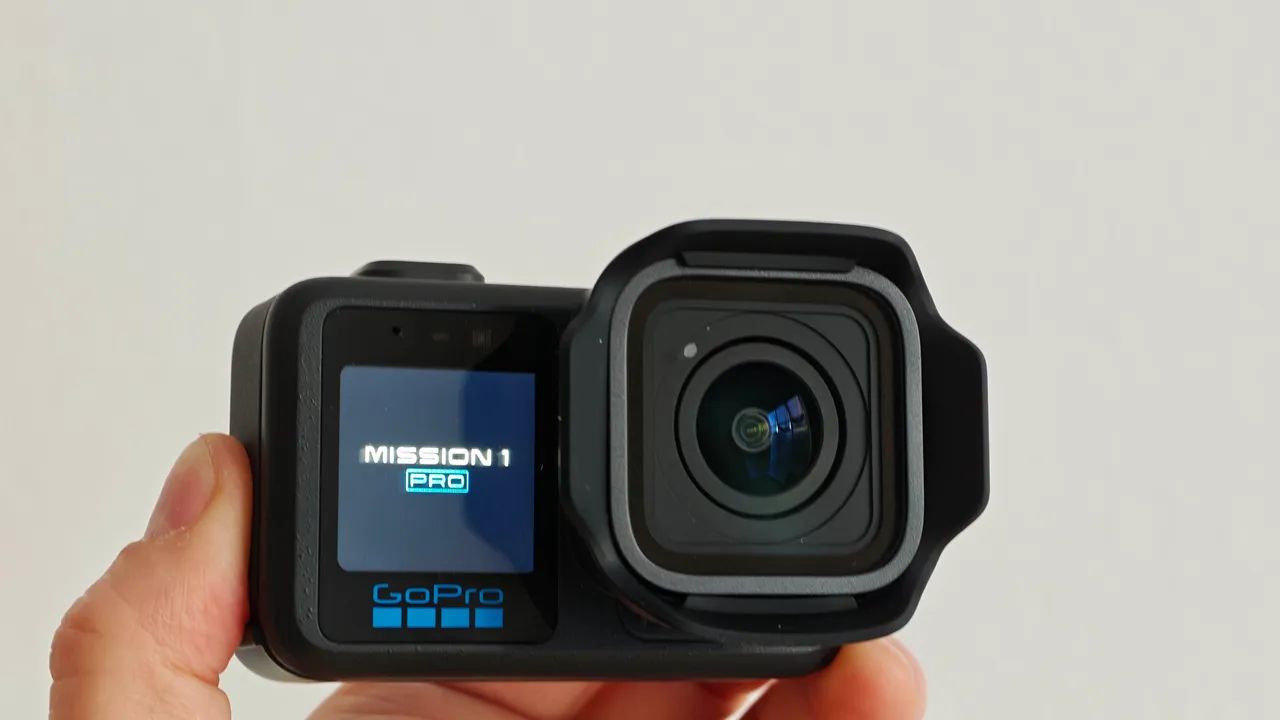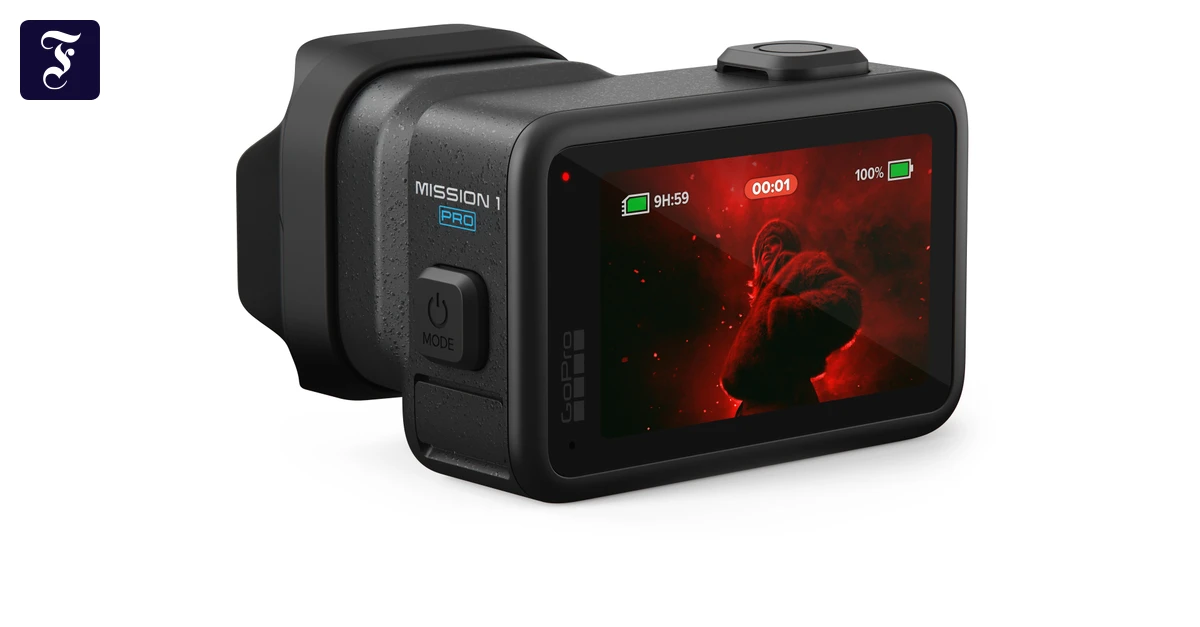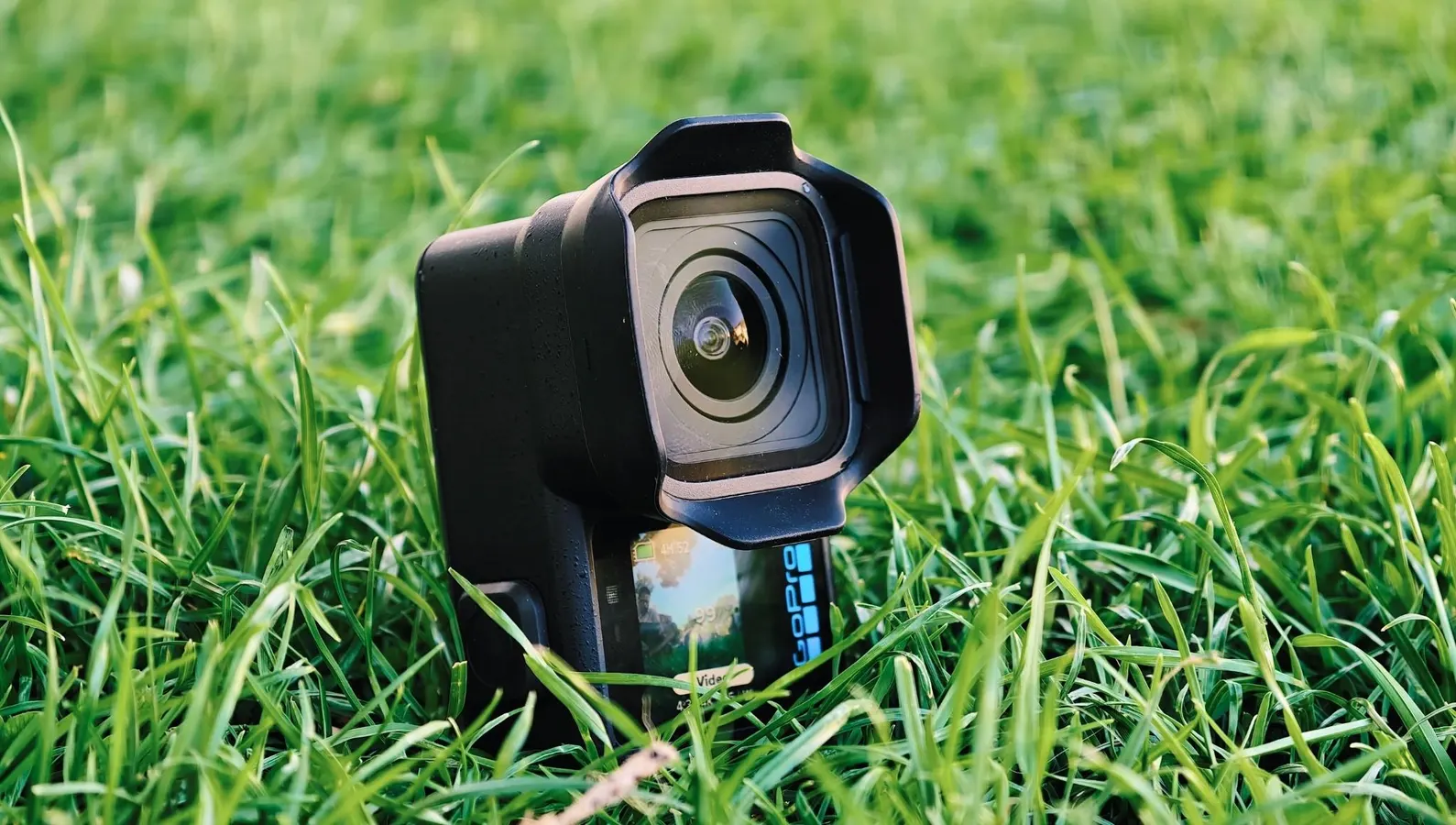
The GoPro Mission 1 Pro is the upgrade Hero users have been waiting for.Prakhar KhannaIn April, GoPro announced an all-new series of cinema-focused action cameras consisting of three models: the Mission 1, Mission 1 Pro, and Mission 1 Pro ILS. It promised better low-light performance and improved clarity, with a more capable processor, a larger sensor, and interchangeable lenses on the ILS model.I was stoked to get my hands on one of these because recording an astounding 960fps slow-mo or 8K open-gate video with a new 1-inch sensor and GP3 image processor sounds like the biggest upgrade to a GoPro in years. I wanted to test those claims, so I took the GoPro Mission 1 Pro to three cities over six weeks. But instead of treating it like an action camera, I ended up using it more like a point-and-shoot. And that turned out to be the biggest surprise.The Grip Is A Big Ergonomic UpgradeGoPro's point-and-shoot grip makes the Mission 1 Pro more comfortable to hold.Prakhar KhannaGoPro has made a point-and-shoot grip case, as Insta360 did for its Ace Pro 2. However, GoPro’s version doesn’t connect through the USB-C port, nor does it add any extra battery, but I still quite like it for its ease of use.The point-and-shoot grip includes a frame, a shutter mechanism, the grip itself, and a wrist strap. It has a push-and-click system where you add one thing on top of another with a gentle push, and it all snaps together with a satisfying click. It turns the Mission 1 Pro into a rugged compact camera for still photography.MORE FOR YOUI like GoPro’s design choices here. There’s a lock to help you securely install the grip on the case. If you want to add accessories like a mic or a Light Mod, you can do so through the cold shoe mounts on the shutter mechanism. If you need to mount the camera itself, you get support for 1/4-20 mounts and Magnetic Latch Mount compatibility on the frame door (alongside easy access to the camera's mounting fingers). Also, the frame door is removable, so you can use a Contacto door and cable without needing to take your camera out of the frame.It feels like a point-and-shoot camera with the grip.Prakhar KhannaGoPro says its new point-and-shoot grip is meant to give you "handheld control for everyday shooting," so I used it as my primary camera on two trips, shooting the streets, city life, and selfies. And I liked it more than I expected. In fact, it gave me the most ergonomic experience on a GoPro ever. I no longer need to hold my action camera awkwardly or carry a shorty for everything.The grip offers enough area to comfortably wrap your fingers around with a solid thumb rest, but I found my thumb naturally going over the lock and unintentionally unlocking the grip. It didn’t result in any accidental camera drops, but I was afraid I could've dislodged the frame from a moving car and dropped my Mission 1 Pro on the road. I grew more mindful of it as I used the grip, but this is something to be careful of during the initial use.The Shooting Experience And ResultsThe GoPro Mission 1 Pro allows you to take 50MP shots (both JPEG and RAW), which have plenty of detail and a wide dynamic range. Whether you are capturing photos against the sun or it appears in your frame mid-video, the sky doesn't get blown out to white. I also like the fisheye effect on the ultrawide lens, which gave my travel shots a different vibe. But if you don't like it, you can turn it off by switching to Linear and straightening the horizon.Like the GoPro Hero series, the new Mission 1 Pro features a fixed-focus lens, so there’s no autofocus or background blur like a true point-and-shoot camera. You’ll likely not miss if if you know what to expect and don’t get too close to a subject. Anything that's around 60cm away or farther will remain in focus, thanks to that 1-inch sensor and ultrawide lens, which gives your shots a whole new perspective.I resorted to 50MP JPEGs and noticed a slight shutter lag when capturing moving vehicles. For those situations, I relied on shooting videos in 8K30 and pulling out 44MP stills through the Quik app.Compared to Insta360, GoPro's colors look more natural. It doesn't make the footage aggressively bright or vibrant. However, if you want more control over the colors, you can shoot DNG RAW and pull back shadow and highlight detail in Lightroom.The GoPro Mission 1 Pro is capable of shooting 960 frames per second slow motion videos. You’d ideally find this feature on dedicated slow-motion cameras. It took me a while to figure out where to use it (I’m yet to go to the swimming pool and record a slo-mo diving video), but the resulting footage looks incredible. If you stand still in a windy environment with flags waving in the background, it looks like you have supeimposed a still photo of yourself on a video.The only downside in recording 960fps slo-mo videos here is that it can record these in only HD. You’ll need to upscale the footage if you’re working on a 4K project.I used the Mission 1 Pro to shoot life in Vienna, and it was great to have the option of 10-bit color (recorded with GP-Log2). I shot everything handheld, and the grip came in handy. It allowed me to get stabilized shots from a horse carriage, while walking, as well as while jogging through parks.The most noticeable benefit of the GP3 processor and 1-inch sensor comes in the form of better-quality low-light videos. GoPro’s naturalistic color processing continues to impress in low light mode, which isn’t as aggressive in artificially brightening your footage as its competitors. I think some people might prefer the latter, but the good news is that GoPro finally goes head-to-head against its rivals in low-light video quality.The GoPro Mission 1 Pro comes with a 2,150mAh Enduro 2 battery, which offers 13% more capacity than the Hero 13 Black. You also get fast charging, which gave me a 75% charge in 20 minutes. If you have an Enduro 1 battery, it will also fit inside the Mission 1 Pro.I don't have the exact numbers, but the Mission 1 Pro lasted me entire days of mixed photo and video shooting without needing a recharge. I could only deplete the battery on days when I was shooting only 8K video.The GoPro Mission 1 Pro has an OLED screen.Prakhar KhannaThe new GoPro action camera also has a brighter rear display, thanks to an OLED panel. At 2.6 inches, it is slightly larger than the Hero 13 Black's 2.3-inch LCD. I didn't have a problem with legibility in direct sunlight while wearing polarized sunglasses. This is one of the nicest upgrades I've missed on the Hero series. However, the tiny front screen is still an LCD and isn't as legible by comparison.Coming to the GoPro Quik app, it remains intuitive and easy to use. You can use it to upgrade the firmware, remotely control your camera, transfer files, and edit your videos. I like Quik's ability to pull footage from the cloud, the camera, as well as your phone when editing a video. You can also use the app to turn on your Mission 1 Pro in case you mount it somewhere and forget to power it on. However, it doesn't always work. There were times when the app couldn't detect my camera.Overall, I enjoyed shooting with the Mission 1 Pro. It was a new experience to rely on an action camera for my point-and-shoot needs, and GoPro didn’t disappoint. It remains an action camera first and everything else second, but the company has finally worked on improving its hardware, resulting in better low-light footage, improved still photos, and genuinely useful new accessories. The Mission 1 Pro is GoPro's best action camera yet. It is the upgrade long-time Hero users have been waiting for, but it comes at a cost.GoPro Mission 1 Pro PriceThe GoPro Mission 1 Pro is priced at $700 / INR 86,900, and the Grip Edition (with the point-and-shoot grip) will set you back $780. Or you can purchase the grip accessory later for $100 / INR 10,500.On top of this, if you need additional cloud storage, Auto Upload, and other Quik app benefits, you’ll need to subscribe to GoPro’s subscription, which costs $29.99 for new members and $59.99 per year for renewals or returning customers. The good news is that subscribers get additional discounts on new purchases from GoPro.com (up to $100 off the Mission 1 or Mission 1 Pro, $50 off on the grip and $150 off eligible bundles).
I Took The GoPro Mission 1 Pro On Three Trips And I Didn't Want To Put It Down
The GoPro Mission 1 Pro brings a 1-inch sensor, GP3 processor, and a new point-and-shoot grip accessory. Here's what it's like to use.
1,455 words~7 min read