personal tech
ScrollPods is Mac-only, and you'll need compatible AirPods
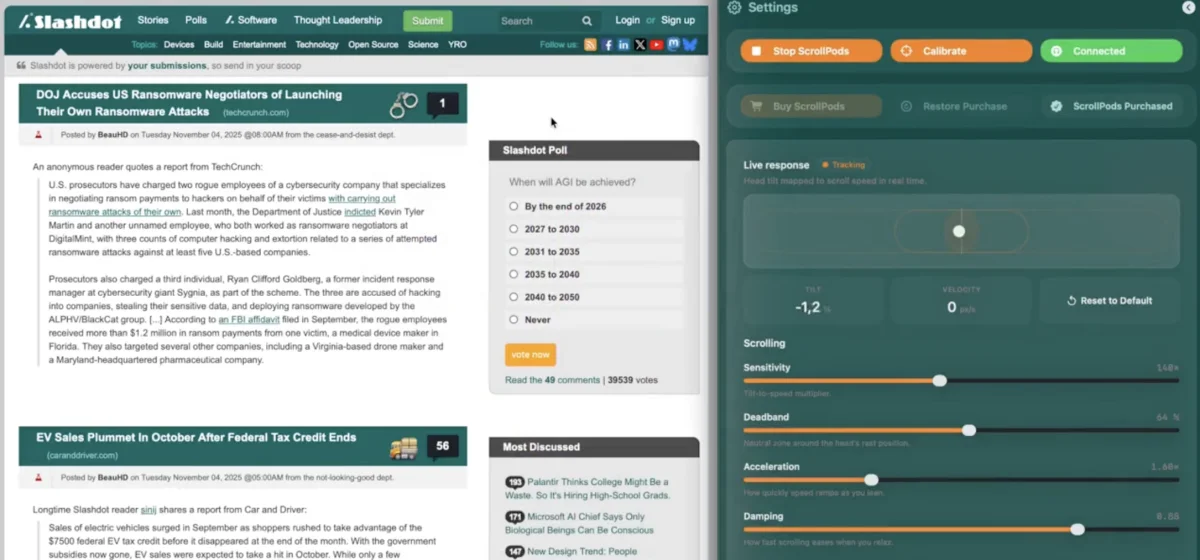
HANDS HEAD ON Have you ever felt so lazy that reaching up to scroll on your MacBook’s trackpad was too much work? Yeah, me too – especially with the summer heat blanketing much of the Northern Hemisphere, even reaching my remote corner of the US. Thankfully, there’s an app for that. ScrollPods is a simple macOS app that’s been out since last November but which just came to my attention thanks to a blog post this week from its creator, Ahmed Mohamed, who hails from Austria. It lets anyone with a compatible Mac and supported headphones scroll through webpages, documents, and other scrollable content using nothing but a head tilt. Look down, and the page scrolls down; look up, and your content will scroll back that way. You can continue typing as you scroll.
The idea, Mohamed wrote, was to allow himself to move up and down a document without taking his hands off the keyboard – not as a complete replacement for conventional navigation methods, but as a supplement.
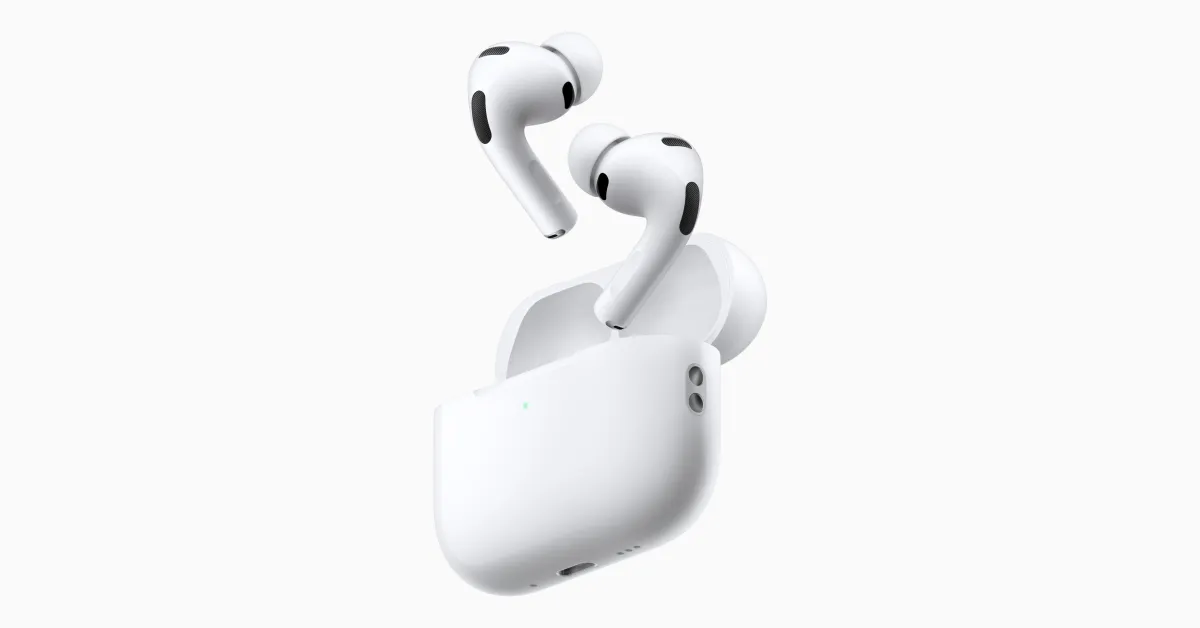
“ScrollPods is not trying to replace the mouse but when it comes to intuitive scrolling, I think it gives traditional scrolling methods like the mouse, scroll wheel, trackpad and touchscreen a good run for their money,” Mohamed wrote. “I enjoy ScrollPods when I’m reading long documents, when my hands are occupied, when I’m drinking an iced coffee or when I simply want to rest my hands.”With the ScrollPods website stating that the app is free, and its Mac App Store page reporting that it doesn’t collect any data, I decided to give it a shot. Installation was easy. It detected my second-gen AirPods Pro without issue, and we were off to the hands-free races. ScrollPods is responsive, easy to use, and isn’t too sensitive, either. It does tend to jump a bit if you slightly move your head, so if you’re fidgety you might want to turn the sensitivity down or enable the feature that automatically pauses the app with a quick tilt of the head.Speaking of settings, there are a lot of options to get ScrollPods working to your liking. Sensitivity, the threshold at which the app starts to scroll, acceleration speed, and even how fast the scrolling stops can all be tweaked, as can how you actually scroll – if you’d prefer to move content up and down by turning left and right, you can do that, too. You can also reverse the order so that looking up scrolls down and looking down scrolls up, if you’re a crazy person. It’s also a great accessibility feature, but Mohamed told us that wasn’t his original goal. “This was initially designed for comfort, I initially came up with ScrollPods because I needed a hands-free way to scroll documents as I was soothing my baby, often stuck in the same position for an hour,” Mohamed told The Register via email, adding that he didn’t want to make an assumption that it would be a significant accessibility product since he’s an able-bodied person. That said, he has heard from a number of people using ScrollPods for accessibility, and the feedback has been positive.