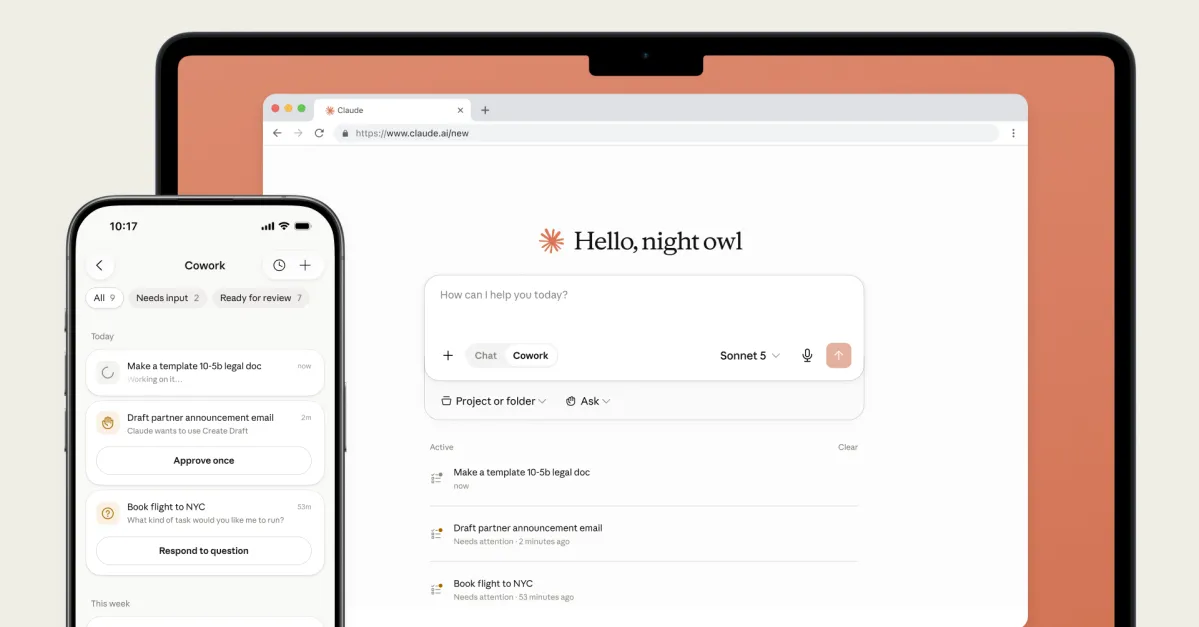
Anthropic just gave its Claude desktop application something developers have been quietly wishing for: a built-in web browser. The new Browser pane lets users open URLs, preview running web apps, test endpoints, and inspect logs directly inside Claude, no alt-tabbing required.
What the browser pane actually does
The feature lives inside Claude Code, the developer-focused mode within the Claude Desktop app. Users can pull it up with Cmd+Shift+B on macOS or Ctrl+Shift+B on Windows. Once open, it renders web pages in an embedded pane right alongside the AI conversation.
In practical terms, this means a developer can spin up a local dev server, ask Claude to make changes to the code, and then immediately see those changes rendered in the built-in browser. No switching windows, no copy-pasting localhost URLs into Chrome.
The pane also handles external URLs, so accessing documentation, checking API references, or pulling up GitHub issue trackers all happens in the same workspace.