(Image credit: Dan Bracaglia/Tom's Guide)
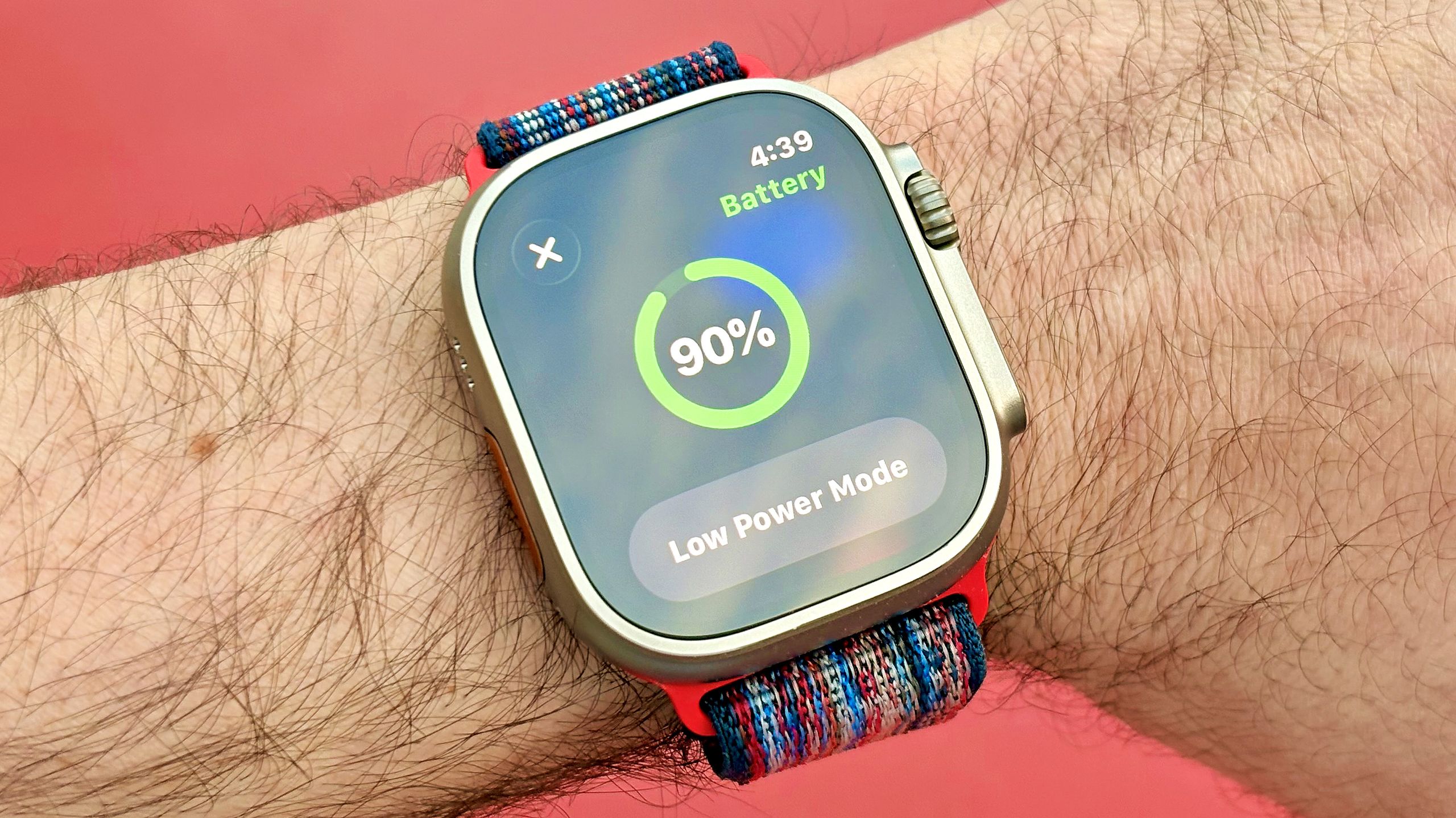
Apple makes some of the best smartwatches money can buy. However, battery life has never been the Apple Watch’s strong suit. The Series 11 lasts an average of 24 hours, the SE 3 lasts roughly 18 hours, and the Ultra 3 lasts about 42 hours per charge.Looking to squeeze a little more juice? Apple’s low-power mode is one option. For example, on the Series 11, it can extend your battery life up to 38 hours per charge. The trade-off is that the handy features you paid for, like the always-on display and continuous heart rate monitoring, get disabled.Rather than losing essential Apple Watch features, what follows are three settings you can change that won’t impact the user experience much but will noticeably improve your device’s battery life.Best of all, you don’t need to own one of the best Apple Watches, i.e., the latest/greatest model. These battery life tips work for older models, too.1. Turn off 'Background app refresh'
(Image credit: Dan Bracaglia/Tom's Guide)The apps on your Apple Watch are constantly updating and/or refreshing with new content behind the scenes, which can lead to faster-than-normal battery drain, especially if you have loads of third-party ones.For example, an app like AP News pulls in updates throughout the day so that when you open it, you see the newest headlines. Switching off background app refresh means that you may need to wait a few seconds for the freshest news to appear, but that’s a worthwhile trade-off for improved battery performance as far as I'm concerned.To switch background app refresh off, head to the settings menu > general, and scroll down.Get instant access to breaking news, the hottest reviews, great deals and helpful tips.2. Turn on 'Reduce motion'