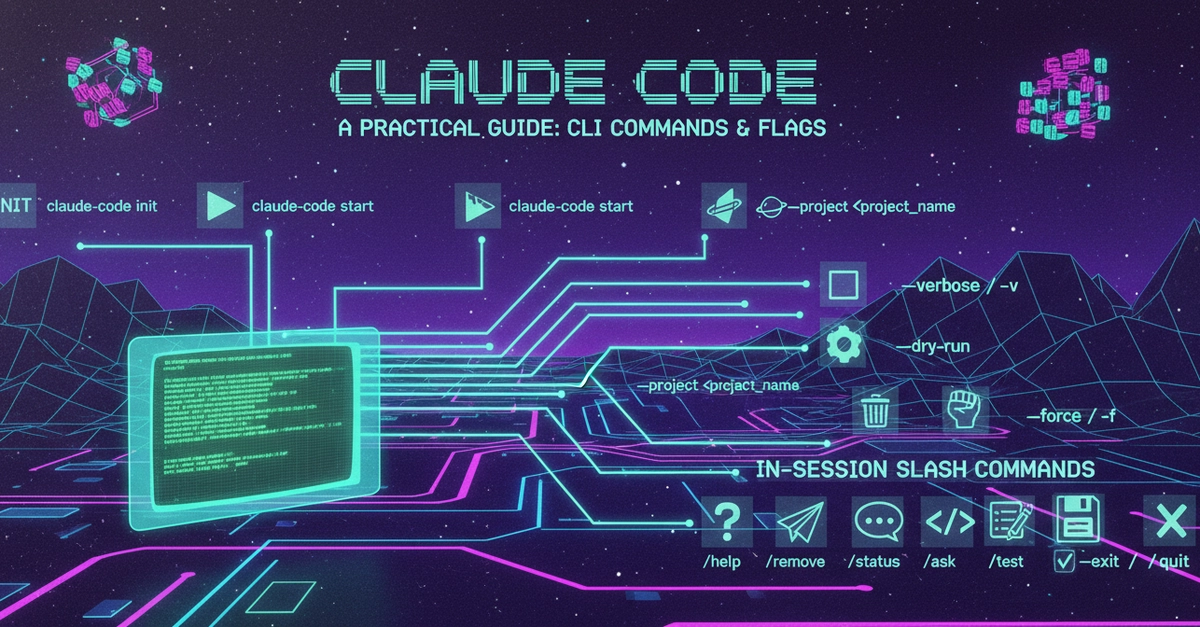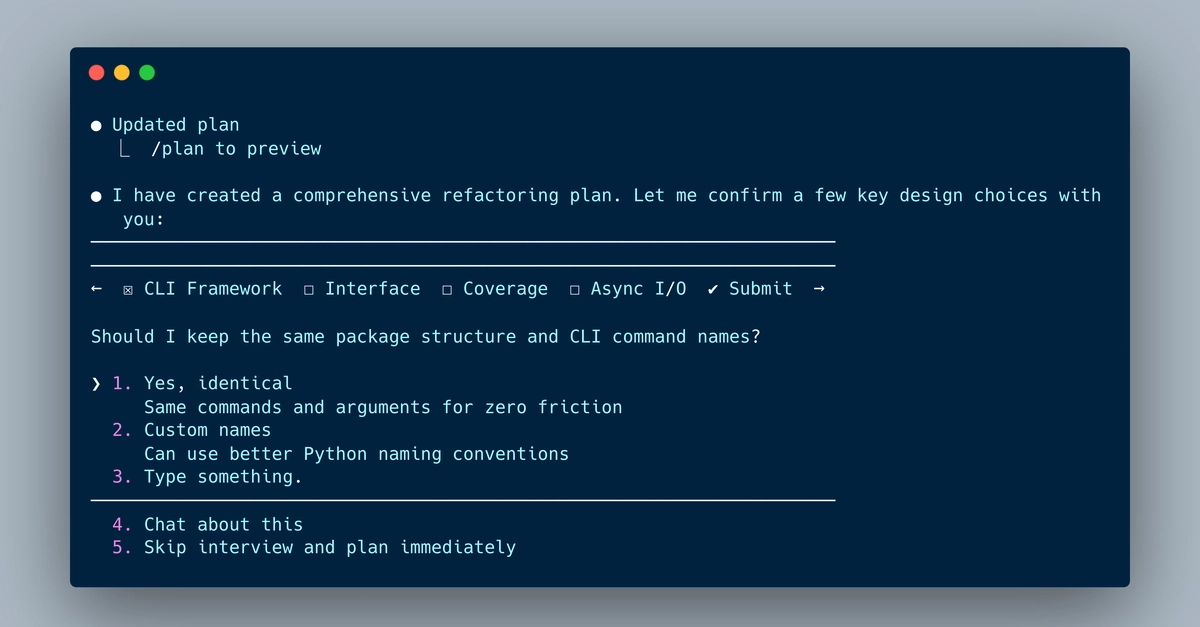
Claude Code is the frontier agentic tool for coding. It autonomously creates structured plans with individual tasks to implement complex code changes. Under its hood, it parses user prompts, injects them into pre-configured system prompts, and issues and resolves tool usages to operate on a computers file system.
This article continues the complete exploration of all Claude Code CLI commands. The particular focus are conversation ops, steering claude’s invocation in the current project, and permisions, fine-grained control how the claude code terminal can access your files.
The technical context of this article is claude_code v2.1.91, published on 2026-04-02. Examples and most CLI commands should work with newer versions too.
While I'm fascinated by the capabilities of artificial intelligence tools and applications, crafting blog articles remains my personal skill. Every character, number, and symbol in this article was typed manually, with the exception of verbose copies from log messages and screenshots.
Claude Code CLI: Slash Command Overview