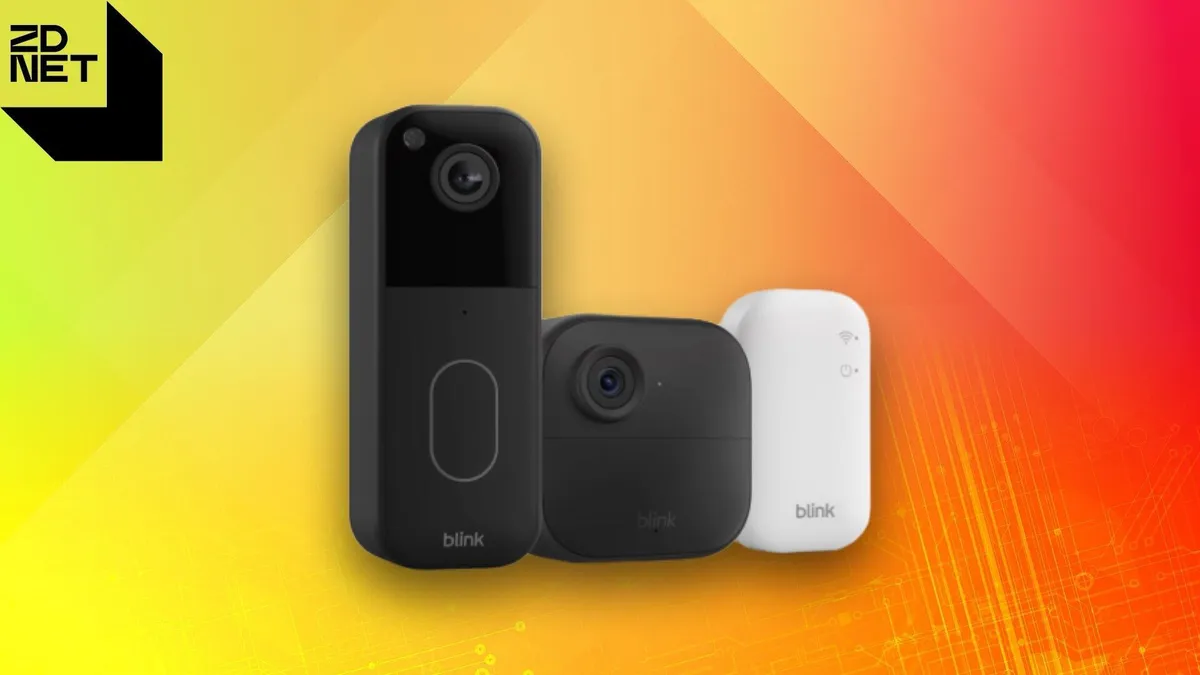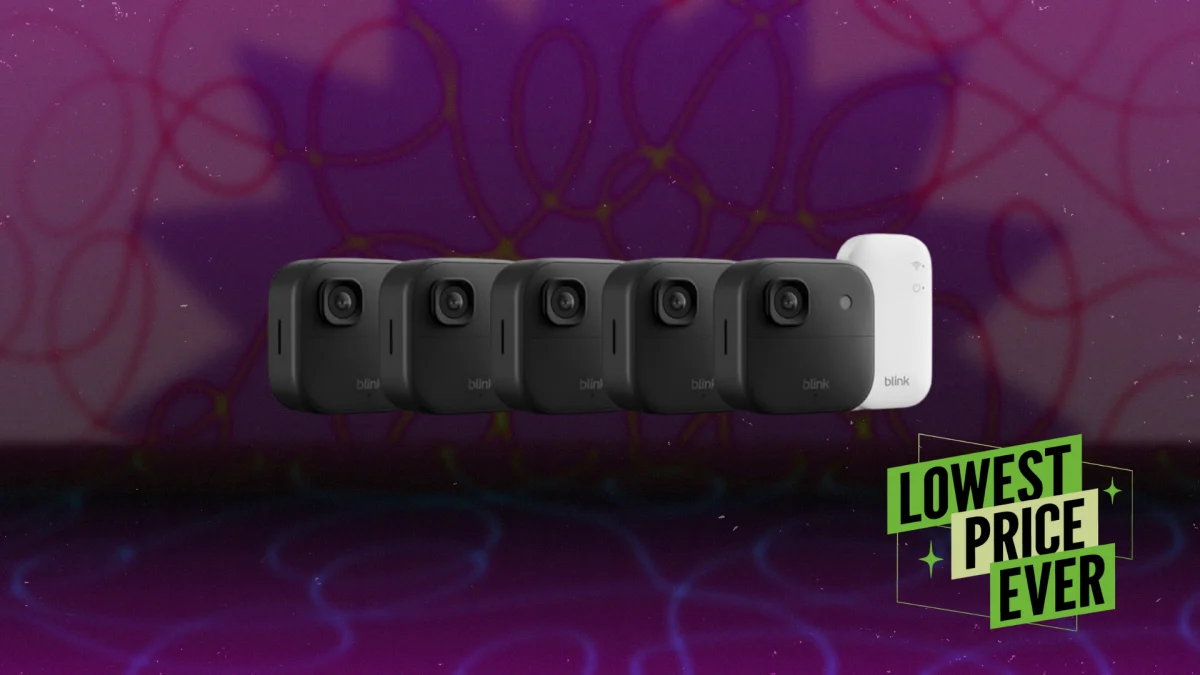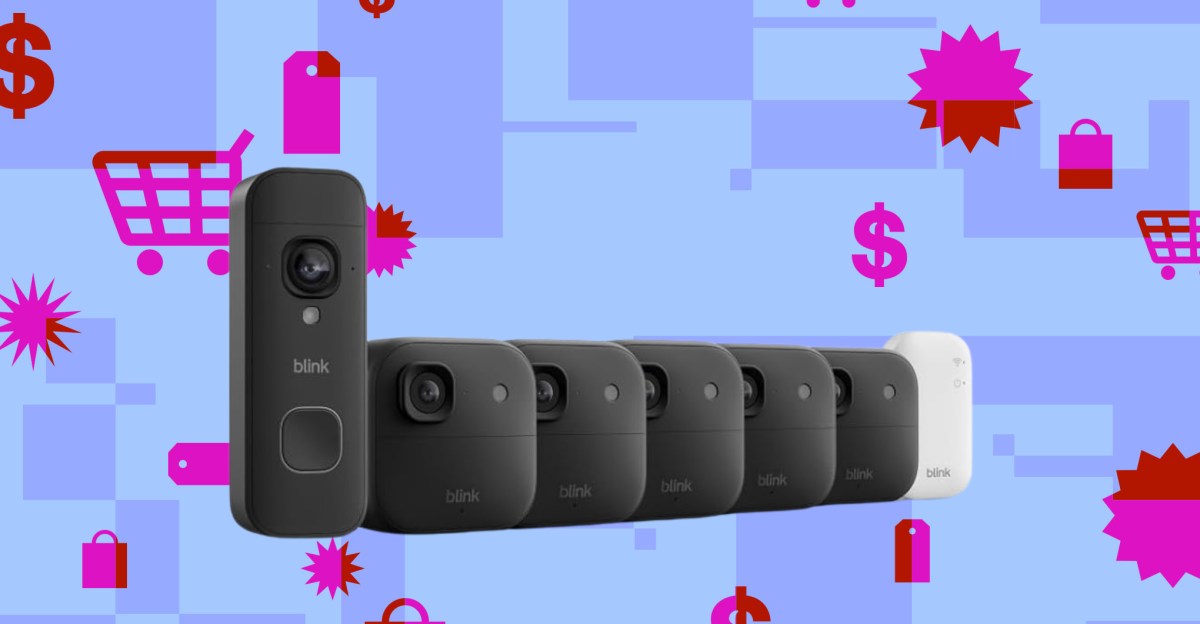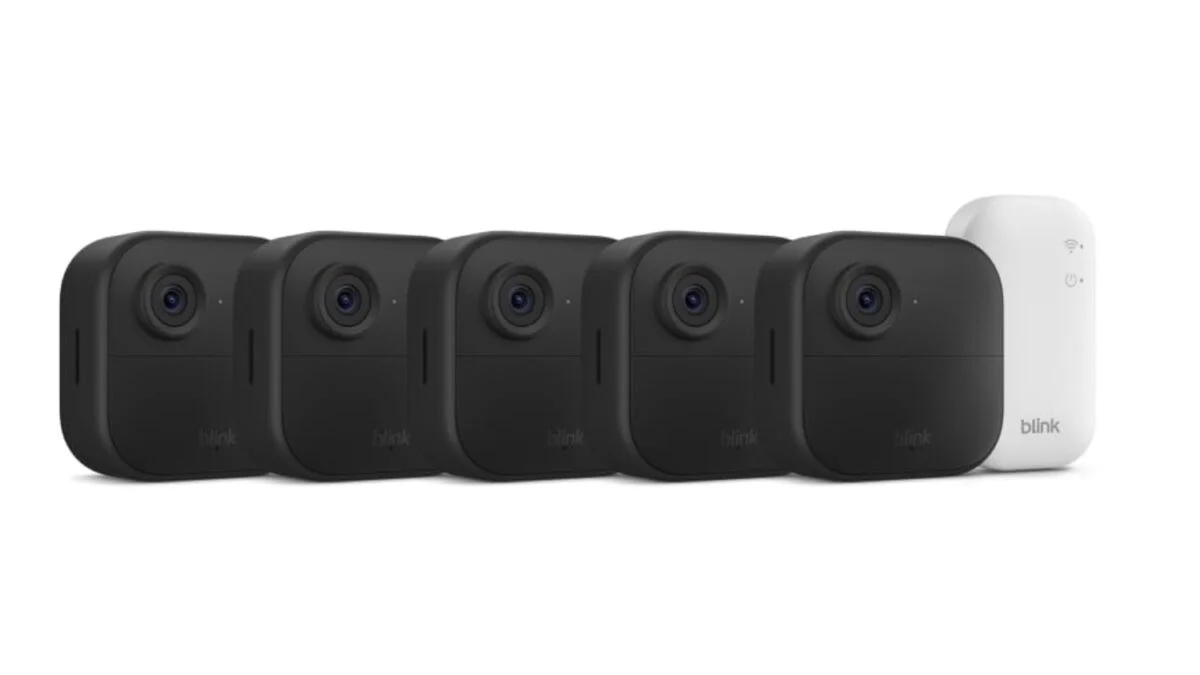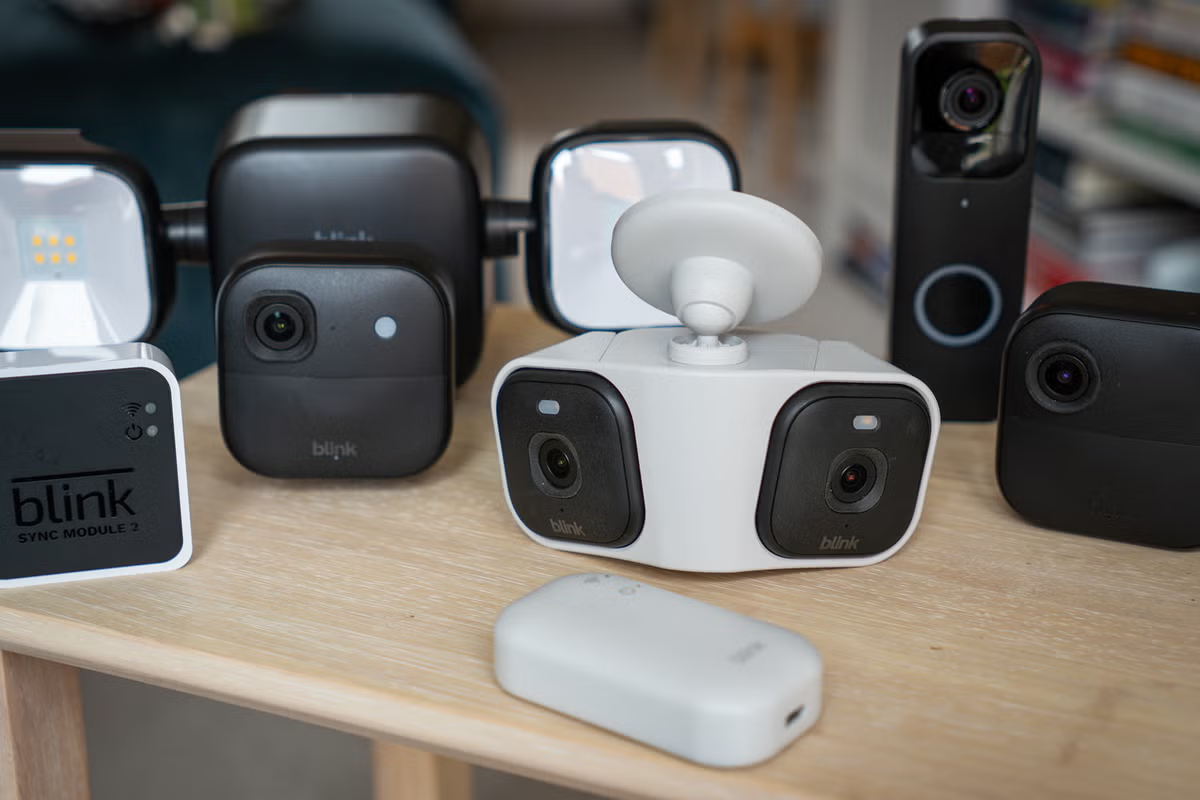
Blink hardwareBuilding a Blink system can start with a single camera, or a pack of multiple cameras plus a hub and a video doorbell too.A strong place to start is with one indoor camera, one outdoor camera and a doorbell. With those, you have exterior and interior surveillance, plus the convenience of a doorbell that doubles as a second outdoor camera and buzzes your phone with a video call when a visitor presses the button.Like many other security cameras, Blink’s products are simple enough for almost any DIYer to install. Most cameras connect to their wall mount, which is then fitted to a wall or fence with the included screws and wall plugs. For practically all installations, a drill and a screwdriver is all you’ll need. Just make sure you can access the camera after installing, since you’ll have to replace the batteries when they run out – and on that note, Blink says a set of batteries can last up to two years, depending on use.Setting up Blink devices is quick and easy. Just download the phone app, create an account if you don’t have one already, and work through the process of adding each device to your system.The Blink Outdoor 2K+ is a weather-resistant security camera made for outdoor use. (The Independent / Alistair Charlton)If building a complete system rather than a single camera, you’ll need a Blink Sync Module Core. This acts as a hub and is included with most Blink product kits. USB-powered, it’s a small device that hooks up to your wifi network, and can then have up to 10 Blink cameras connected to it. If you need a larger system, multiple Sync Modules can be added to the same Blink account.Although its products work well, you can tell Blink’s hardware is designed to meet a strict budget. They’re sturdy enough, and all have survived outside in my garden for the duration of my test. But they feel less premium than products from the likes of Ring, Eufy and Tapo. This is especially true of Blink’s video doorbell, which although improved for its second generation, lacks the premium build quality of pricier rivals. That said, I’ve encountered no quality issues with the numerous Blink products I’ve tested, including those mounted outside and fully exposed to British weather.I’d love to see Blink expand its range to include door/window sensors and motion detectors. This would turn a surveillance system into a more complete home security platform. That said, a video doorbell and handful of cameras will be enough for most homeowners – and a visible camera keeping a watchful eye on your car or garden is likely as good a deterrent as anything else.A handy extra feature is how Blink’s cameras can act as chimes for the doorbell. So if a visitor presses the bell, you’ll be alerted by the Blink phone app, but also by a chime played from your cameras.Blink's video doorbell is wireless, battery powered and easy to install (The Independent / Alistair Charlton)Blink accessories I tested for this review include a dual spotlight kit that doubles as an outdoor camera wall mount, and the Blink Arc, which is a wall mount that houses two Mini 2 or Mini 2K+ cameras, then turns their individual video feeds into a single, 180-degree wide panoramic view. This worked well, producing a nice, wide view that’s perfect for monitoring a garden or driveway. Blink also sells a solar panel kit, battery extension packs and weather-resistant power cables.Video quality from Blink’s camera is fine. It’s actually improved with the latest models, which now record at 2K resolution. But the footage is still clearly from a budget camera – and that’s absolutely acceptable, because these are budget cameras. A 4K security camera with solar power and AI smarts from other brands can cost £200 or more, and Ring’s latest 4K Pro doorbell is £220. Compare that to Blink’s £60 doorbell, £70 outdoor camera and £40 indoor camera, and a difference in video quality is to be expected.More importantly, video shot by Blink cameras is, on the whole, good enough. It’s sharp enough, clear enough, with a wide enough lens and a good enough resolution to see what’s going on. They also work reliably, in my experience, but can suffer if wifi signal strength isn’t perfect. You might want to reposition your router, buy a network extender, and think carefully about where the Sync Module is positioned in your home to ensure the best connectivity.Impressively, Blink’s newer cameras have colour night vision and AI-powered person and vehicle detection, so you won’t be alerted every time the camera is spooked by a tree branch blowing in the wind.I’ve included a couple of screenshots below showing streaming video quality from the Blink app, and demonstrating the infrared night vision of the Outdoor 2K+ camera.(The Independent / Alistair Charlton)(The Independent / Alistair Charlton)Blink softwareThe free Blink app is simple but effective. There are fewer bells and whistles than on other, more expensive, systems, but it does the job perfectly well.The home screen provides one-tap access to each of your Blink cameras, recordings are automatically saved to the cloud (more on that in the subscription section below), and there are settings to adjust motion sensitivity and retrigger times, plus the option to create activity and privacy zones. In other words, all of the most-used features of a home security camera system are here.A simple toggle switch on the home screen is used to quickly arm and disarm the system. I like how simple this is compared to some other security systems, where multiple modes are available for endless configuration. It isn’t perfect though. I encountered a couple of small bugs during my testing, including how the home screen view of my garden camera remained stuck weeks in the past. As I write this, it shows a view from 28 days ago, yet quickly loads up a live stream when tapped.Blink sells a wall mount with integrated, battery-powered LED floodlights for its outdoor camera (The Independent / Alistair Charlton)Smart home connectivitySince Blink is owned by Amazon, its system works with the Alexa voice assistant. This works best if you have an Amazon Echo Show smart display, since you can then say: “Alexa, show me the garden” to have a live stream of that camera appear on your display. This of course works for the Blink video doorbell too, and you can speak with Alexa to arm and disarm the system.Blink subscription plans and monitoringAs with many other home security systems, Blink charges a fee for cloud video storage. This starts at £2.50 per month (or £24.99 a year) for the Blink Basic plan, which unlocks cloud storage for one device, like a video doorbell or a single security camera. Video recordings are stored online for 30 days, where they can be viewed and downloaded via the Blink app.Paying for a Blink subscription also extends the live view function (where you can see a live video stream from your camera on the app) from five minutes to 90 minutes. Cameras with a subscription also gain person detection, a customisable snooze function and Blink Moments, where multiple clips are automatically grouped into a single video.For £8 a month or £80 annually, customers can access Blink Plus. This unlocks all of the same features as Blink Basic, but can be used with an unlimited number of cameras.In July 2026 Blink introduced a new Blink Plus AI subscription. This includes unlimited cloud storage, while adding a new feature called Unusual Activity Alerts, which uses AI to learn over time what’s normal at your home, then tag events that break the usual activity pattern.A second new feature called Single Event Alerts groups similar events into a single notification. Blink says this reduces unwanted alerts by 43 per cent – and in the real world it should mean one notification summarising what’s happened, instead of a dozen notifications buzzing your phone every time someone pushes a lawnmower past the garden camera.These new AI features join Blink’s Video Descriptions system, which creates text summaries of events so you can quickly understand what’s happened instead of viewing every recording. The new Blink AI subscription costs £5.50 per month for one camera, and £14.99 a month for two more cameras.If you’d rather not pay for Blink’s cloud service, local video storage is an option. You need to buy Blink’s Sync Module 2, which costs £40 at the time of writing, and connect this to a compatible USB flash drive. Blink sells an official version (64GB for £13.50), or you can use an alternative up to 256GB. Doing this enables local video storage for up to 10 Blink devices, but features like extended live view, person detection and Blink Moments remain locked behind the subscription paywall.Blink offers no professional monitoring services, like those offered by fully-fledged alarm system from Simplisafe and Verisure. There is also no option for having the system alert trusted contacts with an automated call, as Ring Alarm can.The USB-powered Blink Mini 2K+ indoor camera costs £40 (The Independent / Alistair Charlton)The verdict: BlinkWhile not a complete home security system, Blink is a strong option for anyone wanting to install surveillance on a budget. The cameras are compact, easy to install and aren’t overcomplicated by extra features (as seen with some pricier alternatives).Although Blink cameras don’t look or feel especially premium, I’ve had no issues with using them outside. Ultimately, I’d rather pay less and retain decent video quality instead of handing over more cash for improved aesthetics.The Blink app works well. And while some customers will prefer to store footage themselves to avoid the ongoing costs of a subscription plan, I think for many the convenience of cloud storage – plus useful extra features – for £8 a month will be appealing.I’d love to see Blink expand the system with door/window contact sensors and motion detectors, turning it into a true rival to Eufy and fellow Amazon brand Ring. But for now Blink does a strong job of delivering a surveillance system with floodlights, sirens and doorbell chimes, at a competitive price.Why you can trust usThe Independent is committed to providing unbiased reviews and expert shopping advice across a range of home improvement products. Our team of experts has spent years testing and rating the latest smart home tech in our homes, gardens and under real-world conditions, so you can be sure our verdicts are authentic and based on personal experience with each product featured. When it comes to security systems, our expert testers consider everything from app features and ease of setup to ongoing subscription costs.Upgrading your security setup? Discover the six places you should avoid installing a home security camera
Blink home security system review: Scalable surveillance on a budget
Amazon-owned Blink sells indoor and outdoor security cameras from £35 – and sometimes cuts prices to under £20
1,781 words~8 min read