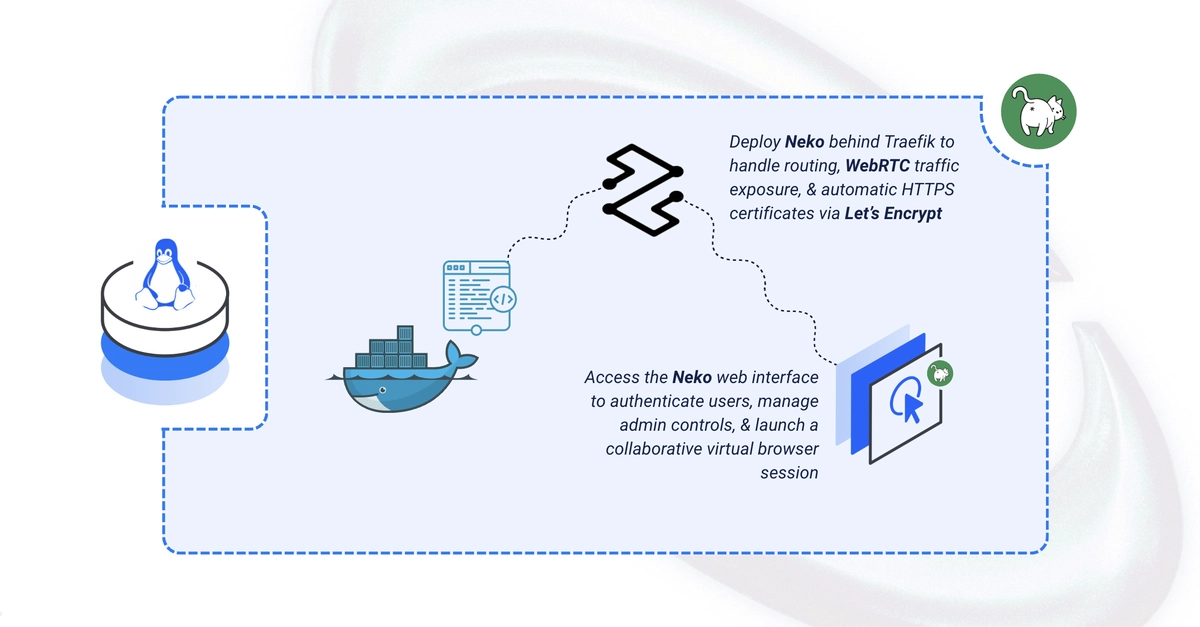
Neko is an open-source virtual browser platform that runs inside Docker and streams an interactive browser session to multiple users over WebRTC, with synchronized audio/video and admin-controlled input handoff. This guide deploys Neko using Docker Compose with Traefik handling automatic HTTPS, and persistent Firefox profile storage. By the end, you'll have a shared virtual browser session running securely at your domain.
Set Up the Directory Structure
1. Create the project directory with a Firefox profile subdirectory:
$ mkdir -p ~/neko/profile
$ cd ~/neko