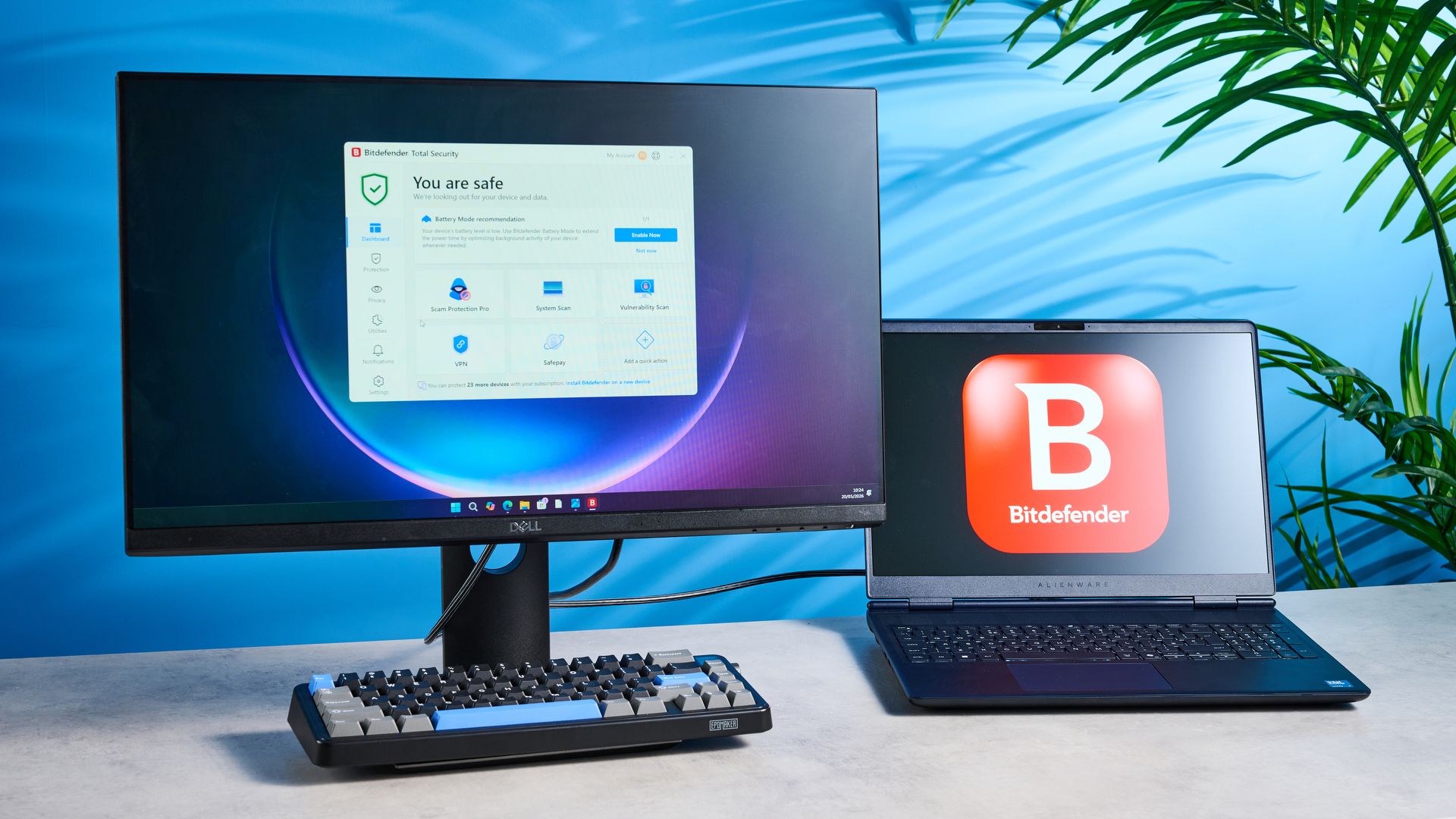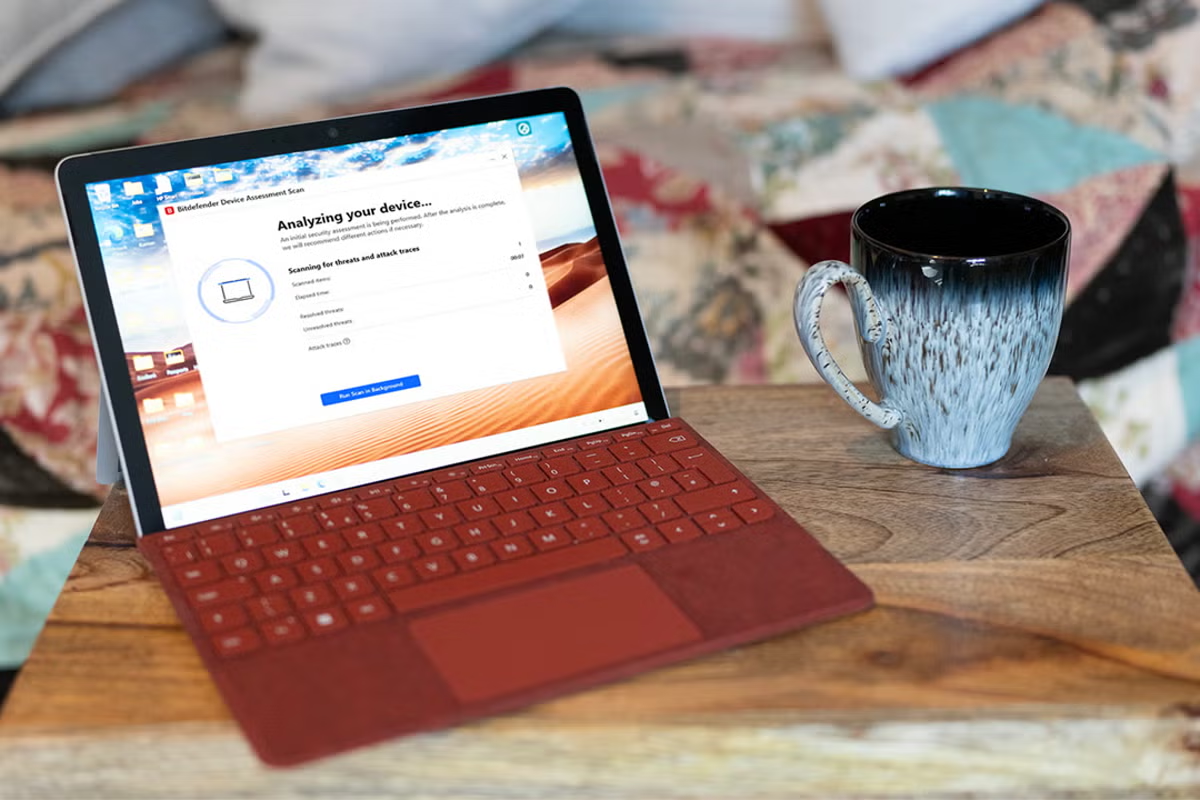
Bitdefender Total Security: FeaturesModern antivirus apps aren’t just one thing – they bundle multiple tools into a single interface. Bitdefender follows that approach, sitting as a small red icon in your system tray and displaying a “you are safe” message when you hover over it. Click it and you’ll open the dashboard, with shortcuts to system scans, plus recommendations and links to account management and support.The Protection tab includes settings for antivirus, online threat defence and the firewall (Bitdefender)The most interesting tab is titled “Protection”. Here you’ll find settings for antivirus, online threat defence and the firewall. You’ll want to leave most of this stuff turned on, but if anything prevents your PC from operating normally – for example the firewall preventing a network service you know is safe from running – then this is where you’ll come to sort it out. If you use Outlook or Thunderbird to handle your email, you can also turn on Bitdefender’s anti-spam service to filter out unwanted messages. Read more: Best VPN service 2026, tried and tested by a tech expert The privacy tab allows you to activate the anti-tracker browser plugin, which is available for Edge, Firefox and Chrome, as well as open the VPN app. A free version of the VPN is available, but it’s severely limited to just 200MB of data transfer a day. That may be enough if you’re only using it for a bit of banking or online shopping while you’re abroad or using public wifi that you don’t 100 per cent trust, but if you’re using it for more than that you’ll want to investigate either a subscription, or one of the best VPN services. There are two more neat privacy settings that will be useful, but they’re more complicated than just toggling a switch to activate. One is the video and audio protection. They stop malware from hijacking your computer’s webcam and microphone. When an application, such as Teams, asks for access to your webcam, it appears on a list inside Bitdefender. From here, you can grant or revoke access, or add applications you know are safe before they ask. If you spot a program that shouldn’t be accessing your camera feed, you can cut it off, or block all access to the webcam with a single click. Video and audio protection pevents malware from hijacking your computer’s webcam and microphone (Bitefender)Even more intricate is Safepay. Designed to secure online banking and shopping – anything involving a financial transaction – Safepay is a secure web browser that launches independently of the one you usually use. Only available on the Windows version of Bitdefender, it's isolated from the rest of the system, uses a VPN, and even has its own on-screen keyboard so that any keyloggers installed on your PC can’t intercept your keystrokes and read your passwords. You can visit any site with it and add them to your bookmarks, and if your passwords are stored in Bitdefender’s Securepass password manager, it can access them so you don’t need to type them in. It’s an elegant solution to the problem of having your payment details stolen online, though it shouldn’t be necessary on a properly protected and updated system.There's more, including a desktop widget for Windows that displays the device’s protection status, secure file shredding, application profiles to tailor the protection Bitdefender gives you depending on what you’re doing, and the ability to remotely lock, wipe or display a message on your device if it’s stolen. You can also password-protect the app itself, so that attackers can’t switch off its protections. It’s a comprehensive package.Bitdefender Total Security: PerformanceOn my test PC, Microsoft Teams uses between 200 and 500MB of RAM even when it’s doing nothing. Bitdefender, in contrast, uses less than 100Mb for its main interface app while idle. I did notice a background process using a lot more, however, with well over 900MB of RAM and up to 25 per cent of CPU time being used while a full system scan was in progress. Updates also occur without notifying the user, and it can check for them as frequently as every hour. So while Bitdefender does appear to be light on system resources, and these figures won’t make too much difference to a system with 16GB of RAM or more, it is definitely taking a bite out of a PC’s performance when it’s doing something. The full system scan attempted to scan the entire contents of a linked Google Drive account, and took many hours to complete, but was able to detect a trojan present in an Android file that was being synced to the PC from another computer via the cloud. It wouldn’t have affected a Windows machine, but might have compromised any phone it was installed on.The quick scan lives up to its name (Bitefender)The same was true of the antivirus test files I subjected it to, all of which were detected. While Google Chrome’s own security often intercepted potentially malicious sites first, Bitdefender’s browser functionality leapt in after I decided to ignore Chrome and visit the site anyway. The app also assigns a green tick to known safe sites when you search in Google (but not Bing) when using Chrome, Firefox or Edge.Bitdefender is certainly an agile app to use. It’s a simple enough thing to install, too, with a compact installation file doing all the work for you once it’s run. Its Quick Scan lives up to the name, and once you’ve run a deeper system scan and found nothing, you can set it to only scan applications in future. That should speed things up, but could be an issue if you download a lot of files.
I tested Bitdefender Total Security against malware to see if it’s worth paying for
Bitdefender’s security package provides plenty of options and is quick to clamp down on threats
946 words~4 min read