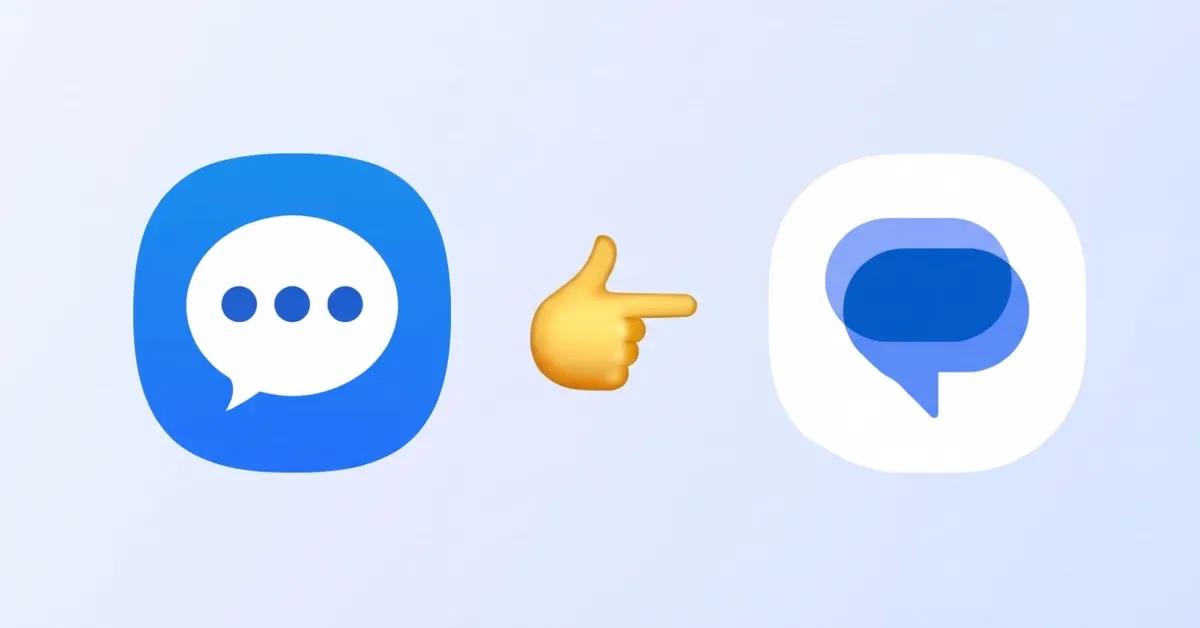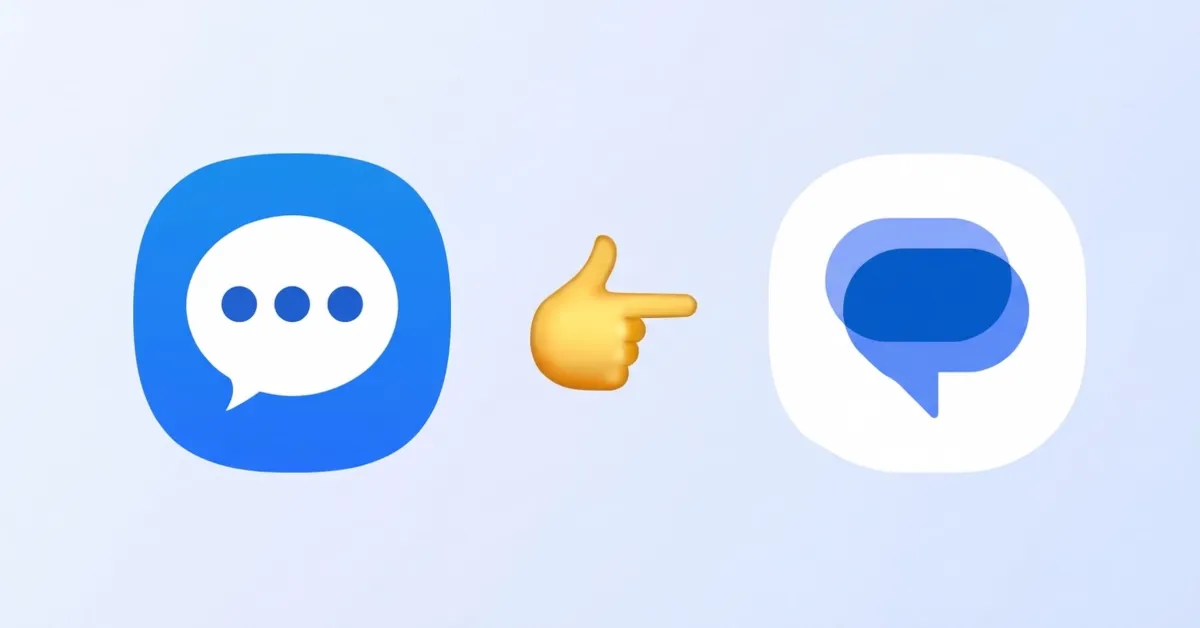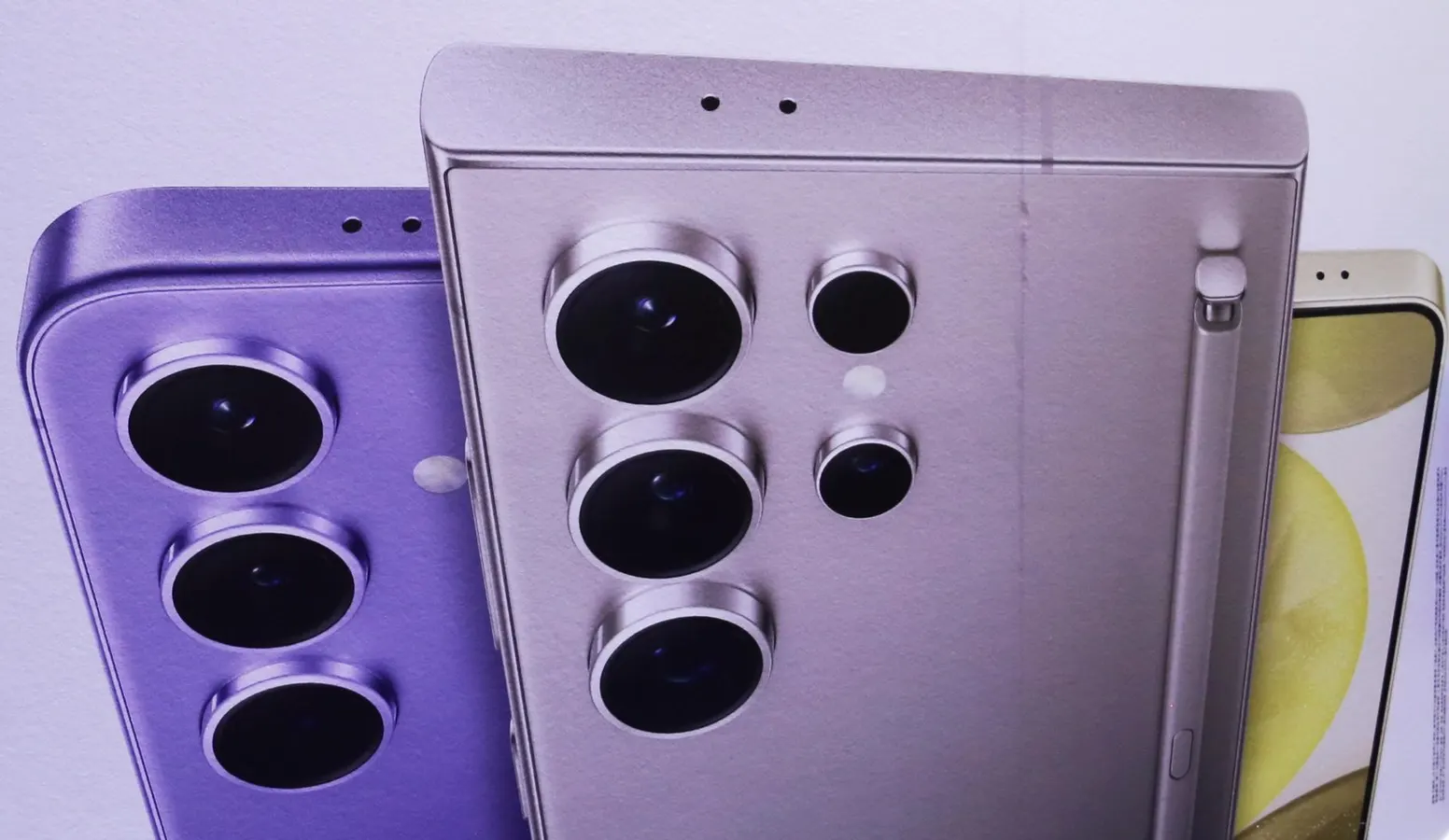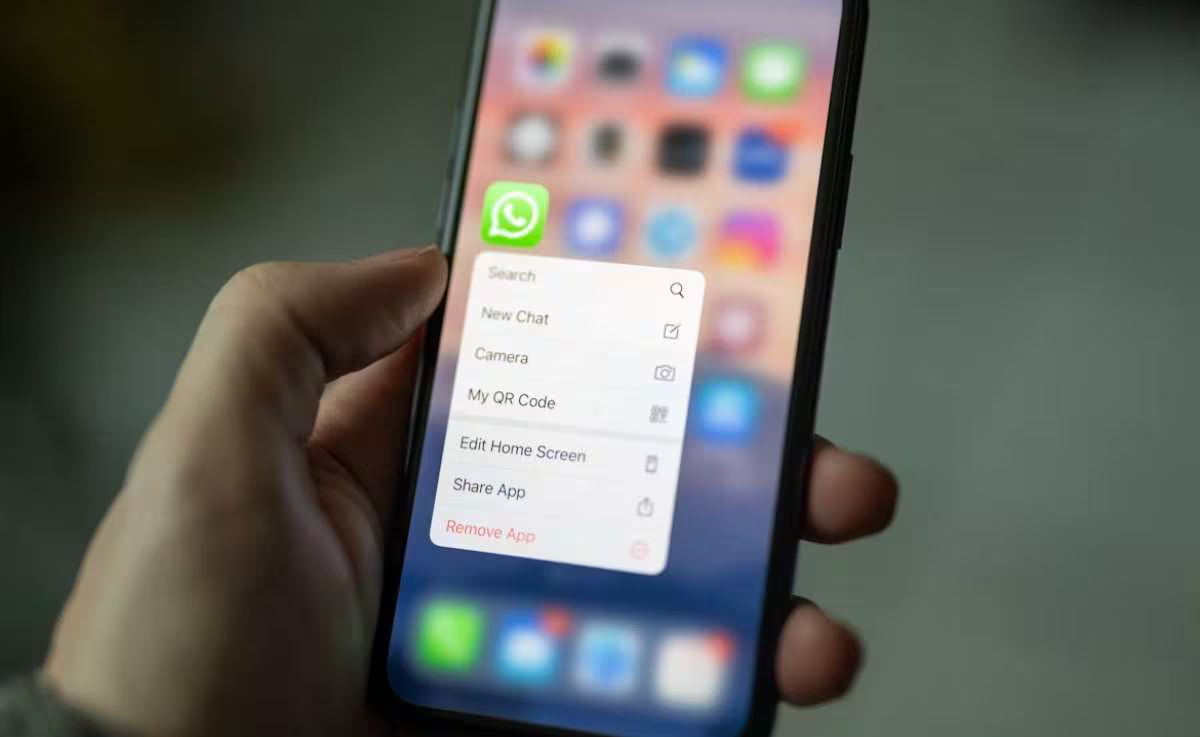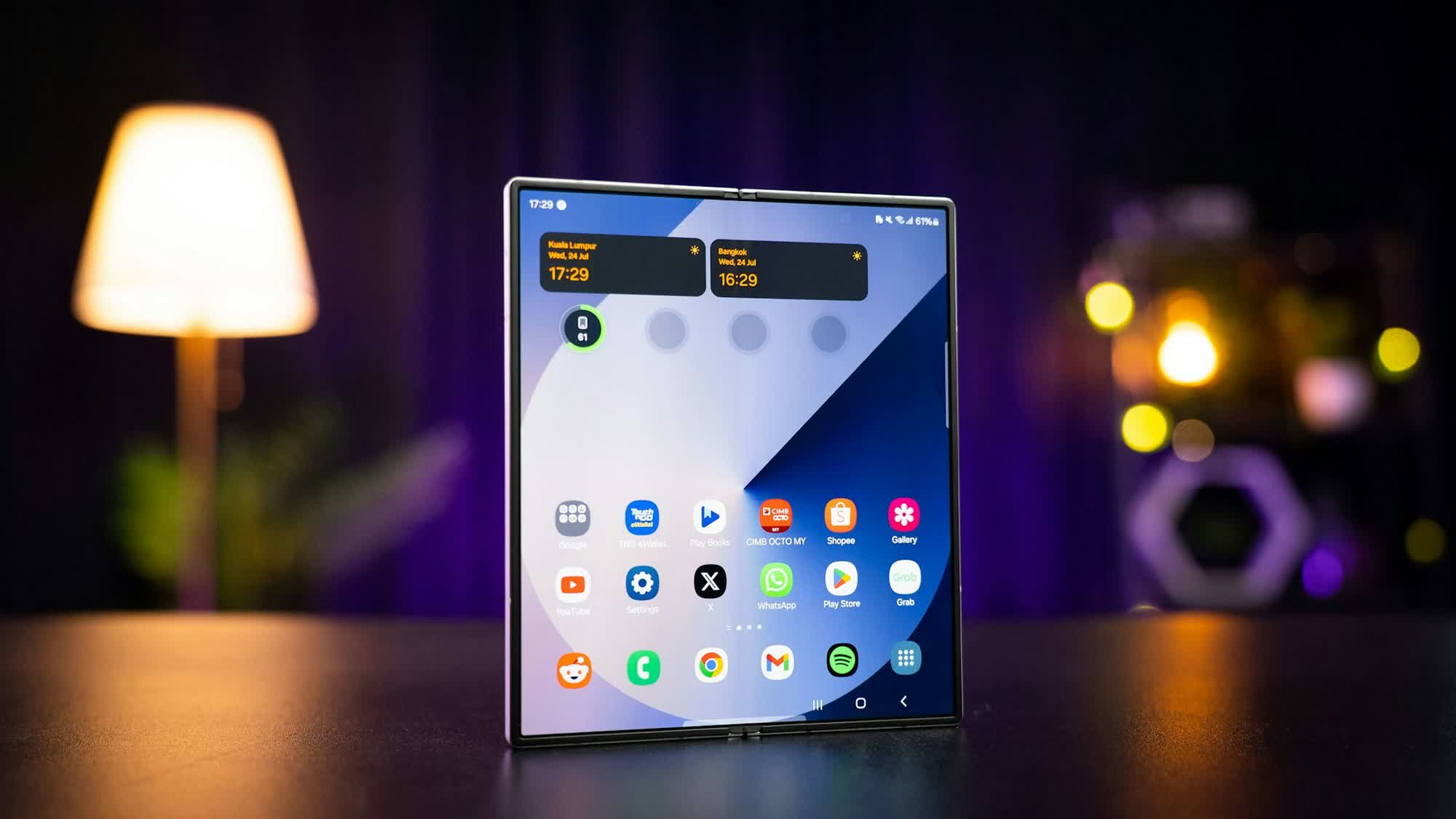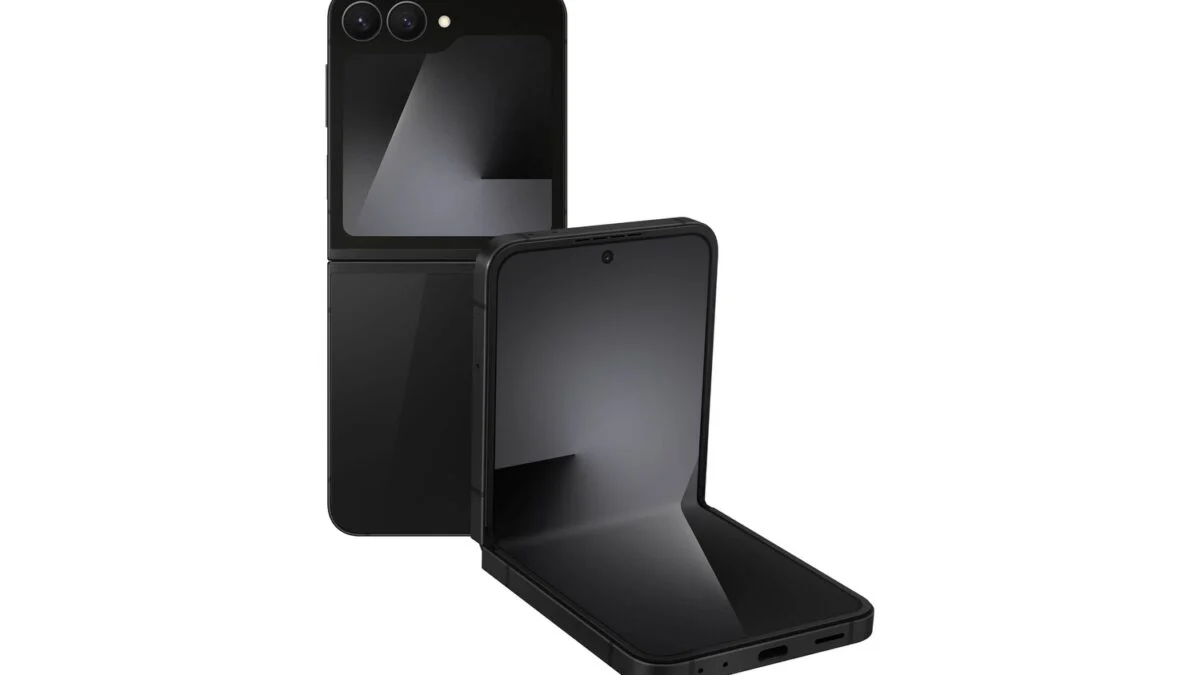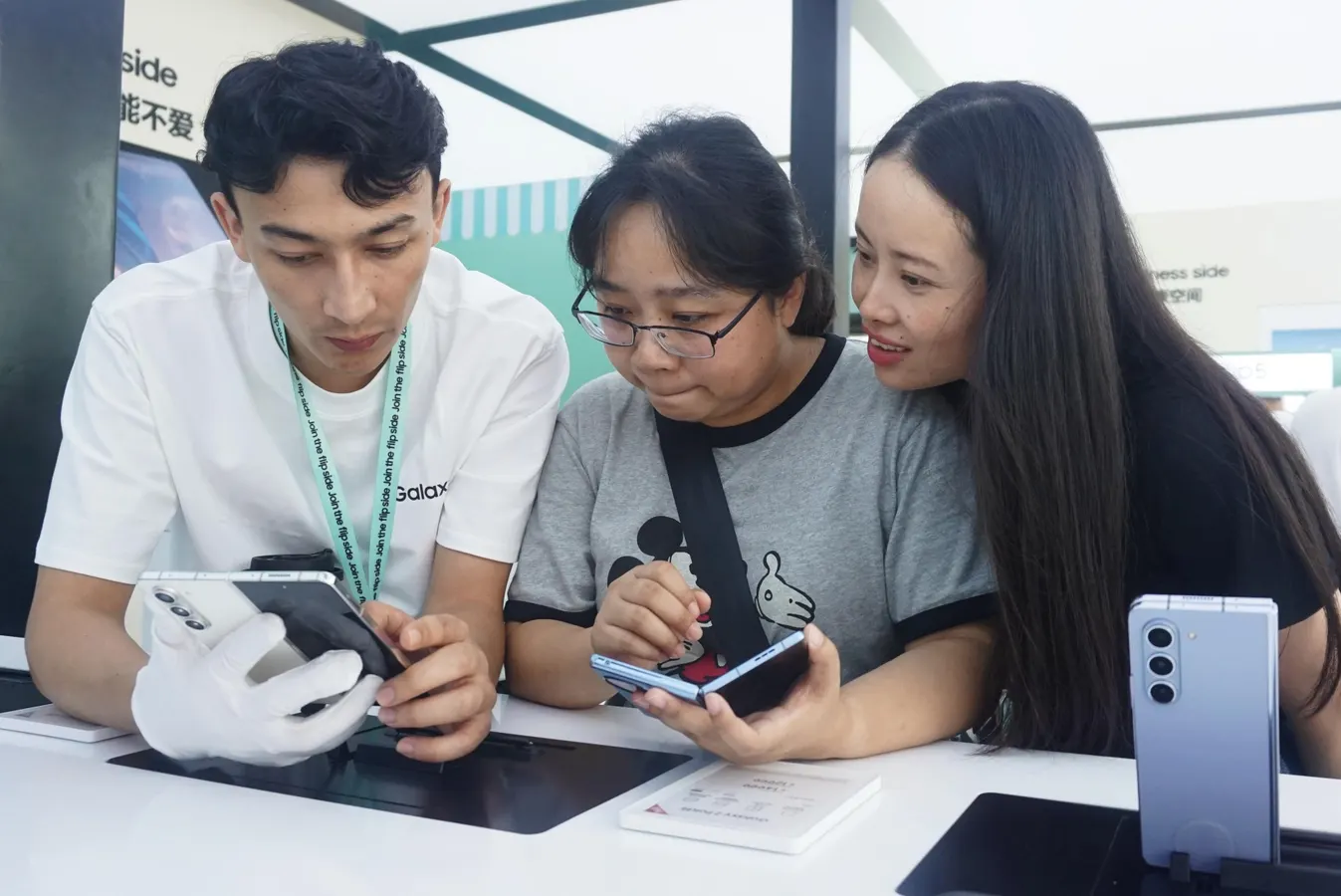
Samsung Galaxy Z Fold5 — one of the last Galaxy phones with Samsung Messages pre-installed.NurPhoto via Getty ImagesA major change is coming to Galaxy smartphones this month. Samsung announced in early April that in July 2026, it would discontinue the Samsung Messages app — a key part of Galaxy phones for many years. Here’s what will happen and what you need to do.ForbesSamsung Confirms Galaxy Z Fold 8 Wide Smartphone In Juicy TeaseBy David PhelanThe Official End Of Service TimelineIn an End of Service Announcement, Samsung said that users in the U.S. market should immediately upgrade from Samsung Messages to Google Messages as the default messaging app on their phone. Though no exact date in July has been announced, the change is imminent and if you still have Samsung Messages live on your phone, you should change to Google Messages now, before it’s too late. This change has been coming for a long time: the company made Google Messages the default on its phones in 2022 and ceased to install Samsung Messages in 2024. If you have a recent phone such as the Galaxy S26 series, you don’t have to do anything as Google Messages is what you’re on already. MORE FOR YOUHow To Switch To Google MessagesIf you have an earlier phone running Samsung Messages, to ensure you don’t lose functionality, find Google Messages on the Play Store. Once installed, the app will prompt you with a message reading “Set default SMS app,” which you should choose.You can then select Google Messages. Moving your conversations over will prevent any service gaps when the deadline hits.When that happens, and the Samsung Messages app is discontinued, “sending messages via Samsung Messages on your phone will no longer be possible, except for emergency service numbers or emergency contacts defined in your device,” the company said. Android Exceptions And RCS BenefitsOlder Galaxy phones, running Android 11 or lower, are not affected, though if you can move to a more recent version of Android, then you should switch to Google Messages.Samsung says features built into Google Messages include RCS messaging (which is now enabled to work on messages sent between iPhone and Android, too), strong security, AI features on compatible phones and chats that can switch between phone and tablet, for instance. The Samsung announcement also explains how users on Android 12 or 13 can make the shift. Essentially, this involves long-pressing the Samsung Messages icon until a message appears where you can remove it, finding the Google Messages app icon and adding it to the home screen. On phones running Android 14 and later, Samsung Messages will shift to Google Messages automatically, but not on Android 12 or 13.Samsung Messages had its fans. In a poll, “Samsung’s app layout and features were the primary reason users didn’t want to switch over, with themes also having been a notable reason,” 9to5Google reported.
Samsung Finally Kills Its Messages App On Galaxy Phones In Days
In April, Samsung announced that it would close its messaging app on Galaxy devices in July. Here’s what it means.
478 words~2 min read