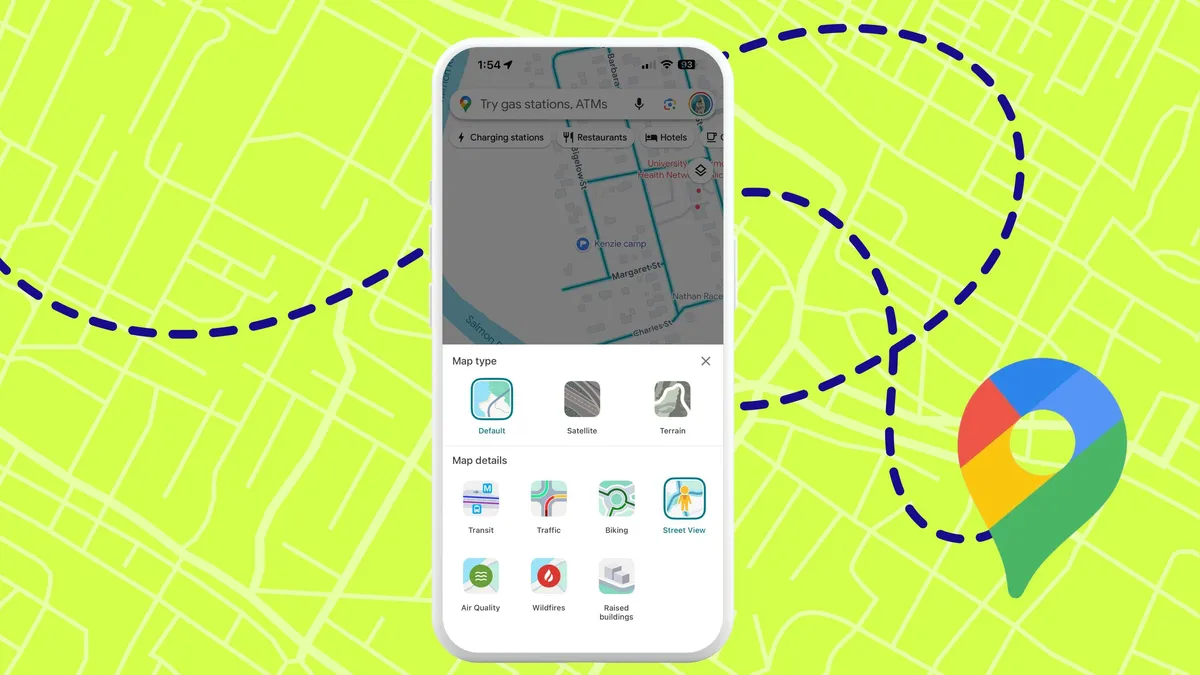
Google Maps recently changed its routing algorithm to favor fuel-efficient paths over the fastest paths. If you're regularly arriving later than expected, this hidden default setting is likely why.The change sounds environmental and sensible, but it means Google is making time-vs-fuel trade-offs on your behalf by default. If your priority is reaching your destination as quickly as possible, you need to disable this setting. Here's how to take back control of your route choices.Why Google Maps prioritizes fuel over speedGoogle's fuel-efficient routing analyzes driving patterns and terrain to minimize gas consumption. The algorithm favors routes with steady acceleration, consistent speeds, and minimal braking. In theory, this helps your engine run efficiently and saves money on gas.The problem emerges in real-world driving. A route that avoids highway on-ramps to reduce acceleration might add 10 minutes to your commute. A path that circles around congestion to maintain steady speed could cost you 15 minutes versus powering through traffic.Google assumes that if you save fuel on a route, time savings are less important. But for commuters, delivery drivers, or anyone with time-sensitive travel, this assumption backfires.Here's how to get the fastest routes back on Google Maps
Why Google Maps keeps sending you the long way — and how to stop it
Google Maps now defaults to fuel-efficient routes that can be slower. Disable this setting to get fastest navigation.
464 words~2 min read