(Image credit: Shutterstock)
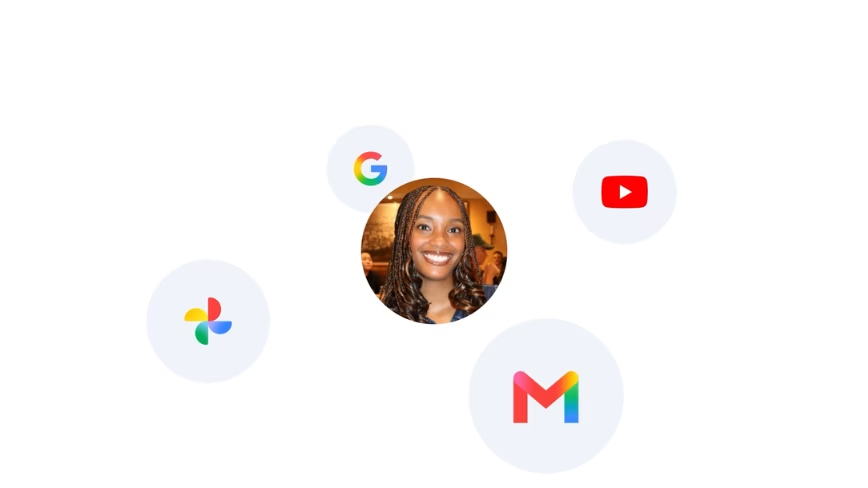
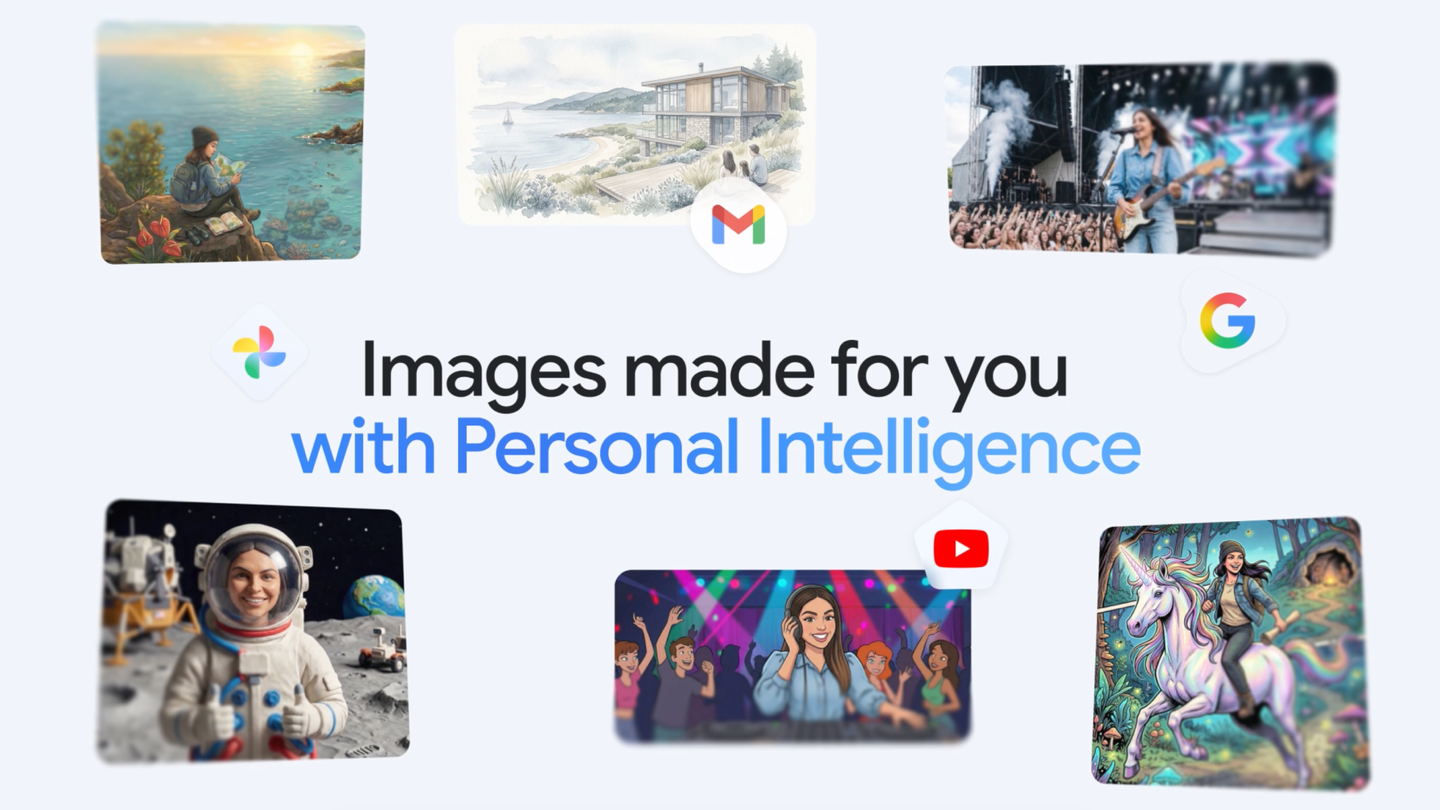
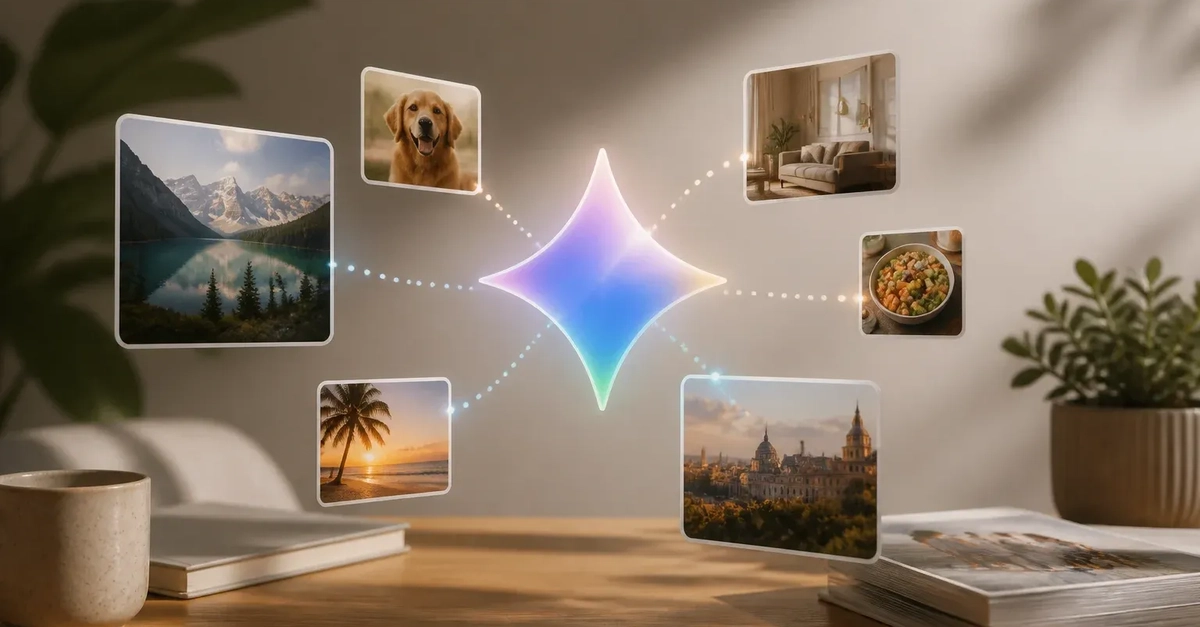
Google’s Gemini app has seen its fair share of impressive improvements lately.Gemini Spark has been introduced as a way to aid users by working on tasks on their behalf, Gemini Omni acts as a prompt-driven video creator/editor, Daily Brief provides users with a daily digest of priorities to handle based on the information included in their Gmail and Google Calendar and the Gemini 3.5 Flash update has made Google’s central AI tool even smarter.The latest update to Gemini’s expanding feature suite makes generating images a simpler affair. Google’s highly touted “Personal Intelligence” (an opt-in AI feature for personal user accounts that connects Gemini and AI Search with your Gmail, Google Photos, YouTube and Google Search) now connects with Nano Banana and Google Photos within Gemini to create more personalized images. And best of all, it’s free for all US Gemini users.Here’s how that newly installed feature works.Personalized image creation makes Gemini’s image generator even better
(Image credit: Google)Now that Nano Banana 2 can be used in conjunction with Personal Intelligence, prompting Gemini to craft new images for you based on your prompts is a much more involved and more fun affair.Google’s leading example of this new feature is prompting Gemini to “Design my dream house” without having to upload photos that provide examples of what Gemini should be considering while generating an image for your command. All Gemini has to do now is tap into Personal Intelligence, Nano Banana 2 and the information contained within your Google apps to craft the image of your dream home without you having to tell the AI tool about your hobbies and interests.Another example Google provides as proof of this newly added feature is prompting Gemini to “Create an illustration of me and my favorite things”, which results in the chatbot deriving all the data it needs about those things from your connected Google apps to produce that piece of art.Get instant access to breaking news, the hottest reviews, great deals and helpful tips.Some other fun prompts you can use with Gemini’s Personal Intelligence-powered image creation feature include:Create a claymation image of me and my family enjoying our favorite activity.Create a picture of my desert island essentials.Show my [type of pet] as a 1920s jazz musician.Turn me into a superhero with a 90s comic book art style.Place me in a coffee shop with cinematic, golden hour lighting.For the best visual results, it’s best if you upload the best-looking pics of your family, friends, and pets that are clearly grouped and labeled in your Google Photos account so Gemini knows exactly who to include based on your prompt requests.Requesting specific art styles for your generated illustrations, such as oil painting, watercolor, hyper-realistic, noir aesthetic, charcoal sketch, etc., will help Gemini know exactly how you want them to look. And if you’re not satisfied with Gemini’s initial photo generation output, you can give it follow-up commands, such as “Make the lighting a bit warmer”, to tweak your current project without having to redo your original prompt.Whether you want your generated pic to look more realistic or fantastical, Gemini’s updated AI image generator is capable of creating both image types with ease now that it taps into the power of Personal Intelligence, Nano Banana and Google Photos.Final thoughtsGoogle continues to make Gemini one of the better all-in-one AI tools for its users. The chatbot’s new and improved image generation feature goes a long way toward eliminating the need to write out every minute detail alongside an image prompt—now, users simply have to make sure they have Personal Intelligence turned on, upload their best pics to Google Photos, clearly label them, and have Gemini track their preferences across their Google apps to help Gemini more easily fulfill their image creation requests.