First of all, let me apologize to my viewers out there, wherever you are, existent or non-existent. I haven't been active here, but let's change that, shall we?
This week I started learning Power BI, and one thing became clear almost immediately: data is everywhere. It's living, breathing, moving, talking. Every interaction, transaction, click, conversation, and decision creates data. The real question isn't whether data exists—it's whether you know how to read it.
So, what is Power BI?
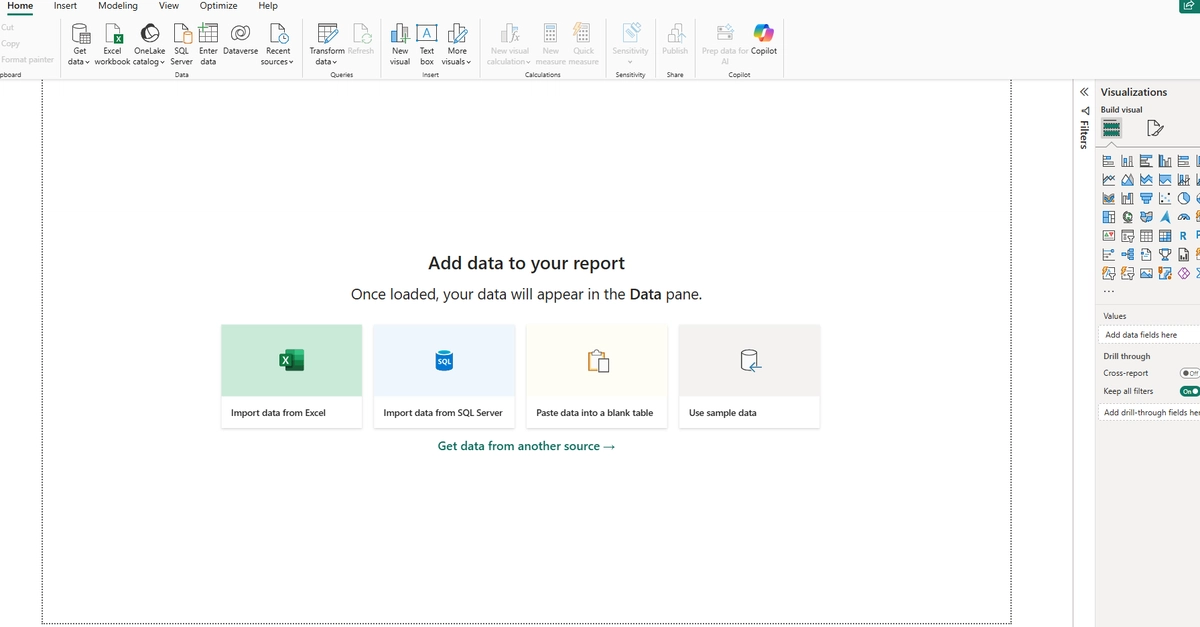
At first, I thought it was just another version of Excel. But after only a week of learning, I've realized it's much more than that. Think of it as Excel's more powerful sibling. While Excel is great for spreadsheets and analysis, Power BI is built to handle much larger datasets, connect to multiple data sources, and turn raw information into interactive dashboards and meaningful insights.
This week we explored the fundamentals, including where Power BI can get data from—Excel files, CSV files, the web, databases, and much more. We also learned why understanding data types is important. Knowing whether a column contains numbers, text, currency, dates, or time helps Power BI interpret and analyze the data correctly.