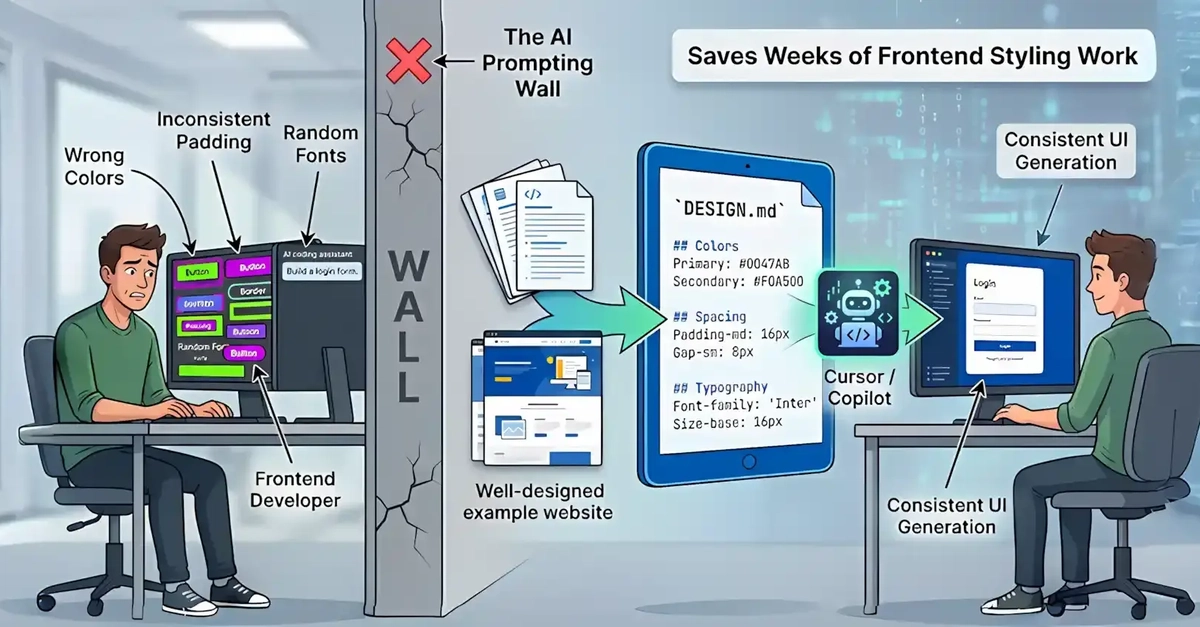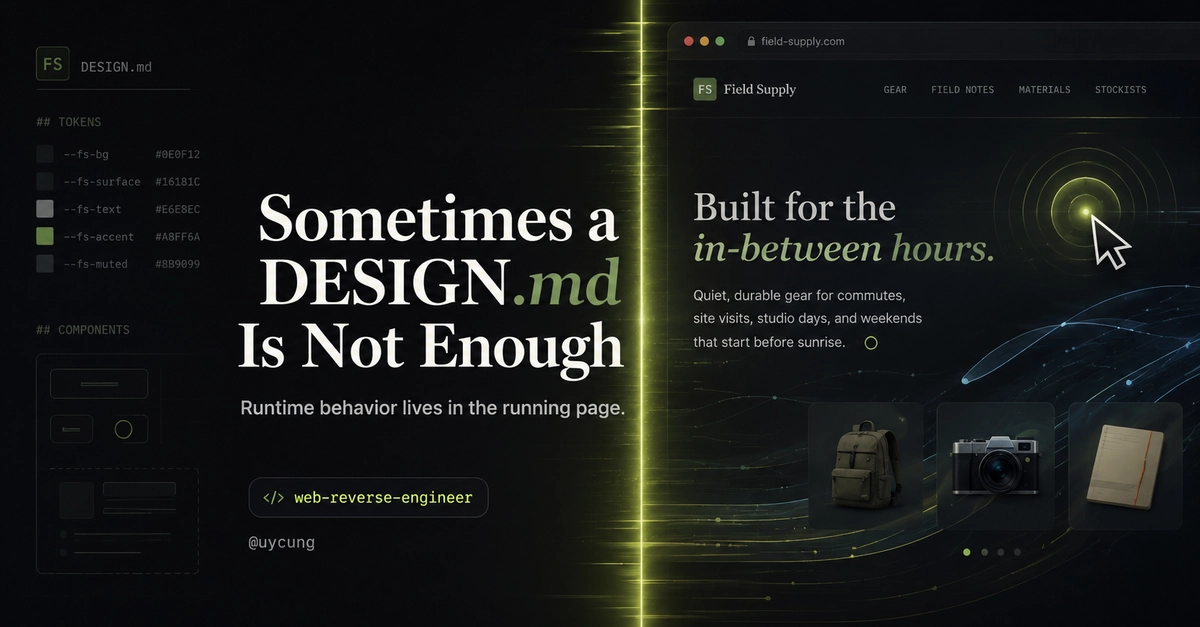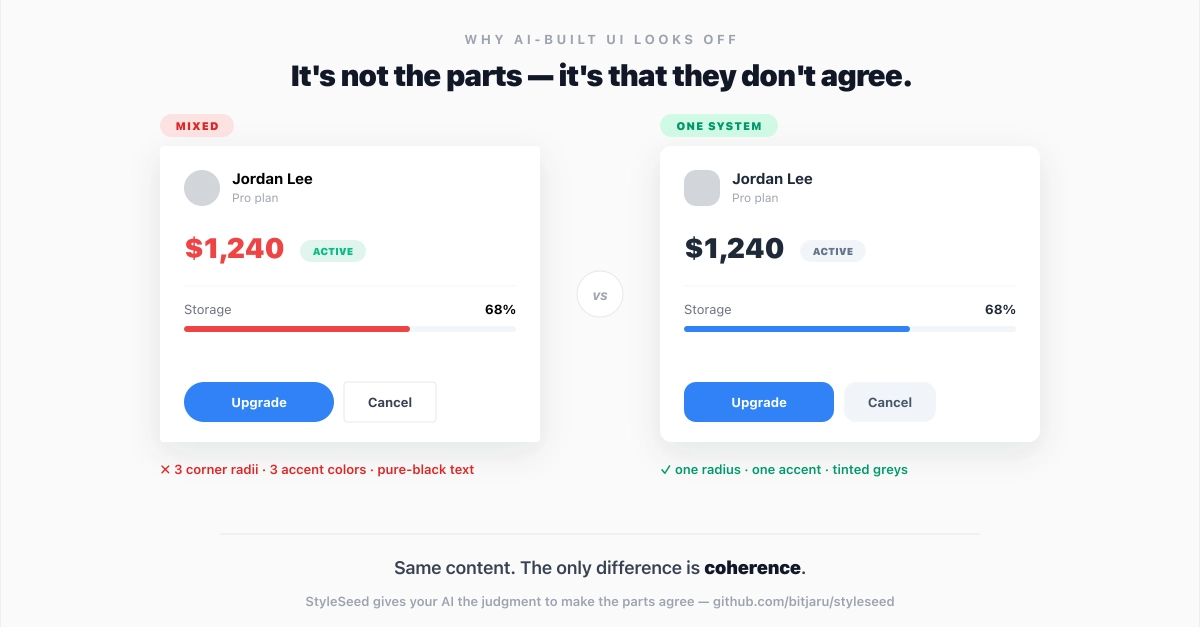
Have you ever done some Vibe Coding and noticed the AI's layout is always a little off? You keep saying "the spacing is wrong here, the colour is inconsistent there", and it still produces a slightly broken screen? If yes, the real reason is that you haven't given the AI the rules of your design system properly.
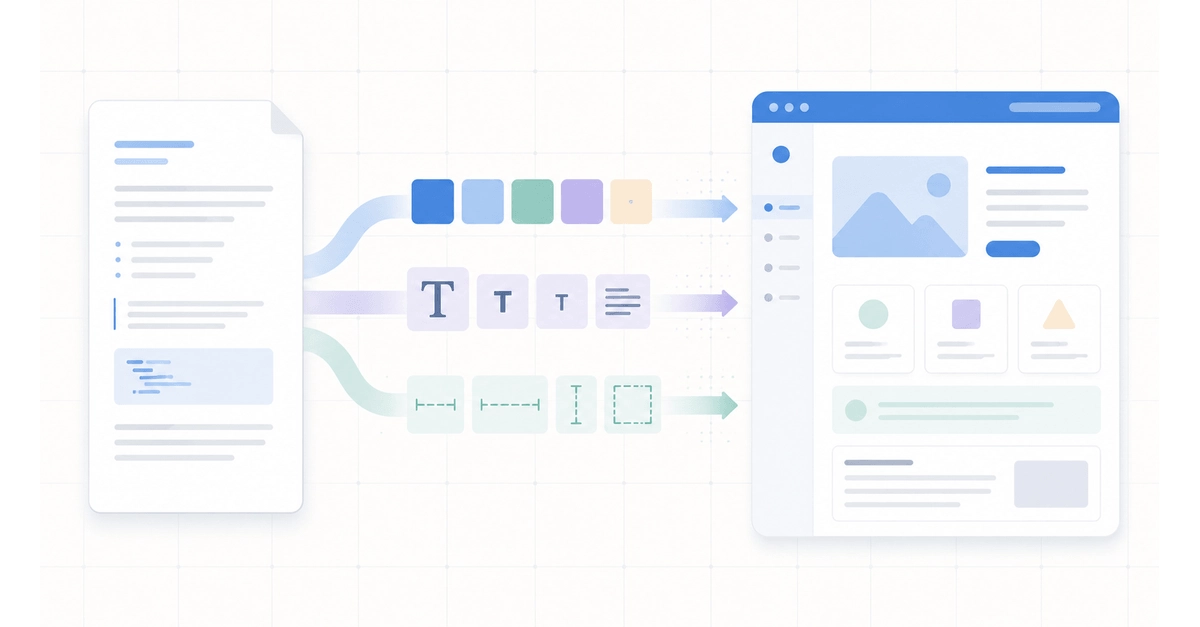
To fix exactly that, this post walks through design.md, an AI design system spec released by Google Labs. The goal is to let AI Coding tools like Claude Code, Cursor, and GitHub Copilot actually read your design system and produce consistent UI — so you don't have to keep repeating "wrong colour, wrong font size" forever.
If you're not familiar yet with rules files for AI like CLAUDE.md / AGENTS.md, take a look at CLAUDE.md and Rules for AI: Writing Tips That Make AI Understand Your Project and Agent Skills: More Token-Efficient Than MCP first — it'll make a lot more sense why design.md exists.
Where design.md came from
design.md actually comes out of Stitch, Google's AI design tool (first shown at Google I/O 2025). Stitch is a UI design tool powered by Gemini — you give it a Prompt or upload a sketch and it generates a UI screen, frontend code included.