An email attachment leads to the installation of a malicious Chrome extension. Researchers say it is part of a Windows backdoor delivered via a phishing email. The malware abuses Chrome Native Messaging to move control from the browser into the host system. Its most notable trick isn’t the phishing lure itself, but the way it uses legitimate browser and Windows features to run PowerShell and collect data while staying inside expected workflows.
The attack starts with an email attachment disguised as a PDF. The file uses the misleading extension .pfd.js to look like a PDF document, but it’s actually an obfuscated JavaScript file that drops additional files into the temporary folder and starts the rest of the infection chain.
As part of that chain, a PowerShell script prepares a Chrome extension and changes Chrome policy settings so that the extension can be installed. The malware makes the installation appear to be an administrator-controlled deployment rather than a normal extension installation.
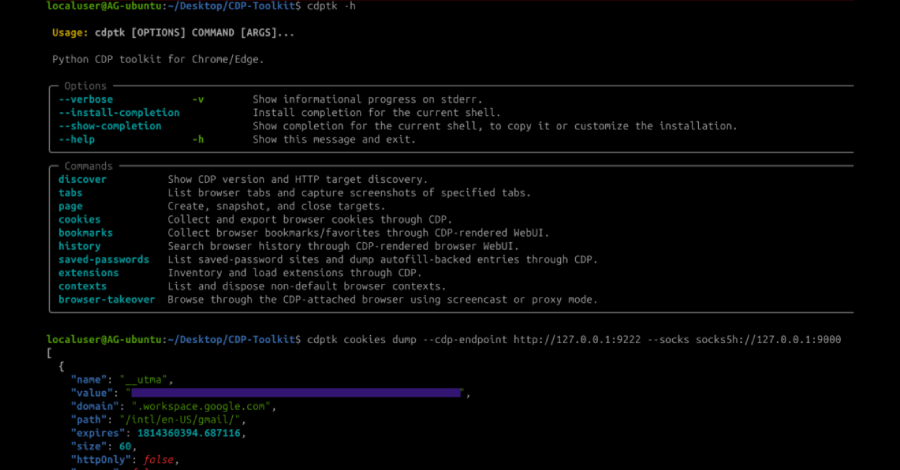
Once active, the extension and its native companion collect browser cookies, open tabs, URLs, language settings, and fingerprinting data. The operators also use the setup as a remote command channel, sending instructions that can launch PowerShell and enumerate the contents of the C: drive.