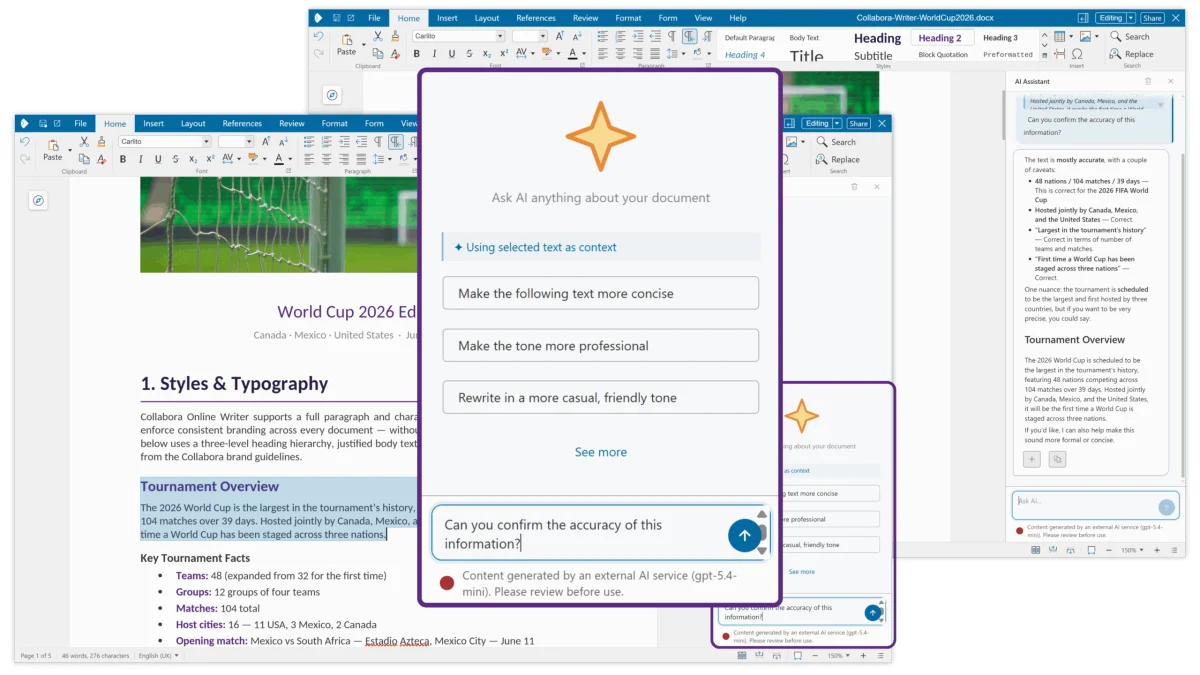
Collabora CODE 26.04 Writer showing the improved Navigation sidebar – now with integrated search
Pic: Collabora
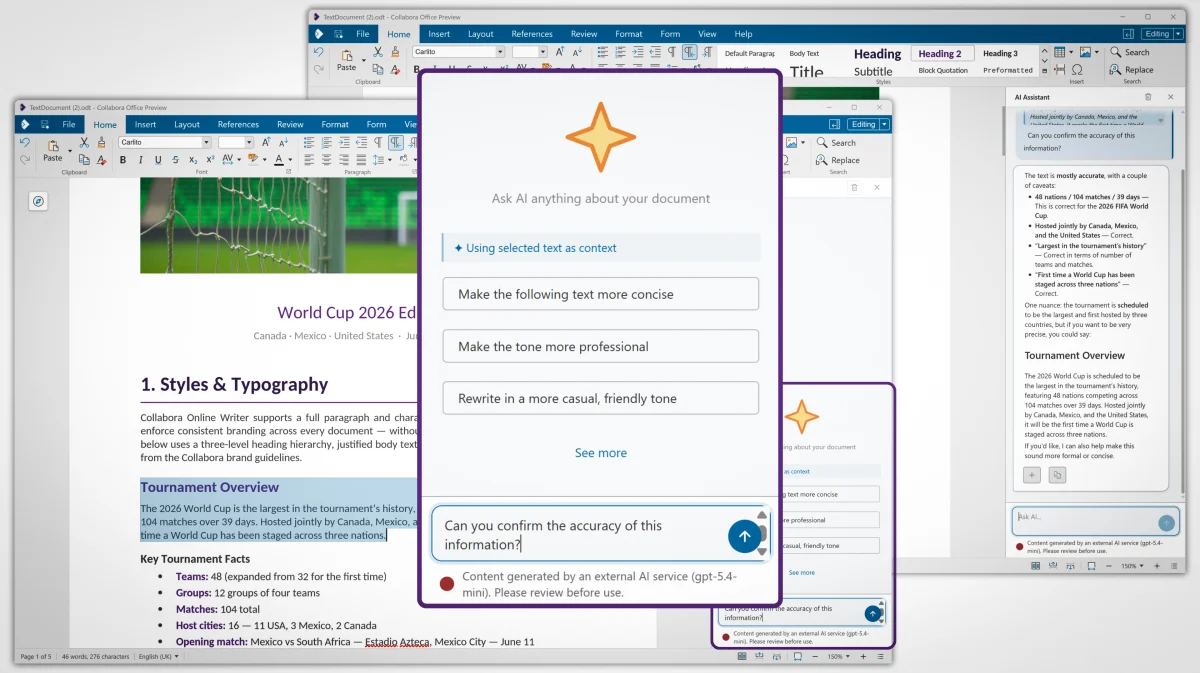
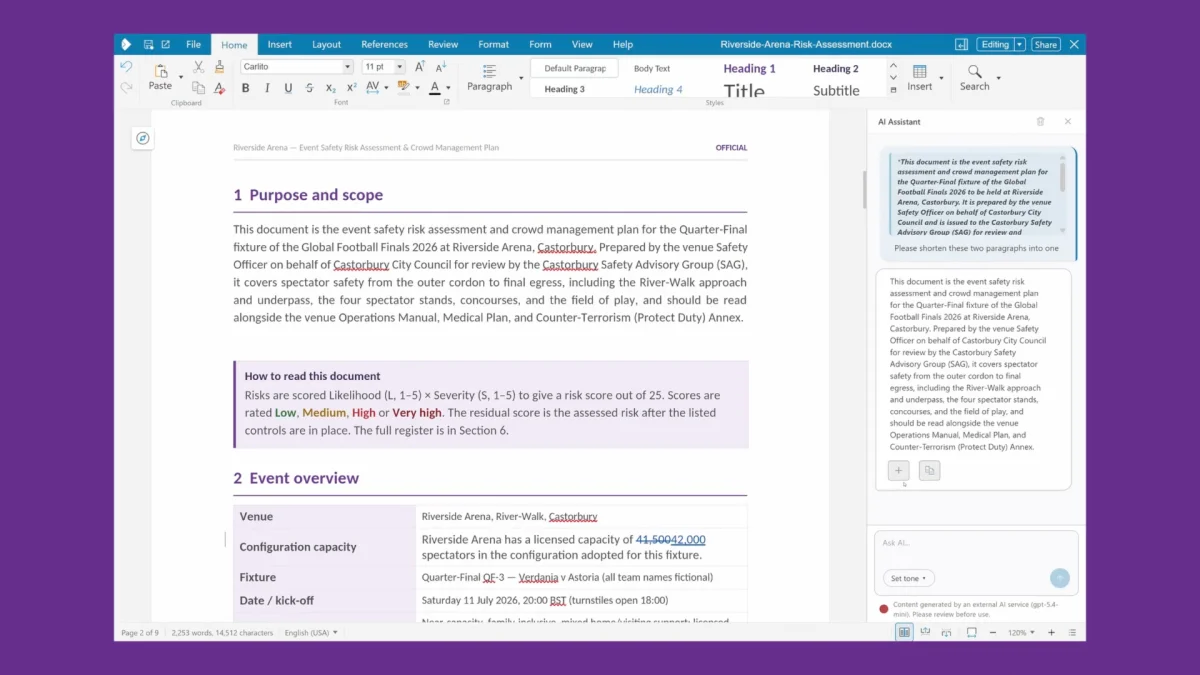
Collabora has released version 26.04 of CODE, the company's web-based office suite. CODE stands for "Collabora Online Development Edition" – "Development" indicating that this is a preview of what will be coming soon in Collabora Online, its web-based function-rich office suite. The announcement is Collabora staking its claim to a slice of the increasingly competitive online office suite market.What's newDepressingly, the first bullet point in each section of the release announcement – for the Writer word-processor, Calc spreadsheet, and Impress presentation module – is improved AI integration. We asked the company about this, and Collabora assured us that it's off by default.
"Basically, lots of partners and customers have been asking for the option for a while, so it was added, but we have ensured that people can decide whether or not to use it and how they use it. To be clear, AI assistance isn't present in the product unless you add it through File > Options or on the admin side through the server side settings panel."
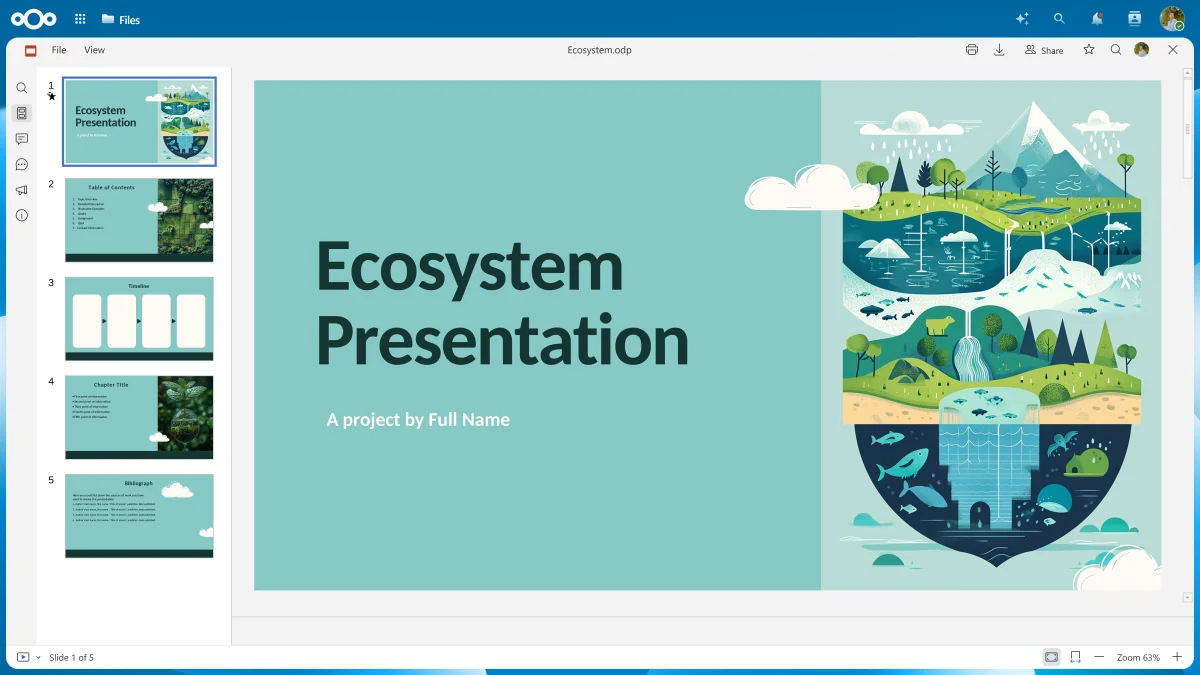
As an example, Collabora noted that the EU's proposed Cloud and AI Development Act (CADA) has AI all over it.There are other functional improvements here as well as optional Automatic Idiocy. For instance, there's Markdown support. If that sounds faintly familiar, it may be because that was one of the standout highlights of LibreOffice 26.2, which we covered back in March. Writer now has a multi-page view; the "Track Changes" functionality has been enhanced in multiple areas, including comment handling. Comments can now be exported to PDF along with the main content. The Navigator sidebar now has search, and the Formatting sidebar now has inline preview.The spreadsheet has per-user views, smarter formula error handling, calculated values in pivot tables – yes, the wider LibreOffice family does have pivot tables – as well as better formatting with bundled templates, colored tabs, better JSON import, lots of new, modern spreadsheet functions, smarter drop-down lists, and more. Impress presentations have been similarly revamped.The various components' ribbons have been reorganized, and the suite makes better use of limited screen space. Effort has gone into making the suite more accessible, with controls having more descriptive names, descriptions added to the tabs of dialog boxes, lots more keyboard controls, and more. These improvements not only help users with disabilities: more and better keyboard controls help power users navigate much quicker too.Family ties – and family feudsSome of the changes and improvements are things that mirror recent improvements in LibreOffice, because there is substantial overlap between Collabora's office suites and The Document Foundation's LibreOffice.There used to be a fairly clear split: the Document Foundation maintained two versions of LibreOffice – a current release and a slightly slower-moving stable release. LibreOffice is a completely local app, with versions for all the major desktop OSes.For organizations wanting support, the Document Foundation recommended multiple independent vendors, including Collabora, which did a lot of the development work, and offered its own version of the codebase, Collabora Online (COOL) – the same codebase, adapted to work as a web app. You install and run it on a web server in conjunction with an online cloud storage tool, such as Nextcloud. CODE is a preview of what's going into the next version of COOL. We last looked at CODE in 2022.