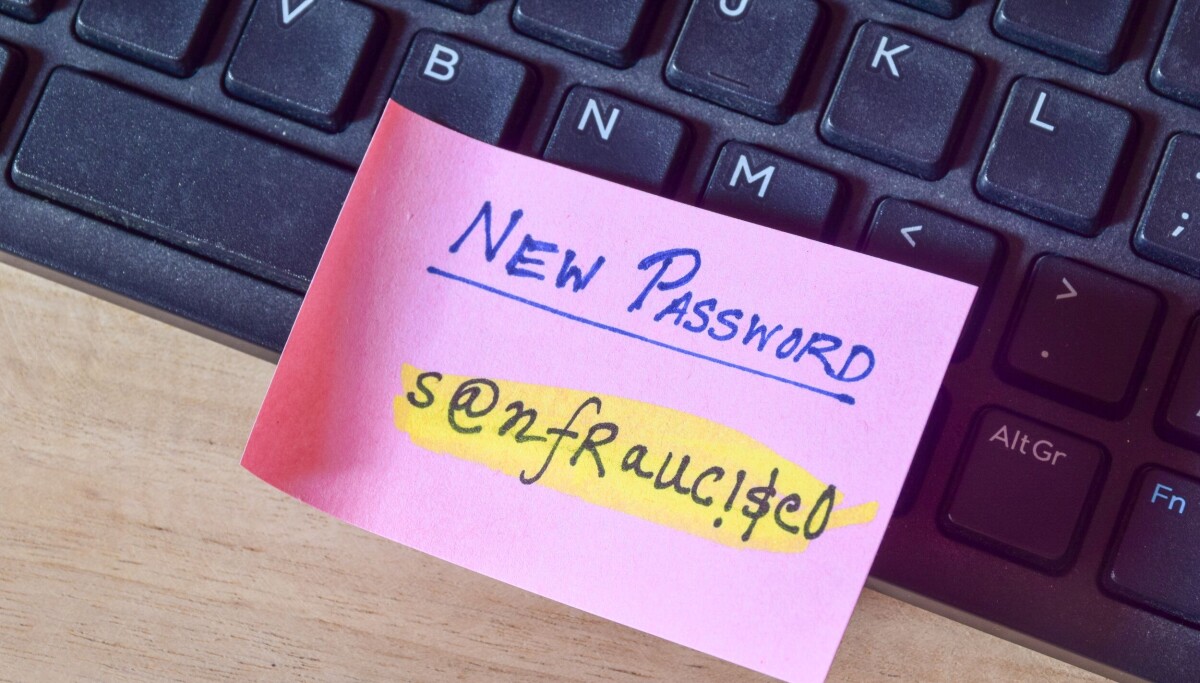
And the admin password was right in the Active Directory description field
PWNED Welcome back to PWNED, the weekly column where we school ourselves on others' security failures. This week, we’ll learn about a school where the entire network was like an open-book test … and the IT department got a zero.Have a story about someone leaving a gaping hole in their network? Share it with us at pwned@sitpub.com. Anonymity is available upon request.Our tale of academic pwnage comes courtesy of a reader we’ll Regomize as Nathan. Nathan was 17 and attending sixth form at a UK school when he found a treasure trove of admin privileges and data at his fingertips.
One day, our hero connected his laptop to his school’s Active Directory domain. There was no admin authentication required and Nathan was able to see domain controller tools in view mode, look at policy maps, and so on.Nathan then browsed the directory and located the domain administrator account. The password, “horse fence ditch,” was written right in the description field, where anyone with access to the network could view it. There were also backup accounts with passwords such as “bd” and “bigbaddog.”Once he had full God mode enabled, Nathan said, he could see student and staff data, gain Remote Desktop access to any server or domain controller, and even access LanSchool, a popular classroom management app.“I could've accessed sensitive leadership docs, reset passwords, deleted accounts, wiped the whole network, etc,” Nathan told The Register.Moreover, the entire system was synced with Google Workspace, so Nathan had access to user mailboxes as well. He even found firewall settings, security policies he could change, and keystroke histories.