[Stefan] of CNC Kitchen has an informative video describing his experiences with trying to cleanly laser-mark 3D printed plastics using different methods, and it also happens to be a fantastic tour of all the different laser options available to hobbyists and workshops these days.
Laser marking is a fast and effective way to put things like product names, serial numbers, and other information on plastics. [Stefan] wondered whether laser options would be capable of creating clean and professional marks on 3D-printed items, and approached things with his usual attention to detail.
Great results can be had, but using the right tool and dialing in the right settings is critical to results.
How does a laser mark plastic? When the laser hits the material, its energy is dumped into it and can cause pigment bleaching, microfoaming, charring, melting, or ablation (vaporizing) of the surface. The goal is to have a combination of laser and material that delivers a crisp, high-contrast result.
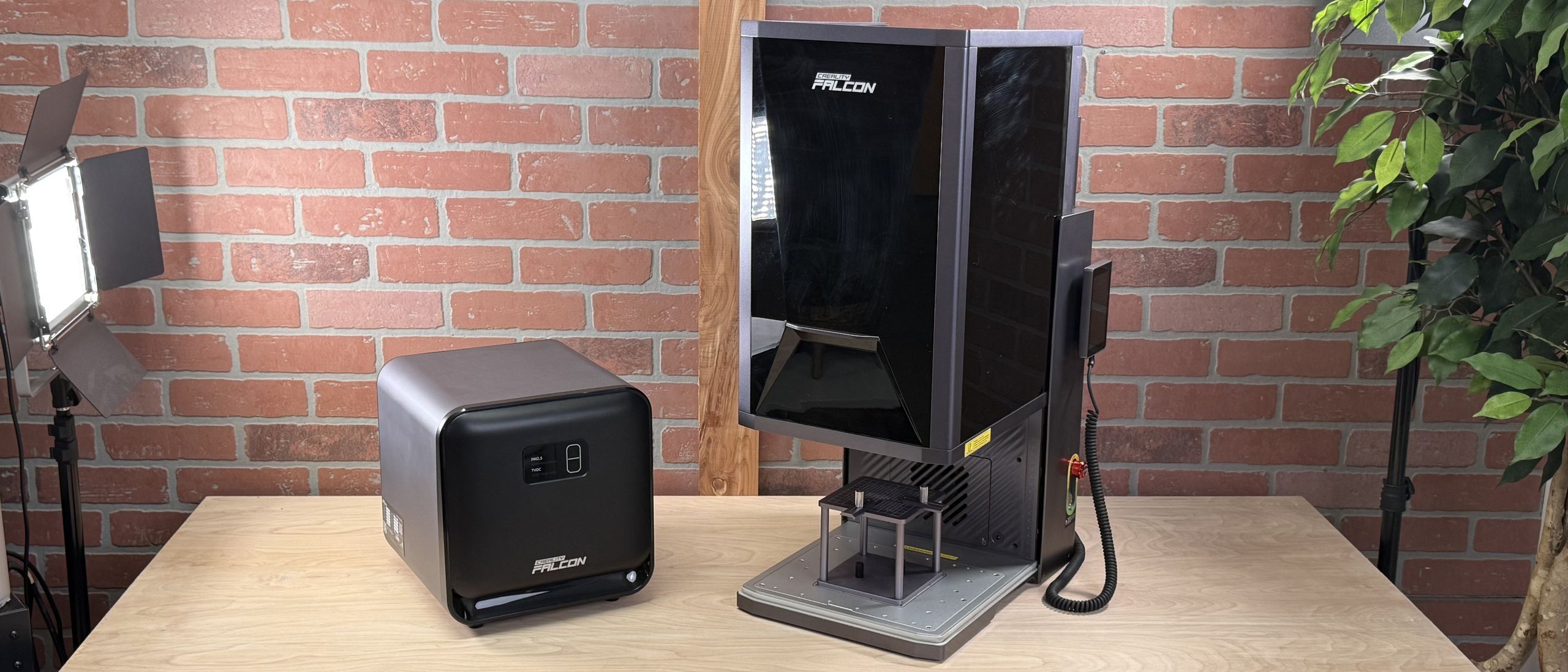
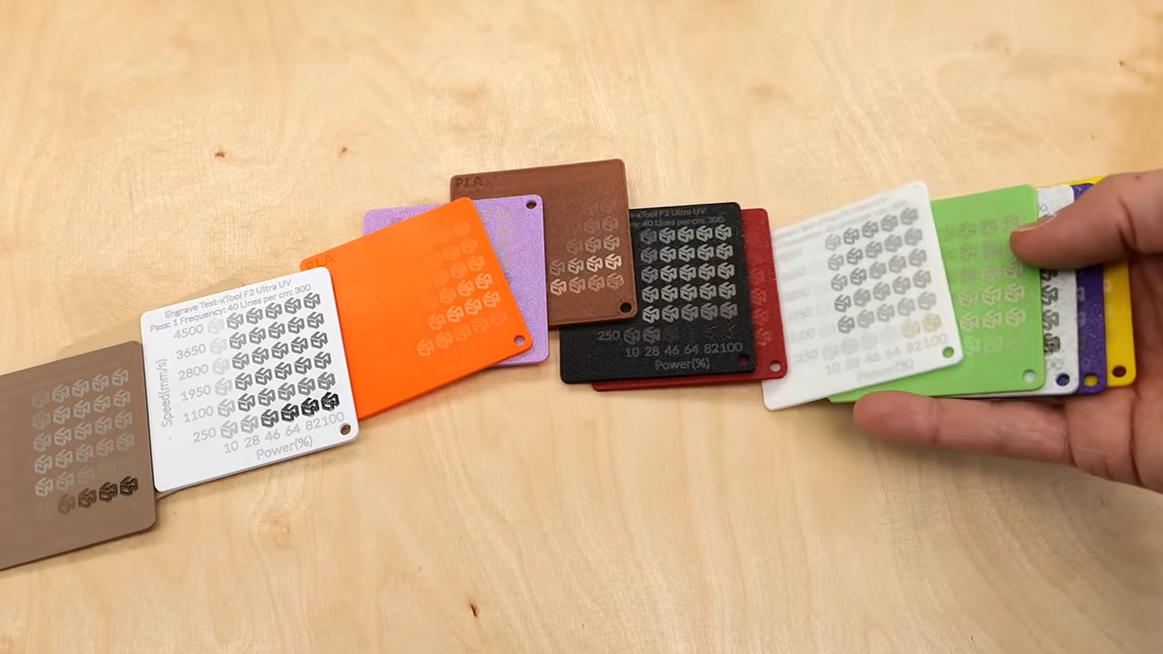
There are several kinds of laser technologies easily available today, and of course a variety of filament types. [Stefan] printed a whole bunch of different PLA, PETG, ASA, TPU, and polycarbonate samples in different colors and tested them with different laser machines, including: