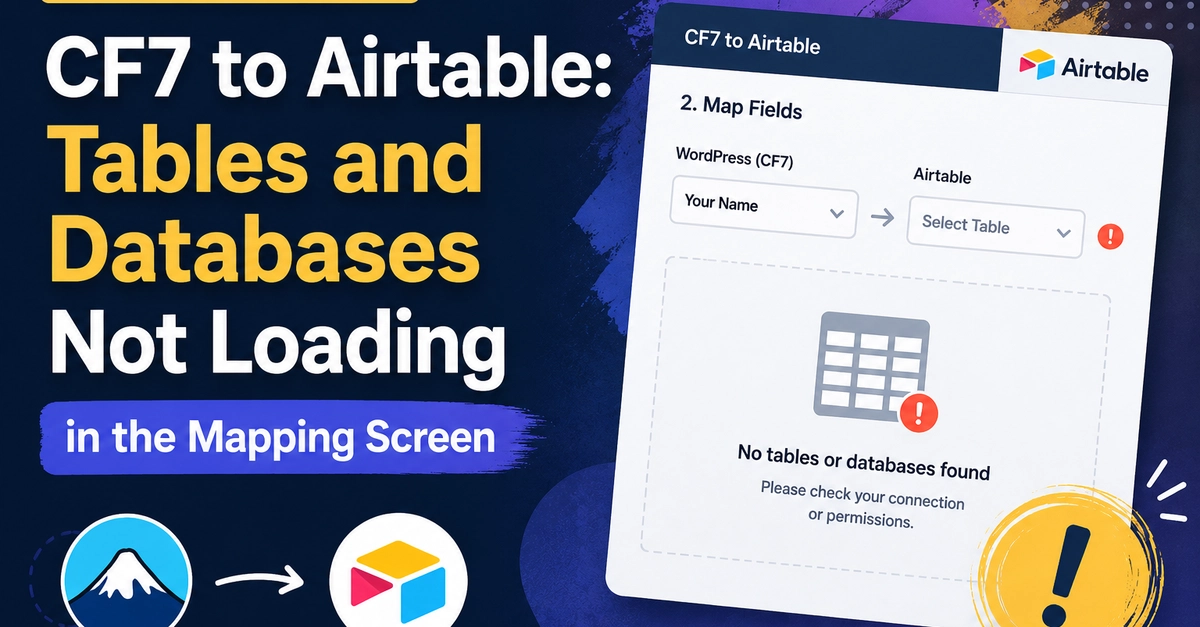
You installed the CF7 to Airtable plugin, generated a token from your Airtable account, pasted it into the plugin settings, and now you are staring at an empty dropdown where your bases and tables should appear. The plugin says it connected but nothing loads.
This is exactly what one developer experienced and posted on the WordPress support forums. The fix was simple once the plugin author looked at the screenshots: the token was too short. It was either truncated when it was copied or the wrong type of token was used.
But there is more to this problem than just copy-paste errors. This post covers the full picture so you get your CF7 to Airtable integration working correctly the first time.
The Token Type Problem: Legacy API Key vs Personal Access Token
Airtable deprecated their legacy API keys in early 2024. If you have used Airtable for a while and have an old connection somewhere, you might have a legacy API key that looks like this: