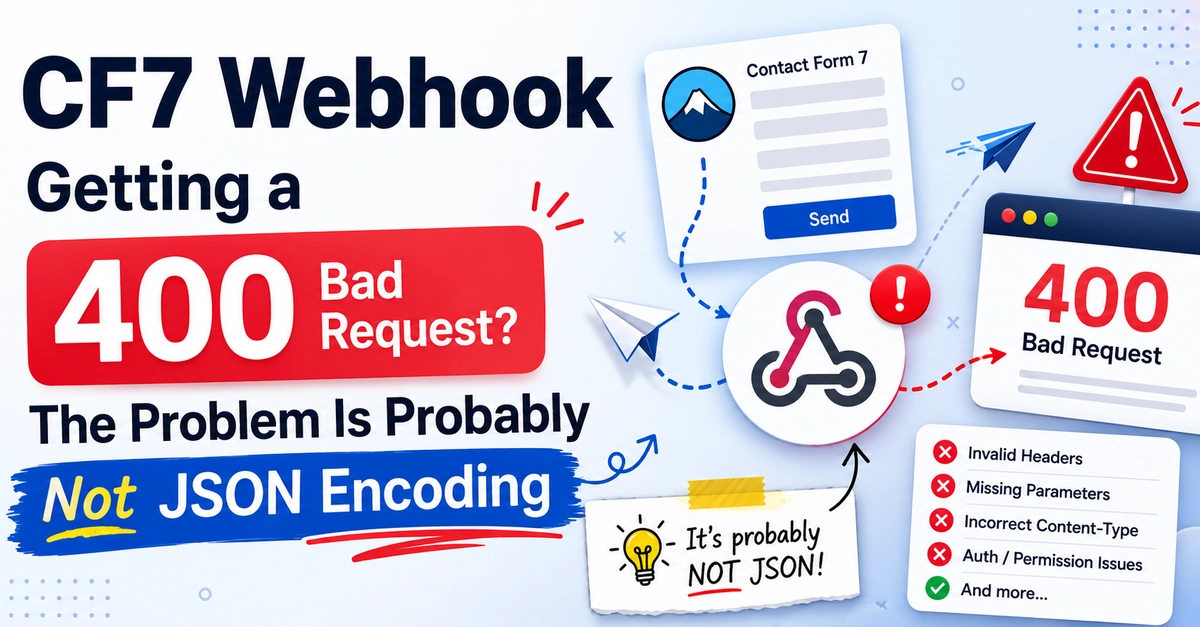
A developer posted on the WordPress forums with a detailed bug report. Their CF7 webhook was sending data to an external REST API and getting a 400 Bad Request response. The API was returning validation errors saying required fields were empty. They had checked the debug log, seen the request body wrapped in quotes, and concluded the plugin was double-encoding the JSON.
The plugin author explained that the debug log shows a string representation of the payload for logging purposes, not the actual bytes sent over the network. The JSON was never double-encoded.
The real problem was a wrong field name. The developer used _notify_leadtype_id but the API required leadtype_id. Because the field name was wrong, the API never received a value for that required field and rejected the whole request.
This is one of the most common reasons CF7 webhooks return 400 errors, and it is almost always misdiagnosed as an encoding issue. This post explains how to read webhook debug logs correctly and how to find the actual cause of 400 errors.
What the Debug Log Is Actually Showing You