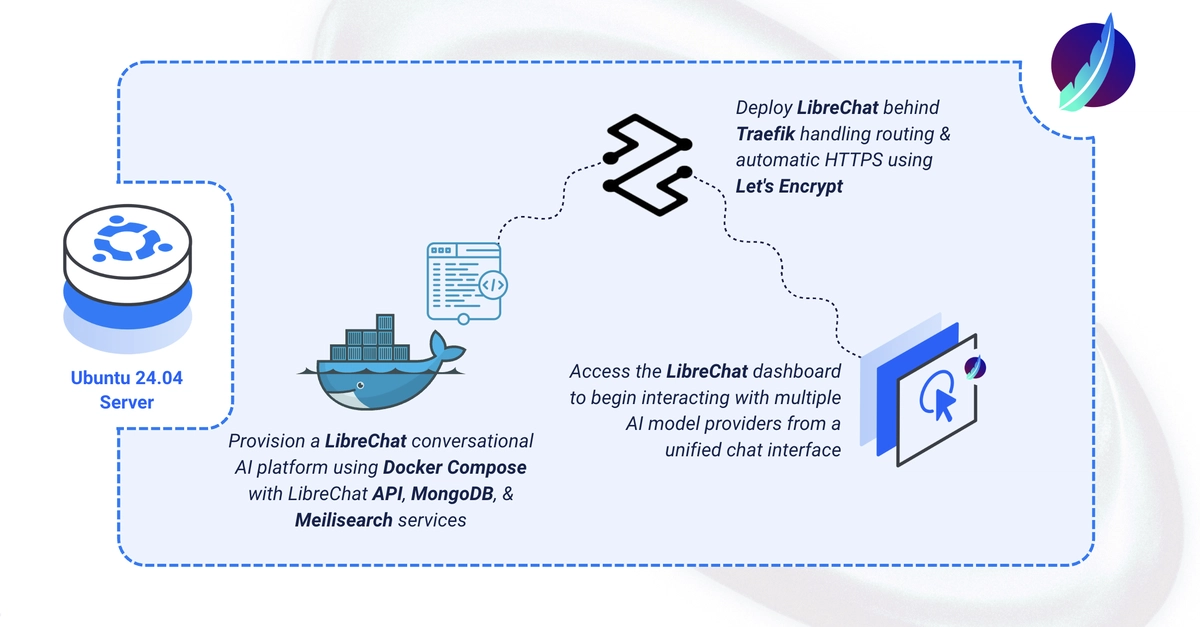
LibreChat is an open-source, ChatGPT-style web UI that supports OpenAI, Anthropic, Azure OpenAI, Gemini, OpenRouter, local OpenAI-compatible endpoints, and more — with MongoDB-backed conversation history and Meilisearch-powered search. This guide deploys LibreChat using its official Compose manifest plus a Traefik override for automatic HTTPS. By the end, you'll have LibreChat running with a registration page and multi-provider chat at your domain over HTTPS.
Clone LibreChat and Prepare the Environment
1. Clone the LibreChat repository and check out a stable tag:
$ git clone https://github.com/danny-avila/LibreChat.git
$ cd LibreChat