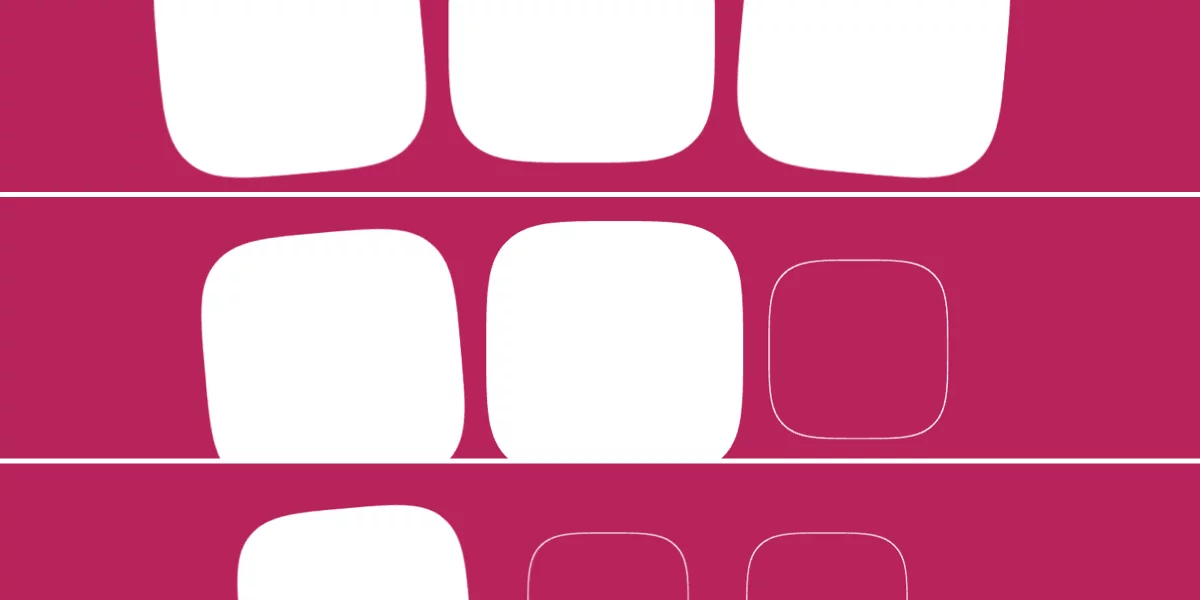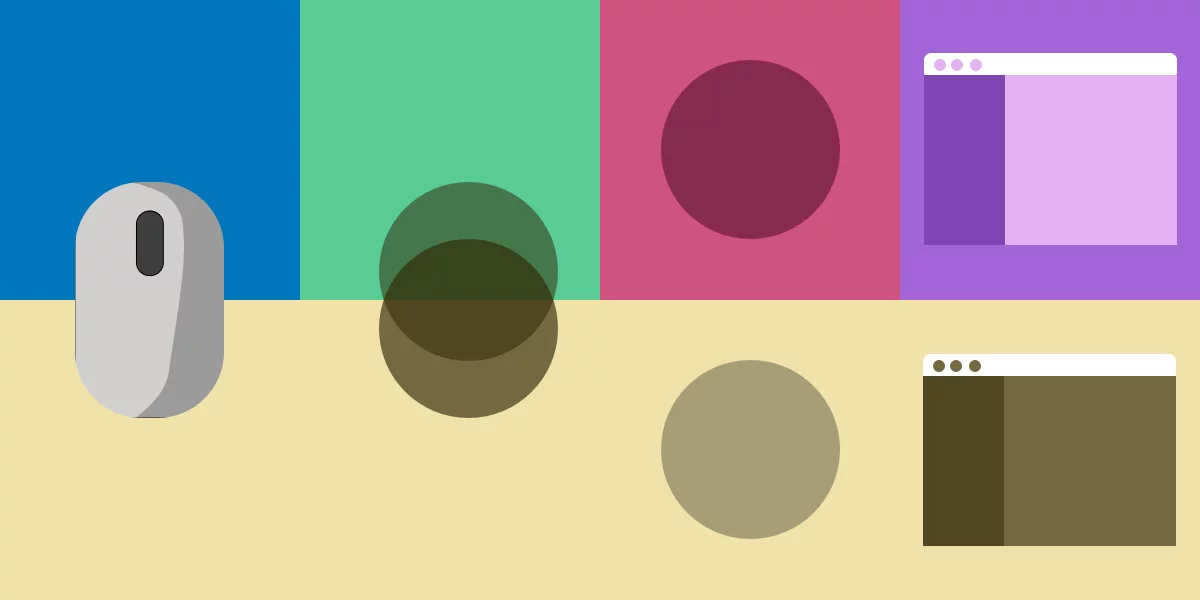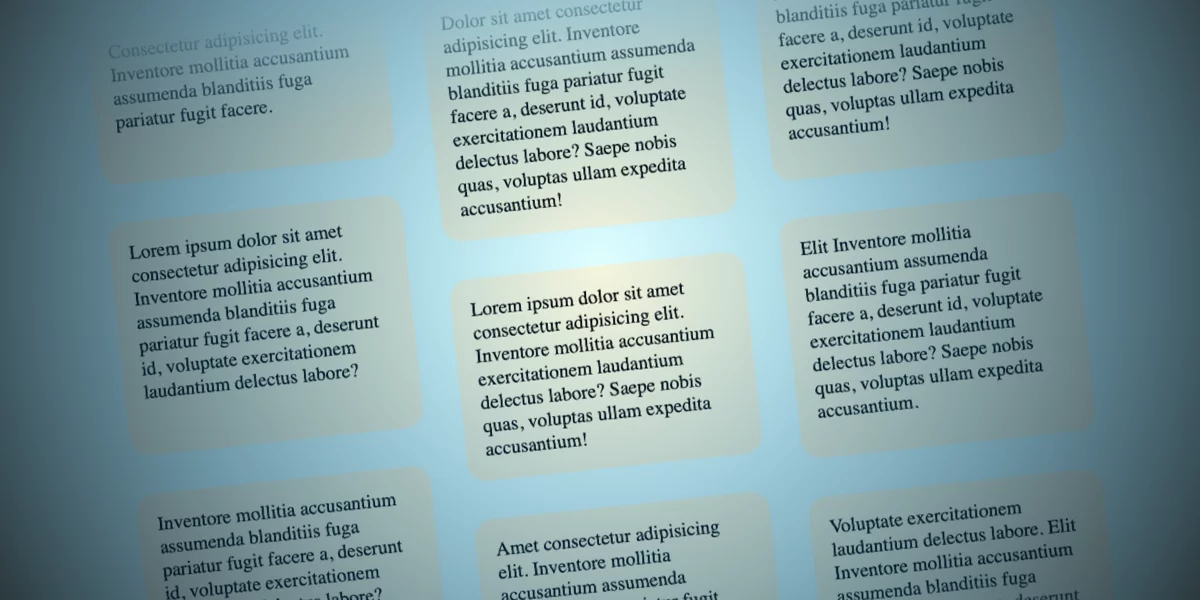
Sometimes designers have silly ideas that eventually grow on you. That happened to me with this concept where I had to build columns of items moving in opposite directions when a user scrolls the page.
Note: This demo respects reduced motion settings, so you’ll need to enable motion to see the effect. And we’re looking at Chrome and Safari support as I’m writing this.
It’s really not as hard as you might think, thanks to modern CSS features, specifically scroll-driven animations. Mot only that, but it’s fun to make, too! Let me show you how I approached it — and maybe you will want to share how you would do it differently.
The HTML
The HTML consists of a parent element (.opposing-columns), its children (.opposing-column), and its children’s children (.opposing-item):