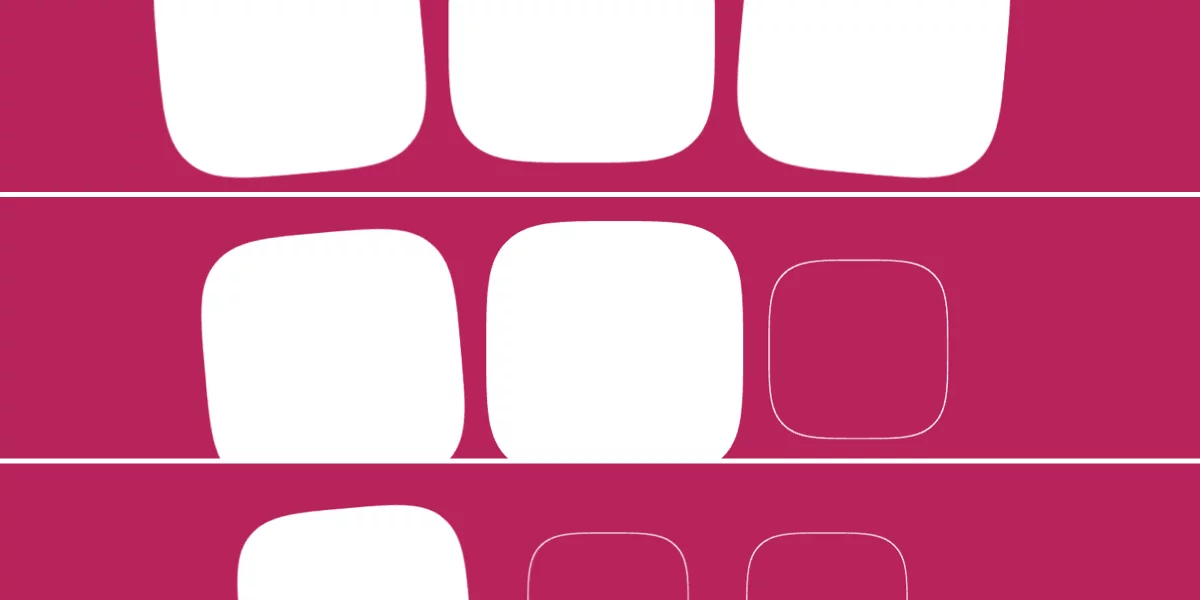
Chrome has shipped scroll-triggered animations, and is the first browser to do so. If you update to Chrome 146, you can view the demo below, where the background of a square fades in over the duration of 300ms, but only once the whole element is within the viewport.
This is a bit different to how scroll-driven animations work, so in this article I’ll compare them, and then show you how scroll-triggered animations work.
Scroll-triggered animations vs. scroll-driven animations
Scroll-triggered animations play for a fixed duration once a certain scroll threshold has been surpassed. (Think JavaScript’s Intersection Observer API but for CSS animations.)
This differs from scroll-driven animations, where animation progression is synchronized with scroll progression (animation-timeline: scroll()) or the degree of intersection (animation-timeline: view()), and thus has no duration.