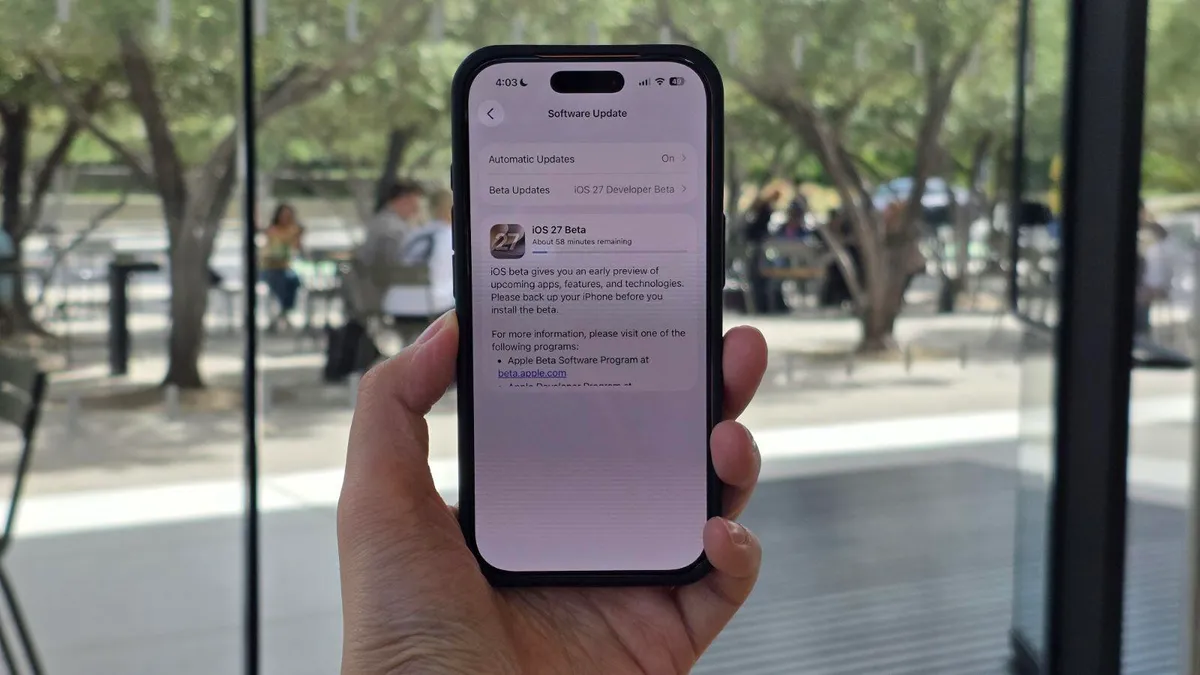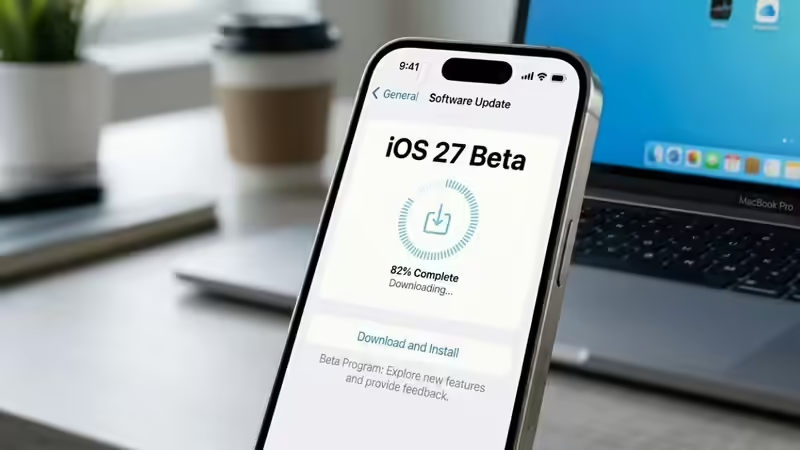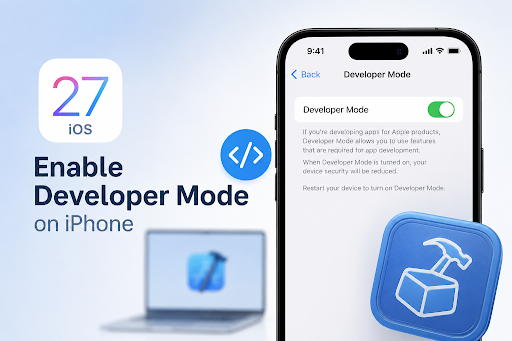
Developer Mode on iPhone is an essential setting for developers, testers, and advanced users who need to install test builds, run debugging tools, or use development environments like Xcode. Starting from recent iOS versions, including iOS 27 Beta, Apple has made this feature more secure, which is why many users are unable to find it immediately after updating.
If you are trying to enable developer mode on iPhone, this guide explains exactly how it works, why it may not appear, and how to turn it on correctly.
Developer Mode is a built-in iOS security feature that unlocks system-level capabilities required for app development and testing.
Once enabled, it allows iPhone users to:
Install and run development apps