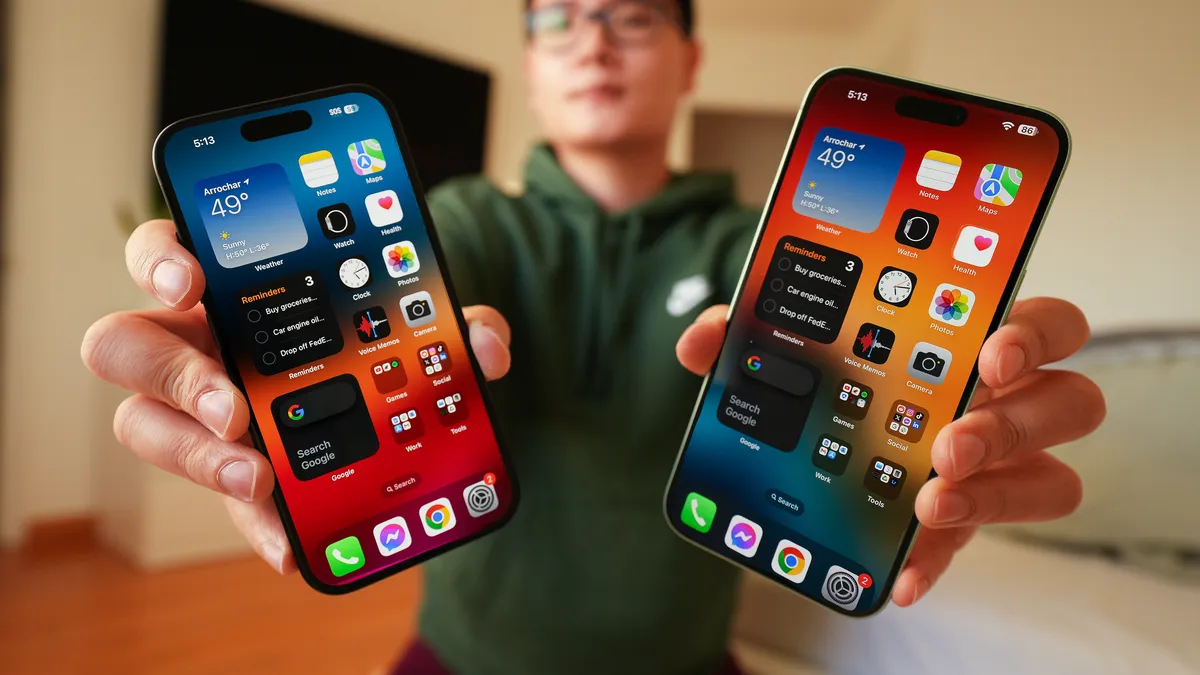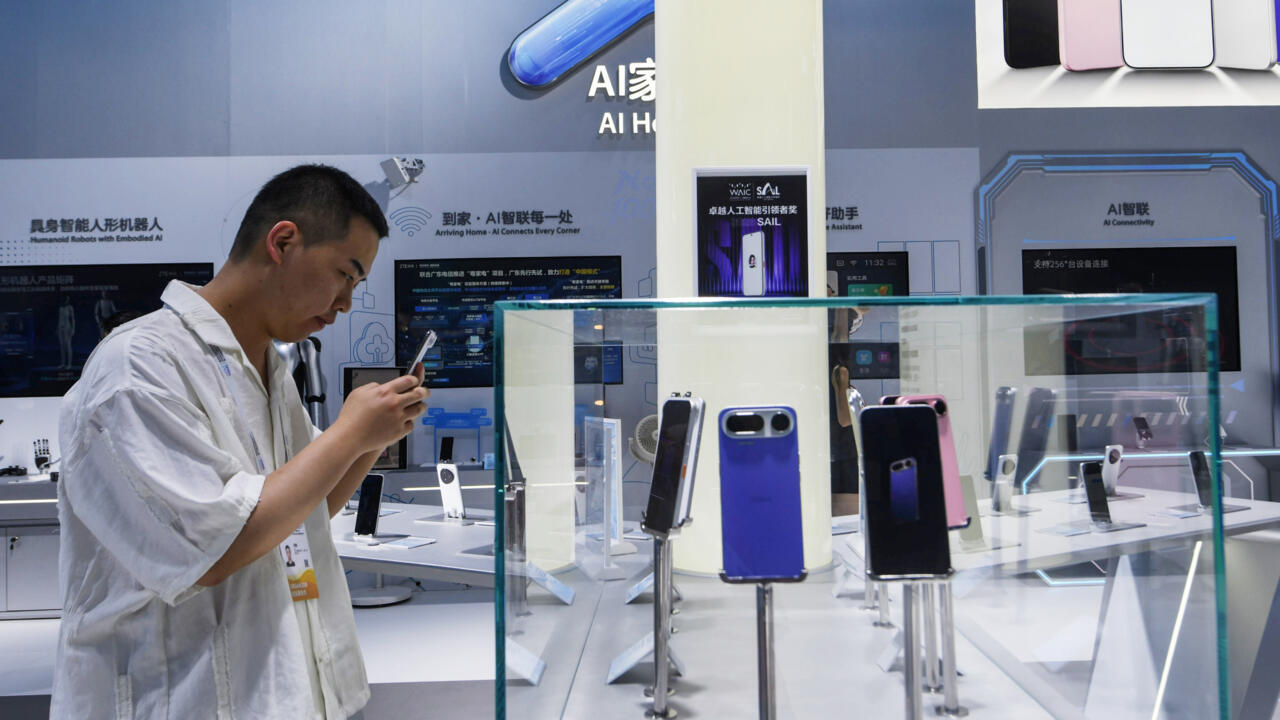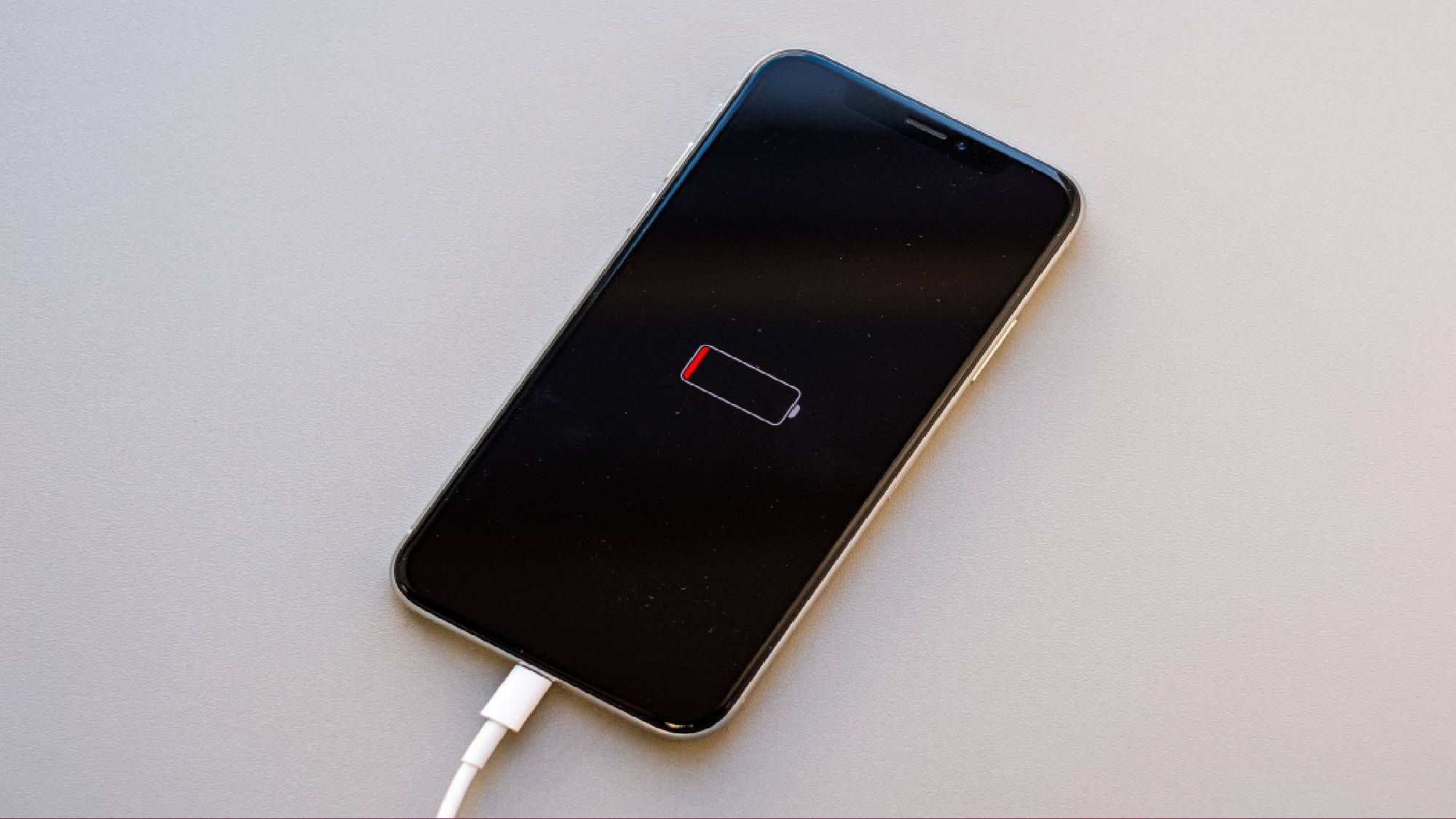
AI features are showing up everywhere on our phones. They summarize notifications, edit photos, transcribe conversations, generate images and power increasingly sophisticated voice assistants. The promise is a smarter phone that does more for you.But there's a trade-off that only gets noticed when a charger or outlet is nowhere to be found. The problem with on-device AI is that these features require significant processing power, whether they're running directly on your device or constantly communicating with cloud-based AI models. That translates to more battery drain, more background activity and for some users, noticeably shorter battery life.If you've found yourself wondering why your phone doesn't seem to last as long as it used to, AI could be part of the answer.Why AI uses so much powerUnlike classic apps that wait for you to do something before they spring into action, AI is different. The latest AI features are designed to be proactive. They're constantly scanning photos, indexing information, listening for wake words, analyzing notifications or preparing contextual suggestions before you even ask for them.Everything your phone may be doing in the background right now — voice assistant, summarizing notifications, smart search indexes, AI writing tools and photo apps — might not seem significant, but together they create a steady workload that can quietly chip away at battery life throughout the day.The newest smartphones are increasingly built around dedicated AI hardware, but even specialized chips still consume power.One reason AI can be such a battery drain is that many features are designed to feel instantaneous. When you tap an AI assistant or ask a question, you expect an answer immediately. To make that possible, your phone is often doing prep work behind the scenes.Get instant access to breaking news, the hottest reviews, great deals and helpful tips.This is especially true for voice assistants and AI search features that continuously update information, monitor activity or prepare personalized responses. The more personalized the experience becomes, the more background processing is often required. Ironically, some of the smartest features on your phone may also be some of the most power-hungry.iPhone settings worth checking
Turns out AI was destroying my phone’s battery — here is the setting I changed to stop it
You may want to consider disabling these features to keep your battery running longer
TL;DRAI
Apple and Google's on-device AI (voice, photo analysis, summarization) needs continuous background processing, draining batteries faster than before. For IT managers, this trade-off between AI personalization and battery life reshapes device refresh planning and total cost calculations.
962 words~4 min read