(Image credit: Corsair)
Check out this deal on the Corsair website.
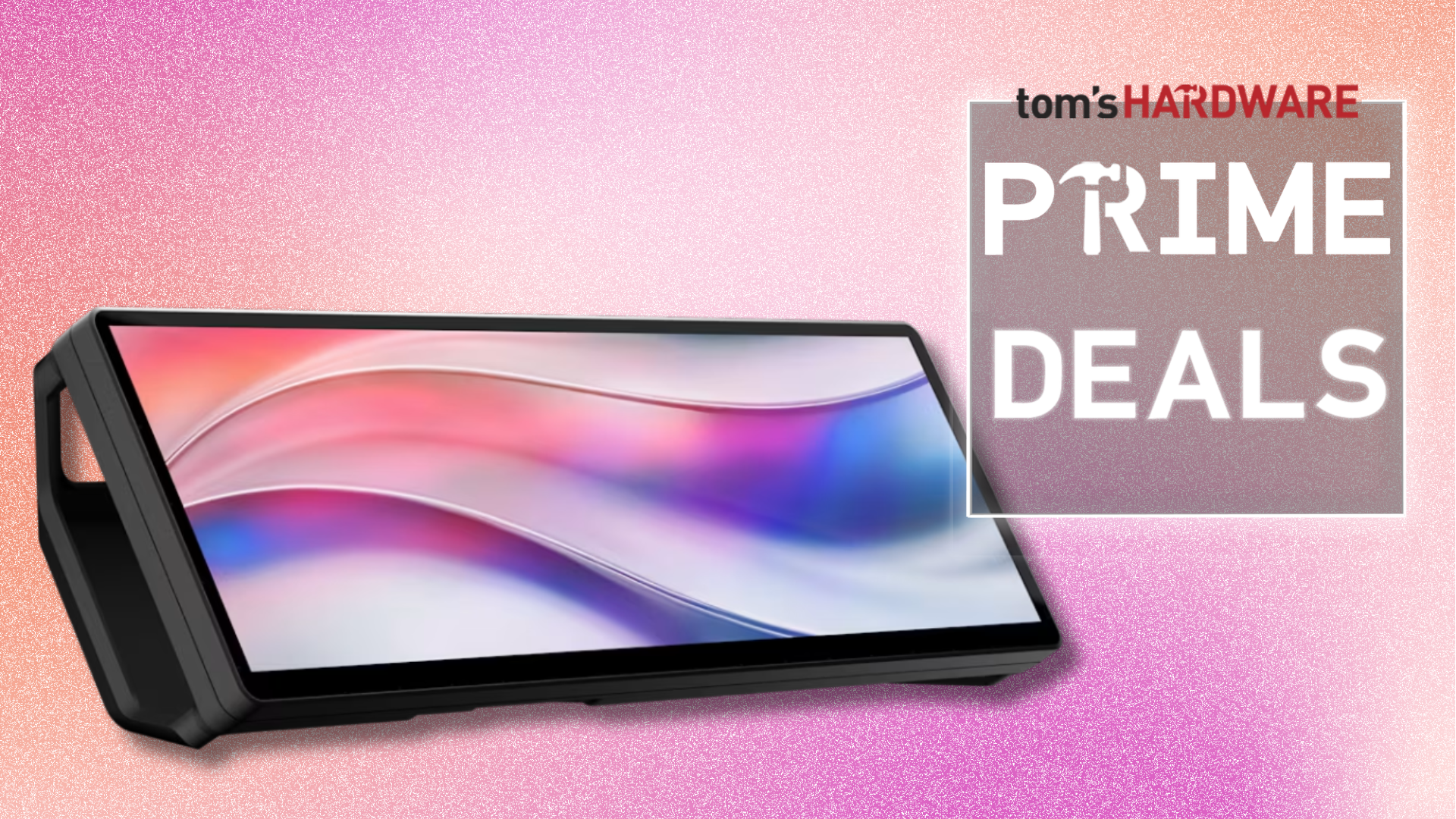
This tiny touchscreen is designed to either sit below your monitor with the included magnetic stand or to be mounted horizontally or vertically on any metal surface with its magnetic backplate. It also supports HDMI and USB-C DP-Alt Mode connections, allowing you to use it both with your laptop and desktop PC.
Despite its small size, it has a relatively high-resolution of 2560 x 720 and a 60Hz refresh rate — it might not match the specs of the best gaming monitors, but these numbers are more than enough to show apps and additional information that will streamline your workflow. Aside from displaying your miscellaneous apps and tools (like Spotify or YouTube), Corsair also designed the screen to be paired with iCUE software to monitor your fan speed, CPU, and GPU utilization, and more, right in front of you (or beside you if you prefer to stick the screen in your case).
This tiny touchscreen is designed to either sit below your monitor with the included magnetic stand or to be mounted horizontally or vertically on any metal surface with its magnetic backplate. It also supports HDMI and USB-C DP-Alt Mode connections, allowing you to use it both with your laptop and desktop PC.Despite its small size, it has a relatively high-resolution of 2560 x 720 and a 60Hz refresh rate — it might not match the specs of the best gaming monitors, but these numbers are more than enough to show apps and additional information that will streamline your workflow. Aside from displaying your miscellaneous apps and tools (like Spotify or YouTube), Corsair also designed the screen to be paired with iCUE software to monitor your fan speed, CPU and GPU utilization, and more, right in front of you (or beside you if you prefer to stick the screen in your case).