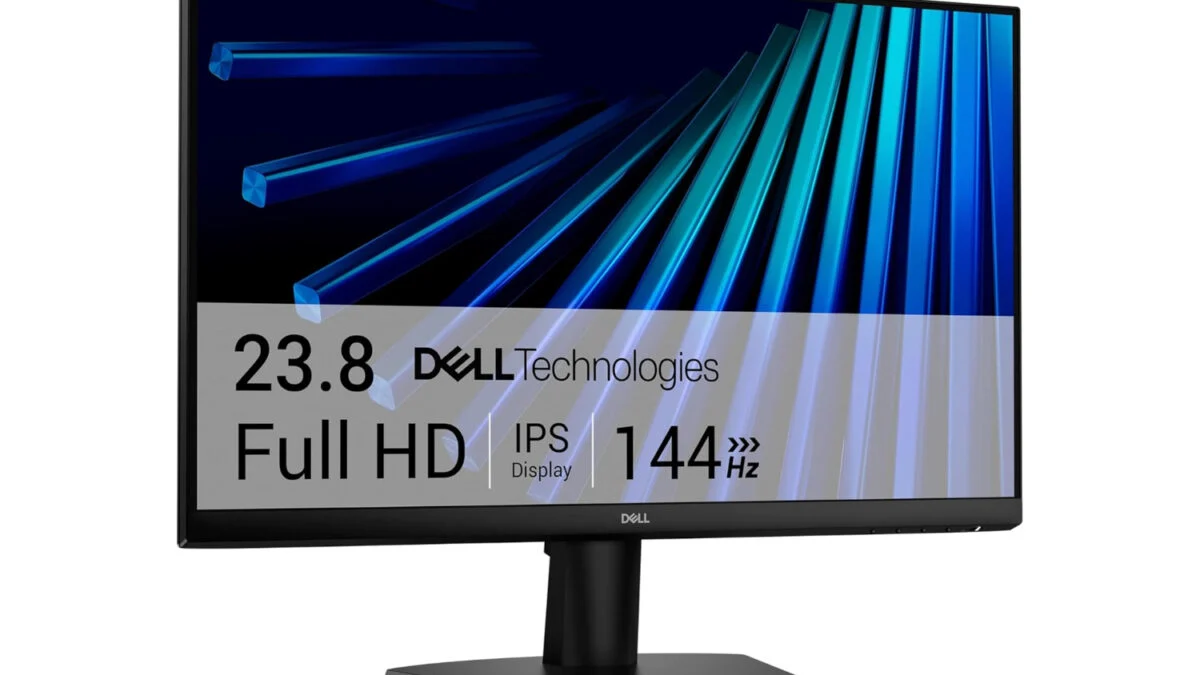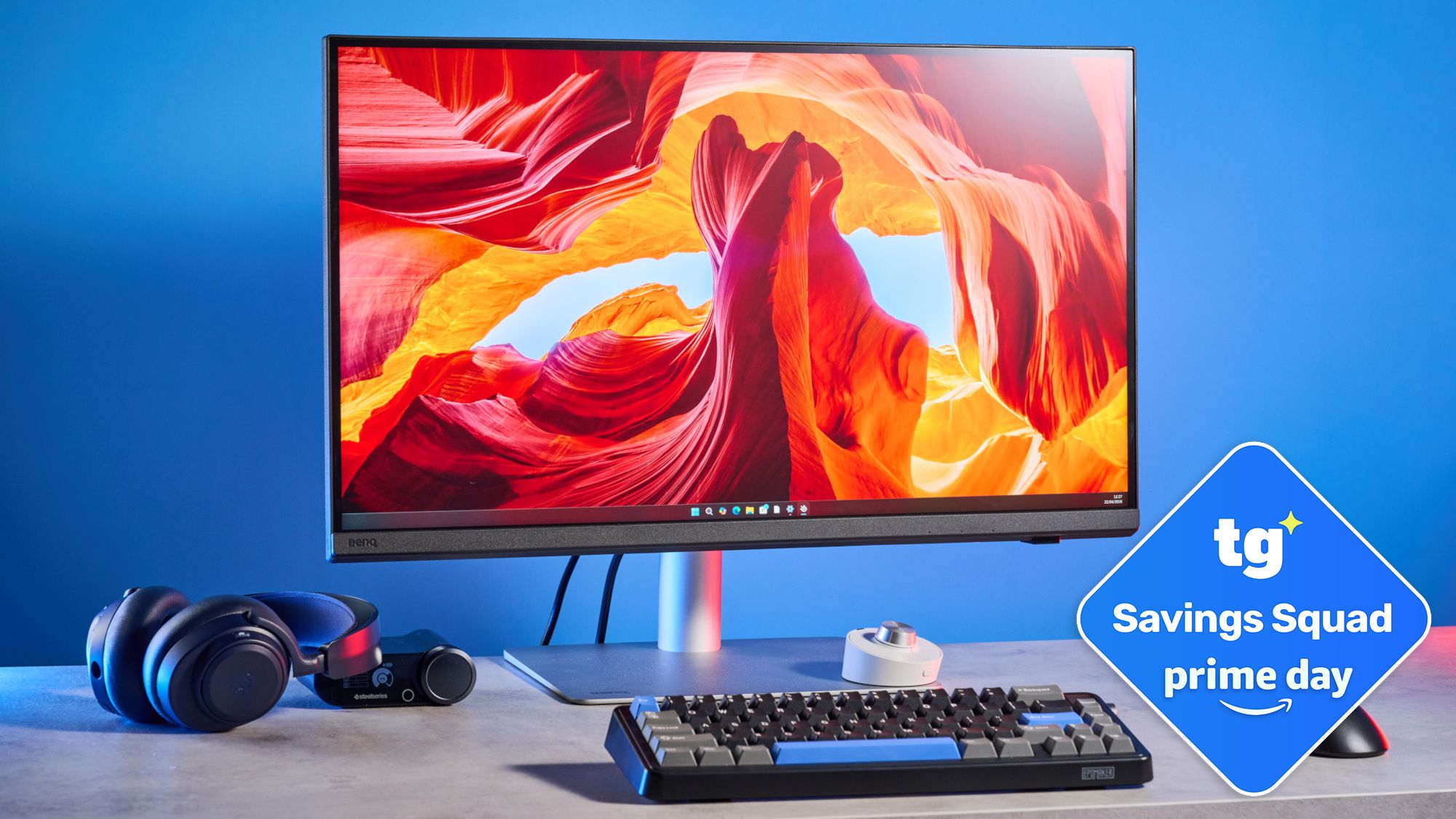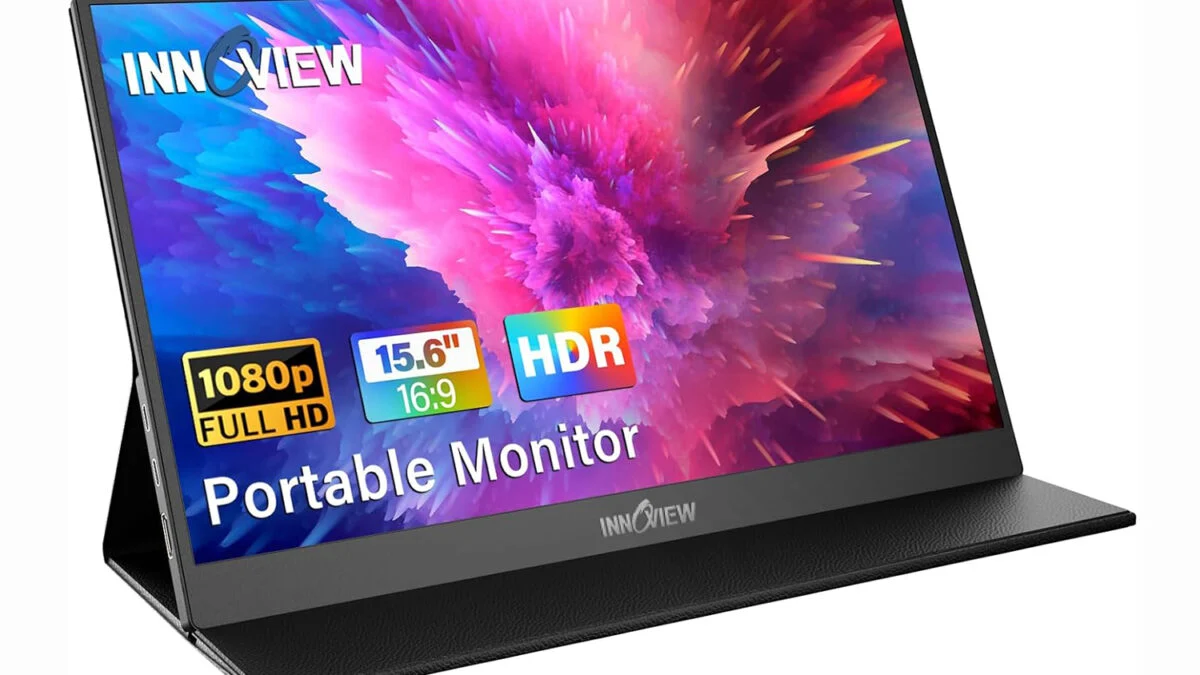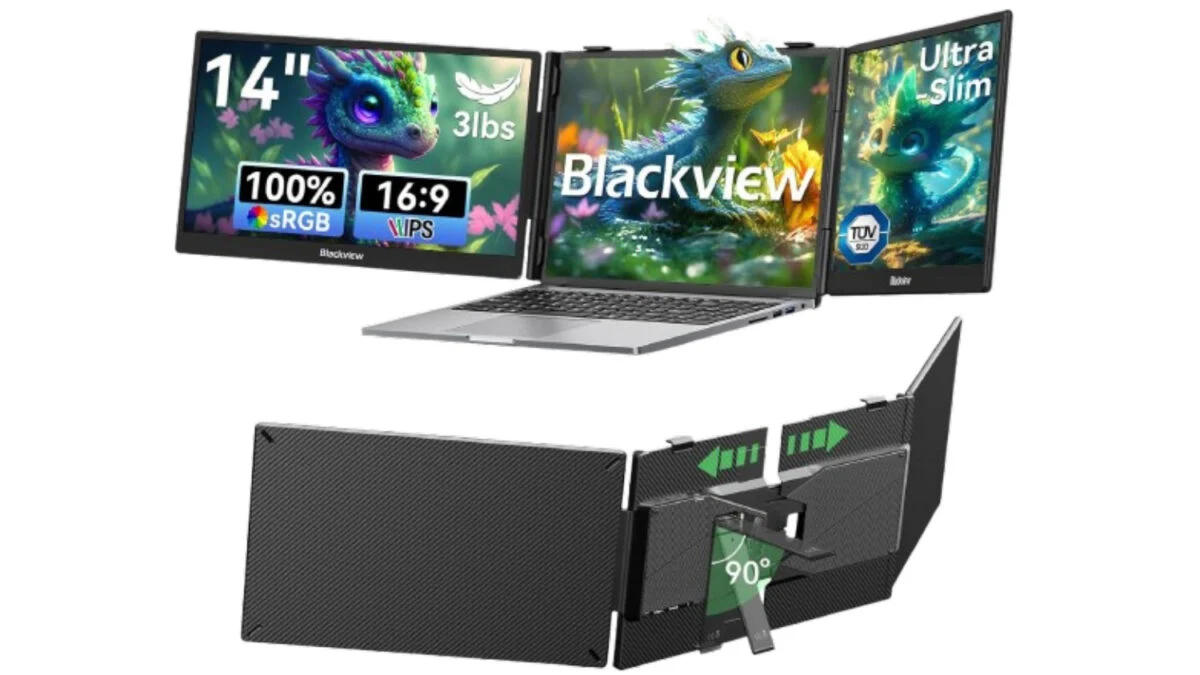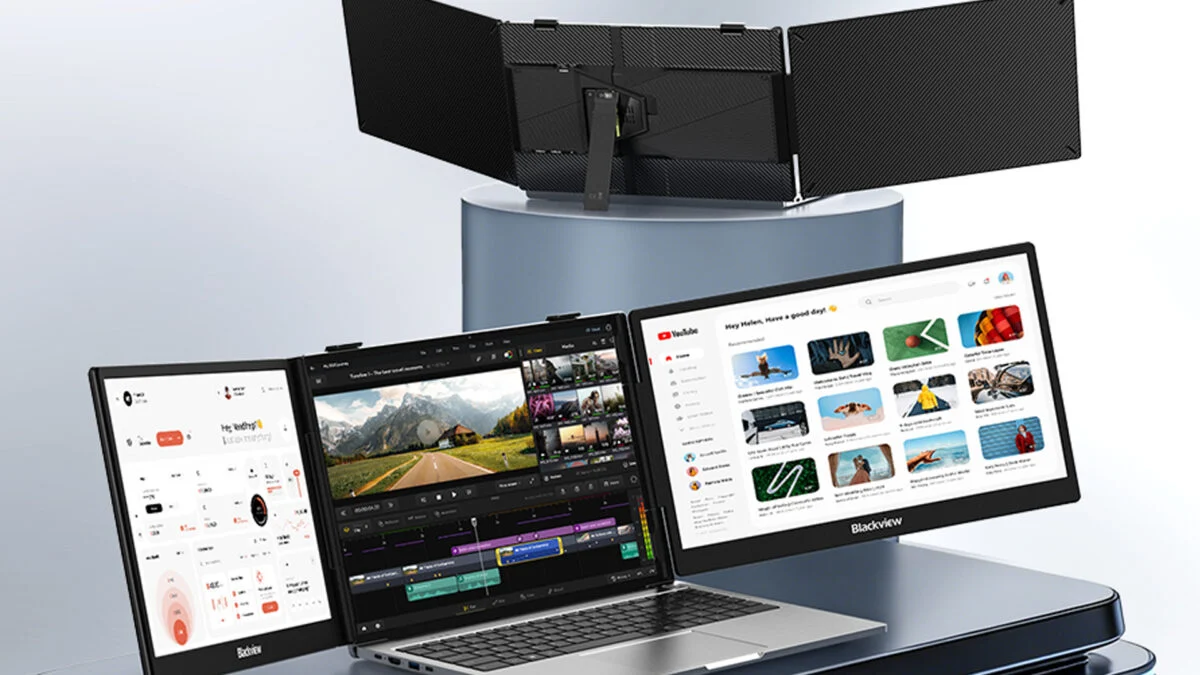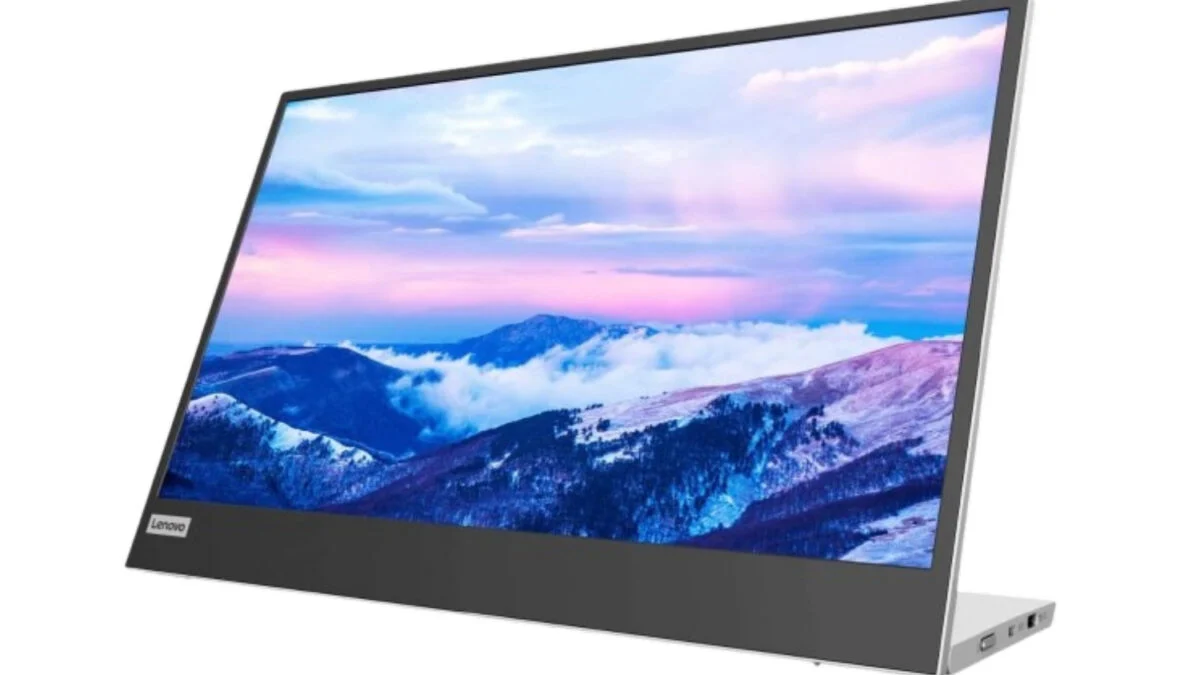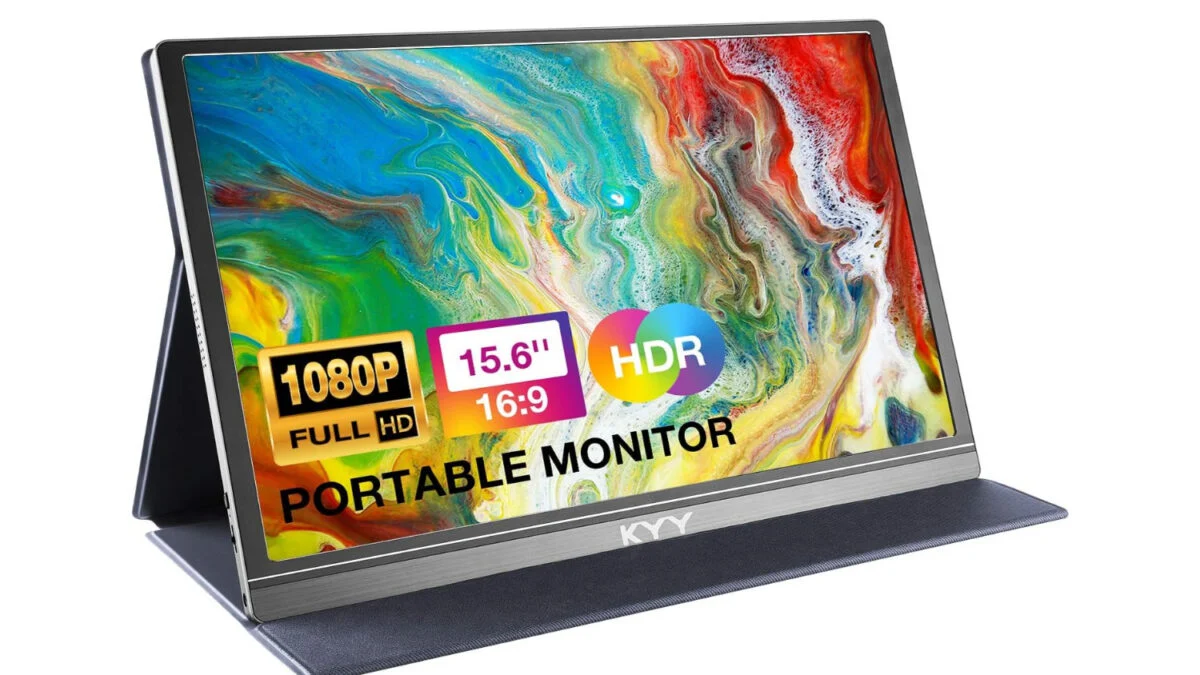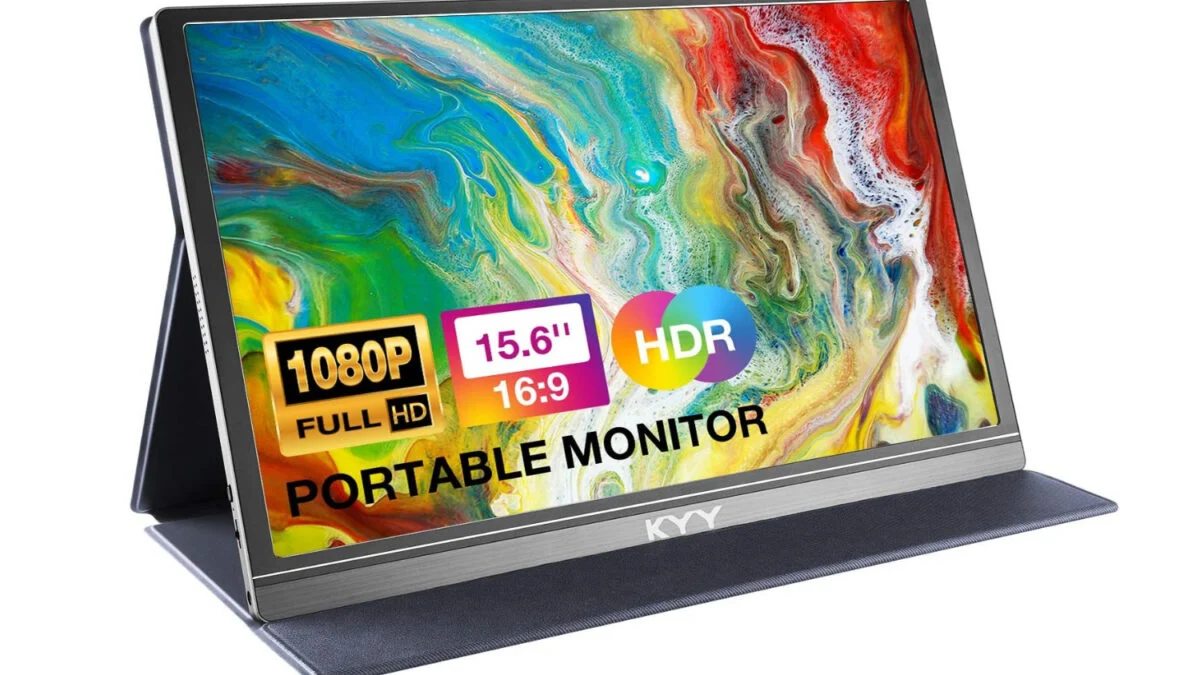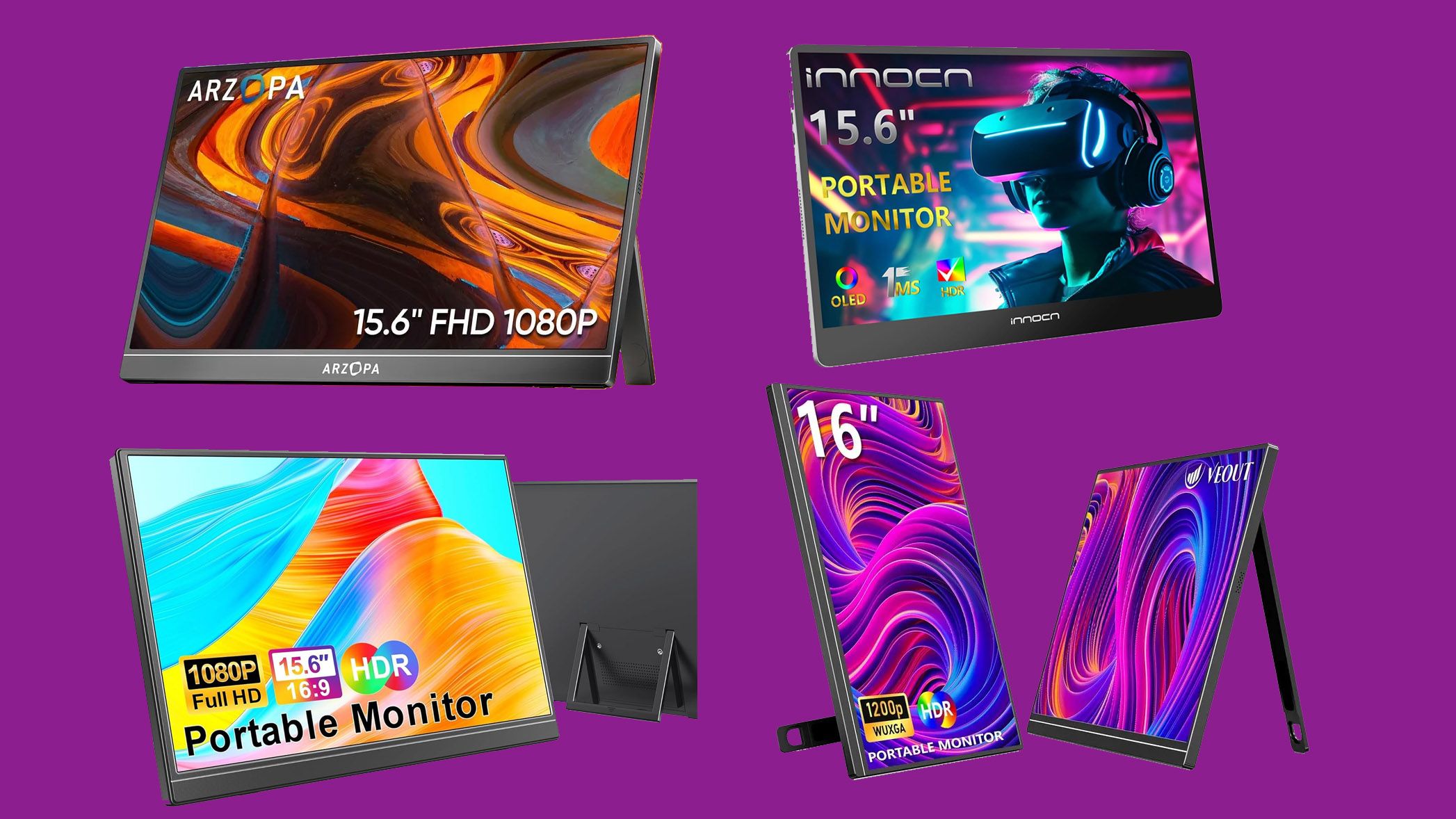
Portable monitors from Innocn, Arzopa, Veout, and WGK are all on sale, ranging from $39 to $153.
(Image credit: Innocn, Arzopa, Veout, WGK, Amazon)
If you ever travel with your laptop, want to game on a console in places where you don't have access to a TV, or just want a second (or third) screen for your desk, a portable monitor is a must-have. And with many screens at all-time lows, veering into impulse-buy territory (this 15-inch model is incredibly $39), there's never been a better time to pick one up. But how do you know what to buy when there are dozens of brands (especially on the low end) that you've probably never heard of (I haven't, and I've covered tech for 20 years)? Below are a few quick portable monitor shopping tips, followed by four of our favorite current deals.
LCD, IPS, or OLED? OLED is the best in terms of color saturation and deep blacks, but it costs much more. IPS has better viewing angles than lesser screen technologies, and is becoming the standard even on budget screens. So you should stick to IPS or OLED at this point.Get a monitor with a kickstand. Most portable monitors still have floppy folding covers that double as stands. I've had a screen with one for years and it's awful. A rigid kickstand that's attached to the back and swings out will make you want to use your monitor more often and in more places. All of our deal picks below have kickstands.Pay attention to brightness. This spec is often buried on product pages, but it matters a lot, especially if you use the monitor in bright spaces. If using it with your laptop, try and get something that is close to the brightness of that screen. You don't want a washed-out second display.Get a cover or sleeve. Since these screens have a kickstand, they likely don't come with a protective cover. But you'll certainly one something to at least protect the screen while traveling. So budget in some extra money to protect your second-screen investment.