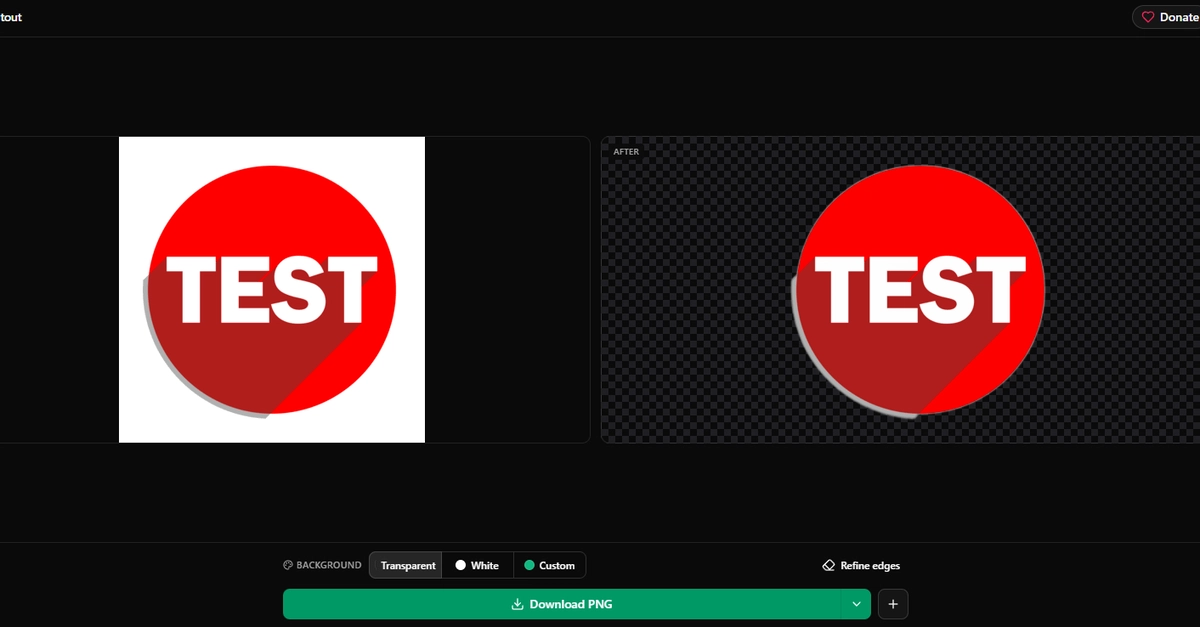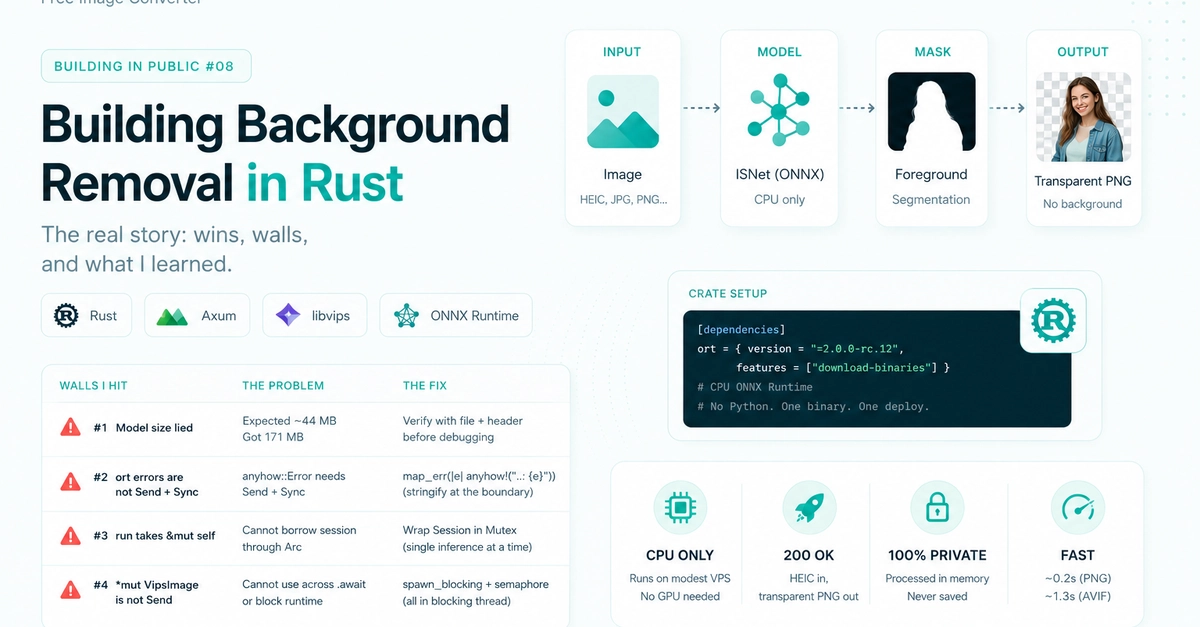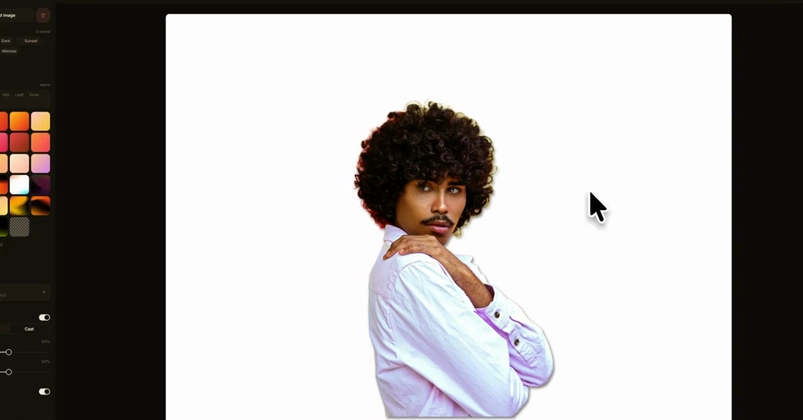
Every "remove the background" tool I tried uploads your image to a server first. For a screenshot tool that's backwards — your screenshots are the most private thing on your screen. So I built mine to run 100% on your machine. Here's how — and the honest part: the AI isn't the hard bit.
The thing nobody says about "AI background removal"
Most tools that cut out a background send your image to their server, run the model there, and send the result back. Fine for a stock photo. Not fine for a screenshot — which is usually a half-finished feature, a customer's data, an API key you forgot to blur, or a DM you only meant one person to see. I didn't want any of that leaving the machine. So in ShotsGlow the cutout runs locally, on your own hardware. Nothing is uploaded. There's no server to send it to in the first place.
(Demo: the one-click cutout — and the same thing running with the Wi-Fi off — at https://shotsglow.com/blog/on-device-background-removal-windows )
The honest part: the model isn't mine