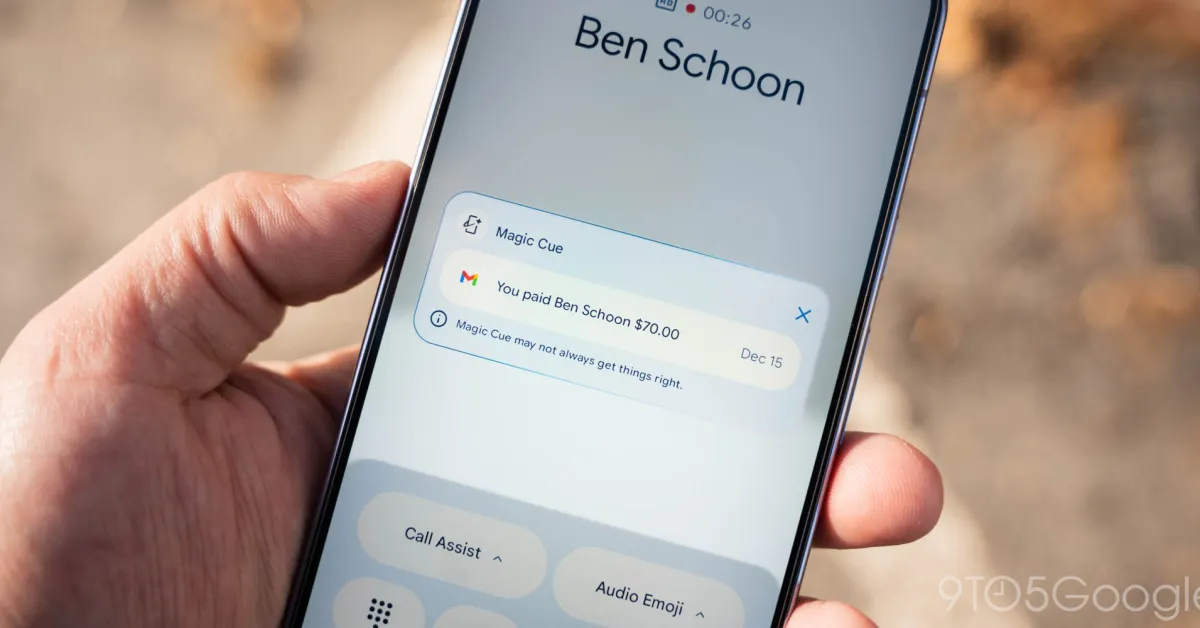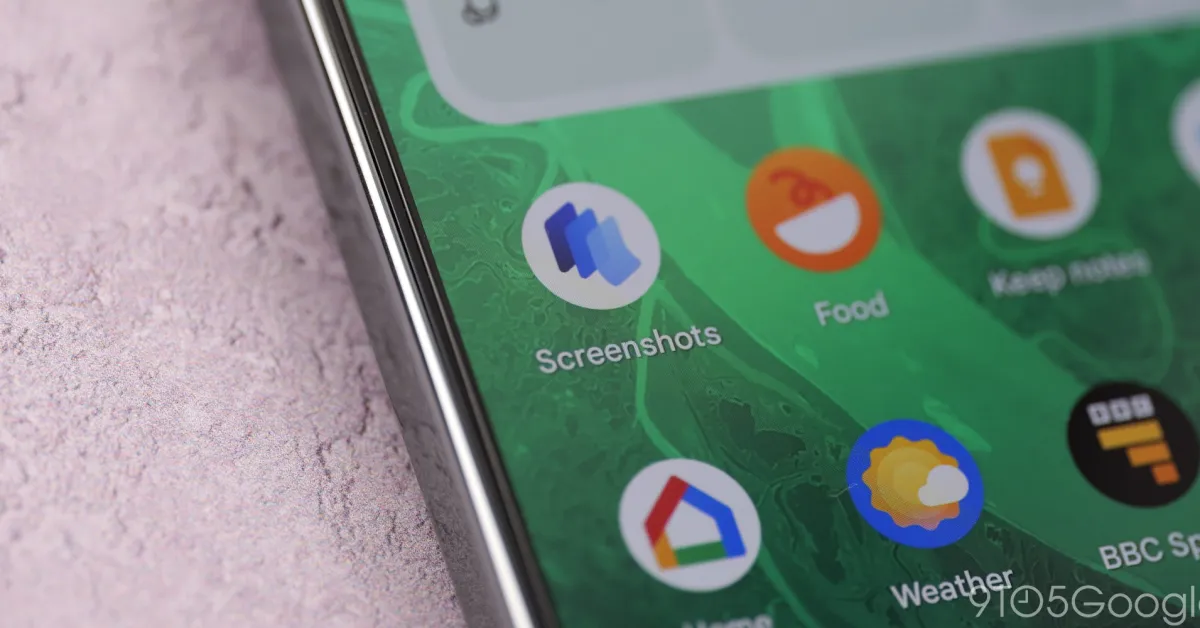
Like Magic Cue late last year, Pixel Screenshots is moving beyond just using on-device AI to leverage cloud processing.
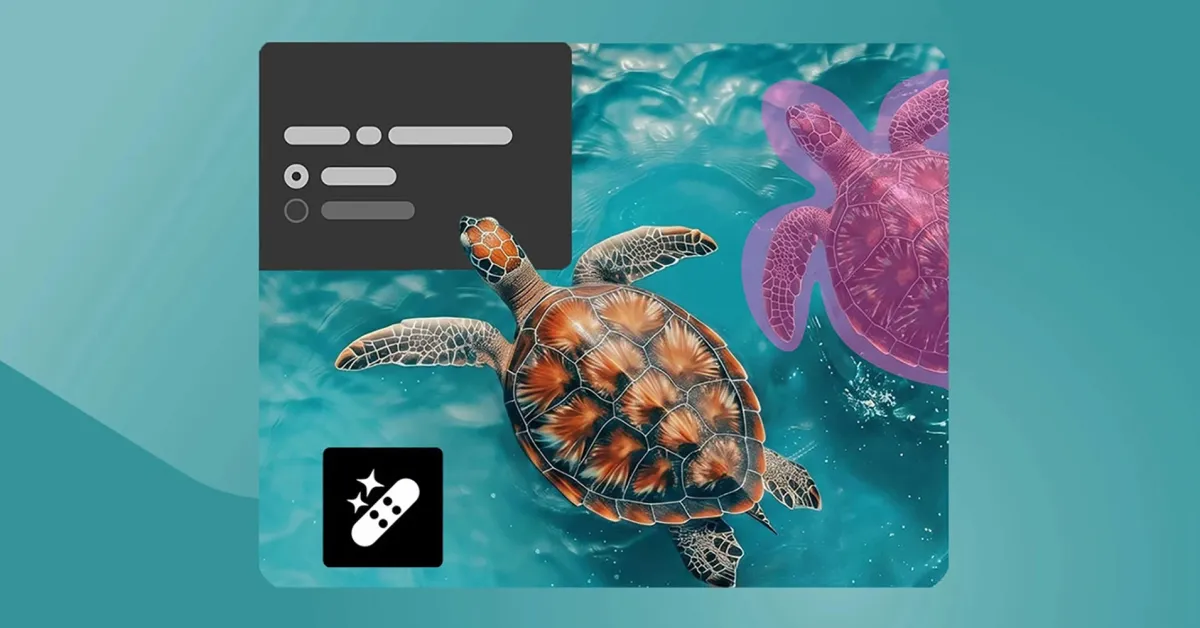
Version 1.26.134.11 (versus 1.25.367.13) of Pixel Screenshots is rolling out with a change in settings. The “Search your screenshots with on-device AI” preference becomes “Search your screenshots with AI.” The description has been updated with: “Data used by Screenshots is protected in a secure, isolated environment on your device or in the cloud.”
All processing was previously performed on-device, but it can now also be done “in the cloud.”
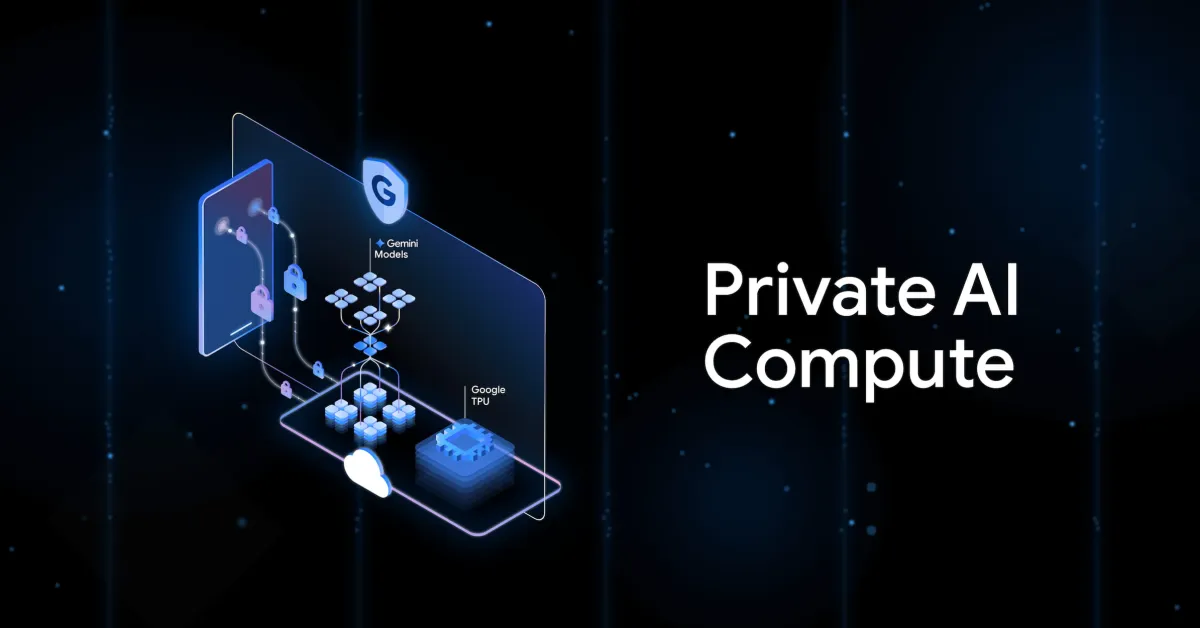
That “secure, isolated environment” is presumably a reference to Private AI Compute. In November, Google announced the technique as a way to “bring you intelligent AI experiences with the power of Gemini models in the cloud, while keeping your data private to you.” Google cannot access this information.
Old vs. new