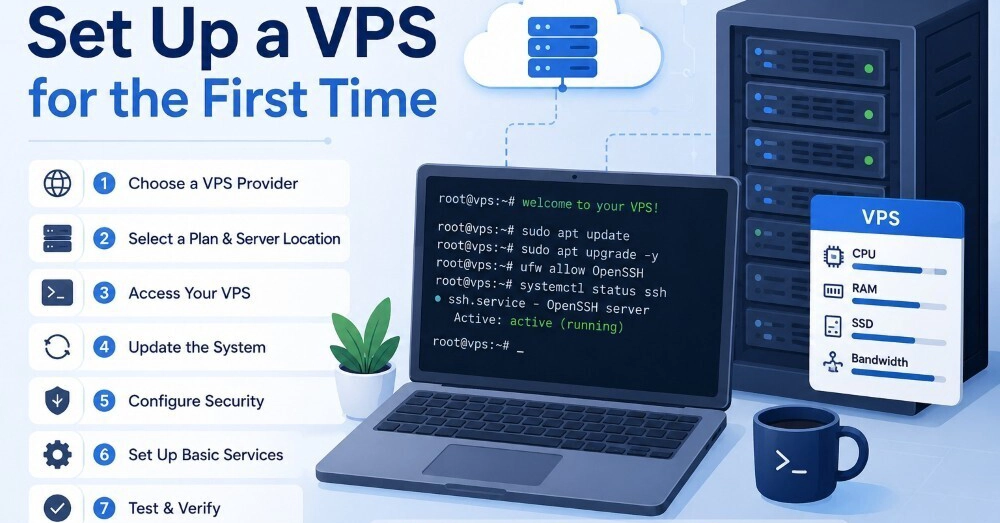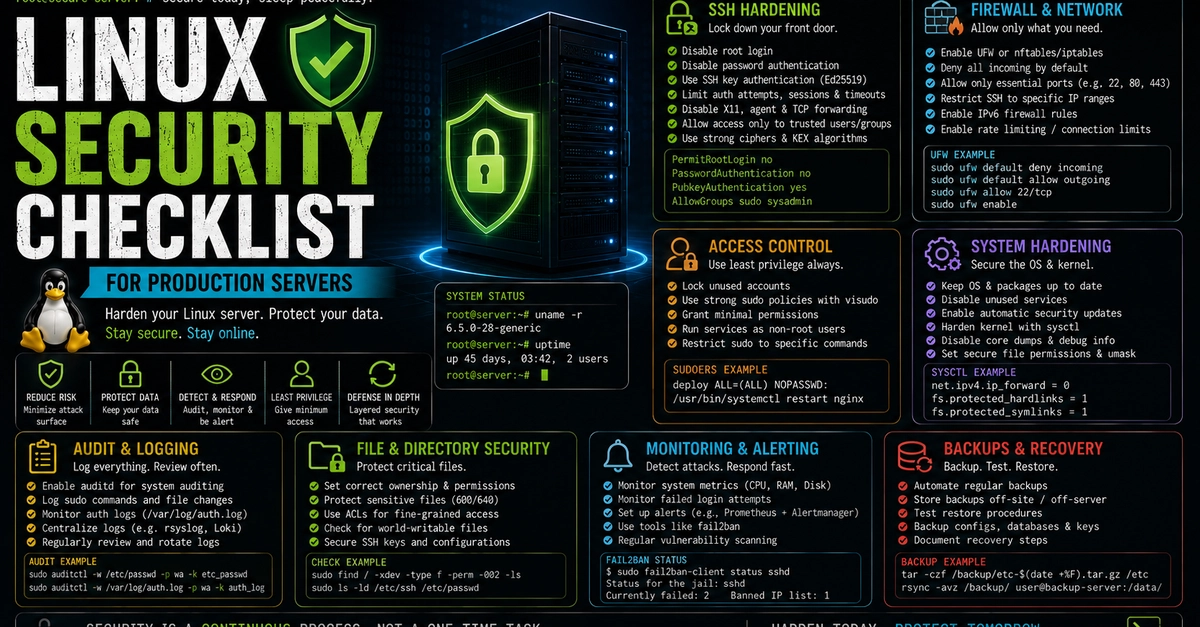
Whenever I set up a new VPS, I always dedicate my first 45 minutes to essential security steps. This period is a critical window to protect the server from the simplest yet most common external attacks. The moment a server goes online, it starts being scanned by bots within seconds, and systems left with default settings quickly become targets.
In this guide, I'll share a fast and effective VPS hardening checklist that I've applied for years and found successful in both my side projects and client projects. My goal is not just to give you commands, but also to explain why these steps are important, the logic behind them, and potential trade-offs.
Why Are the First 45 Minutes So Crucial?
When we get a new VPS, it usually comes with a default image, and these images often contain "well-intentioned" but not "secure" settings. Weak passwords for the root user, open SSH ports, and the absence of basic firewall rules are common issues I encounter.
In my experience, within the first few hours of bringing a server online, continuous scans begin, especially on popular ports (22, 80, 443). Malicious bots are constantly active, trying weak passwords and exploiting known vulnerabilities. Therefore, the steps we take within the first 45 minutes protect our server from a large portion of these automated attacks, giving us breathing room. The settings we make during this time lay a solid foundation for us to implement more comprehensive security measures later.