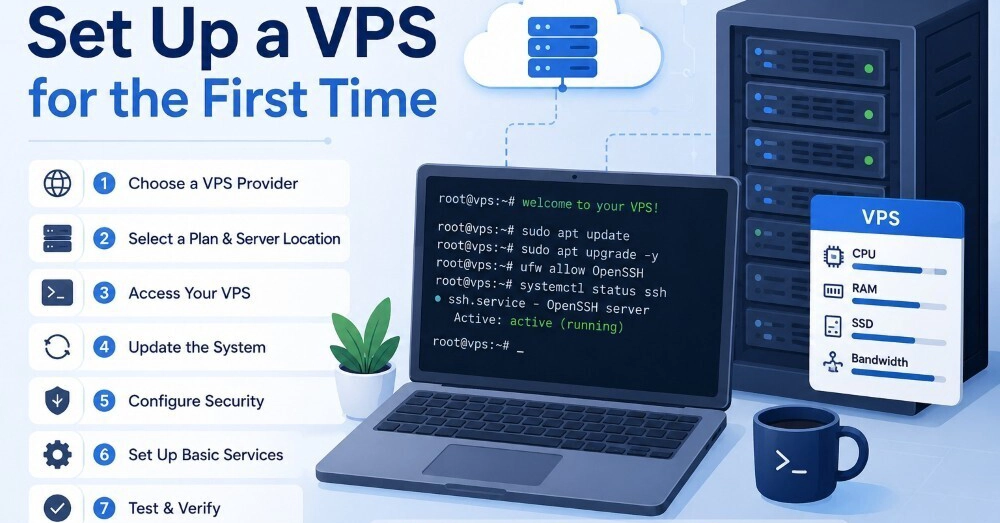
You just bought a shiny new VPS. You got an IP address, a root username, and a random password emailed to you. Logging in as root and dumping your code immediately is the fastest way to get your server hijacked by botnets within 2 hours. Let’s do it the right way instead.
Here is a step-by-step walkthrough to get your virtual server up, running, and hardened against common security threats.
Why your default VPS configuration is an accident waiting to happen
Setting up a VPS for the first time requires securing root access, configuring an isolated user, and restricting network ports. Default VPS deployments often expose SSH on port 22 with password logins enabled, making them easy targets for automated brute-force attacks.
The moment a public IP address goes live, automated botnets begin scanning it. They look specifically for open port 22 (the default SSH port) and attempt to brute-force the root account with thousands of common passwords. If you leave your default settings active, it is rarely a matter of if your server gets compromised, but when.