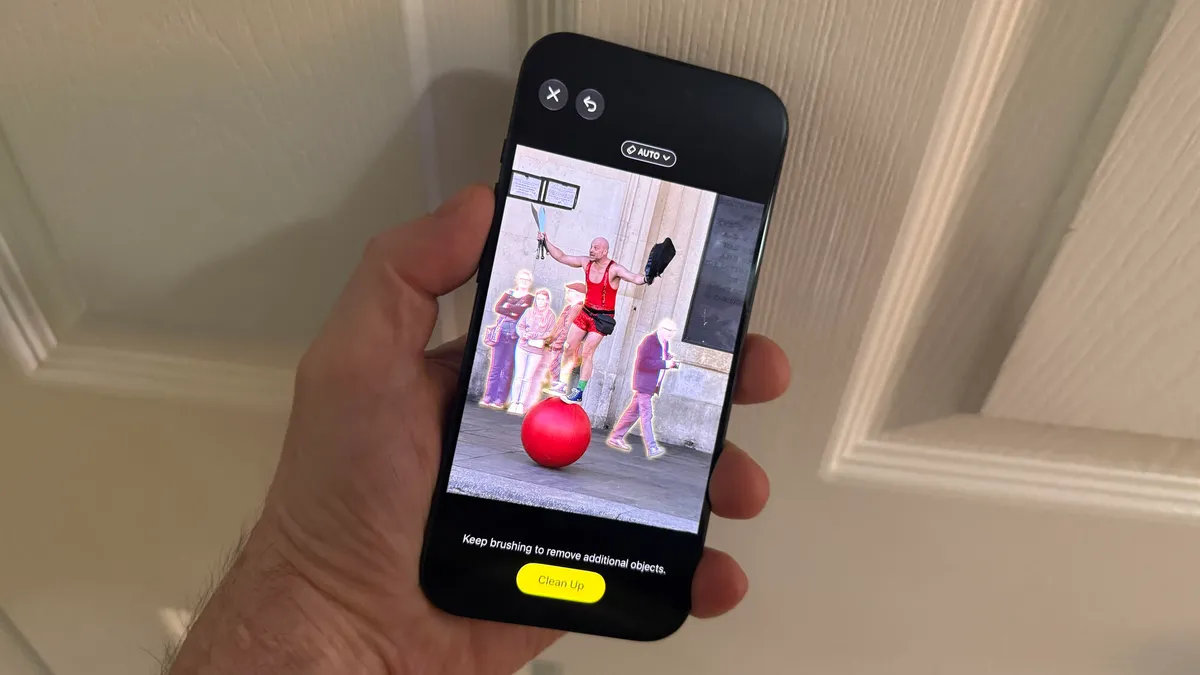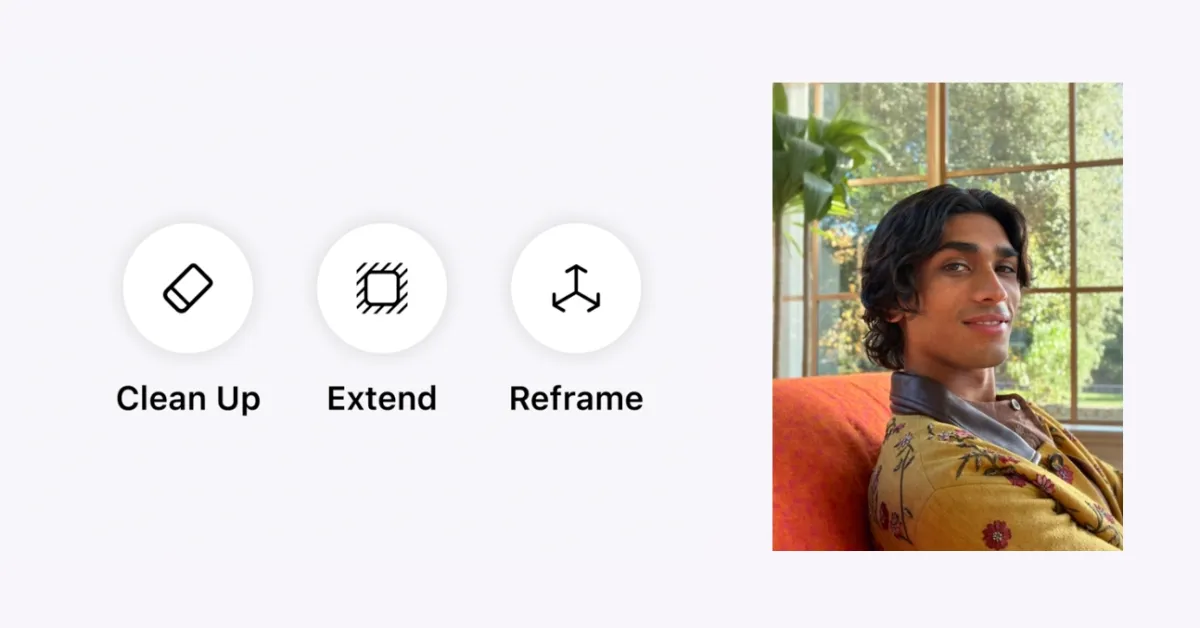
I've taken thousands of photos, and, because I'm not a photographer, almost all of them have one small problem. The horizon tilts slightly left. My subject is too far away. Someone's elbow creeps into the frame at the last second. Normally I'd either accept the imperfect shot or spend time in a editing app trying to fix it. iOS 27 changes that entirely.Apple's built three editing tools directly into Photos that solve these exact problems. Of course, as this is Apple Intelligence, it won't always fix everything perfectly — but they handle the most common photo mistakes remarkably well.You'll need the iOS 27 beta running on your iPhone to access them right now. Here's what's new in your Photos app.
1. How to use Reframe to fix camera angles
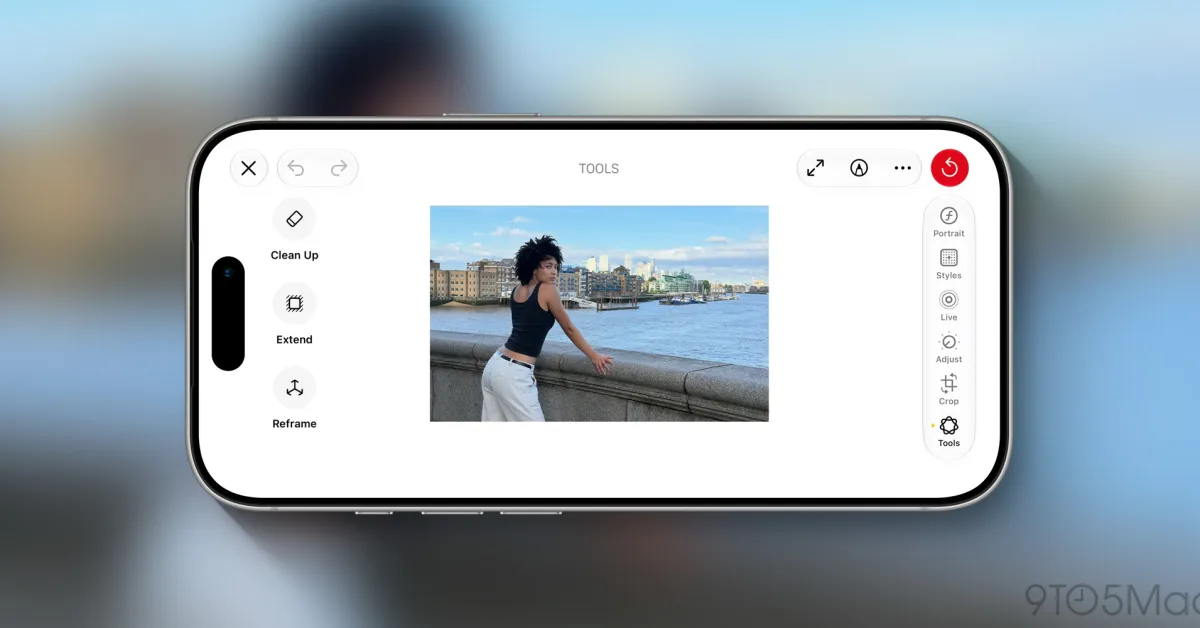
Reframe solves the problem of imperfect framing that you can't fix by retaking the shot. You got the moment, but the angle was slightly off, or a sign crept into the top of a portrait. Open your photo in the Photos app and enter editing mode. Next, tap tools and choose Reframe. Then touch and drag the image to shift the perspective as if you'd physically moved the camera before pressing the shutter. A blur appears around the edges of the original image as you move it. When you find the perspective you prefer, tap Save. Apple's AI automatically generates new content to fill in those gaps, keeping the result consistent with the scene.