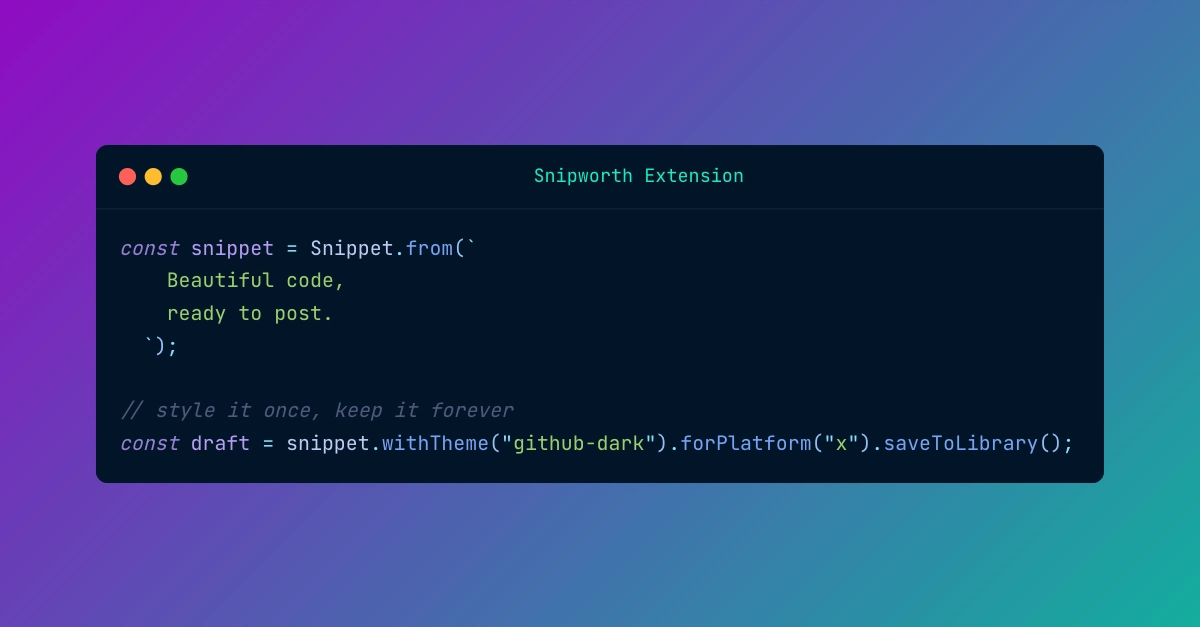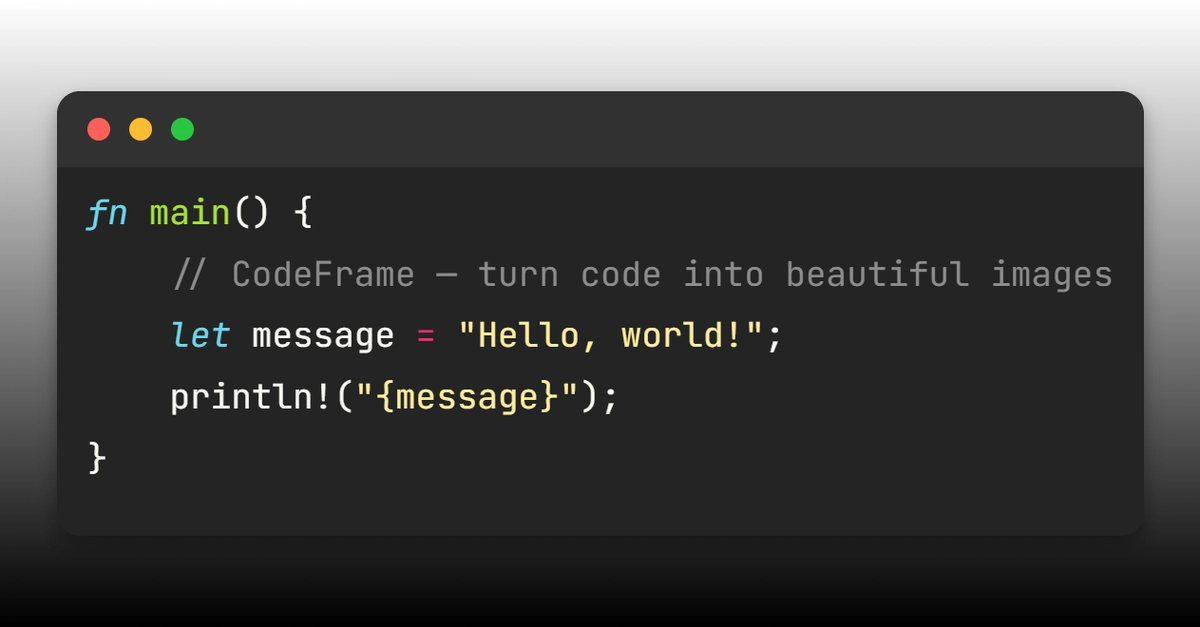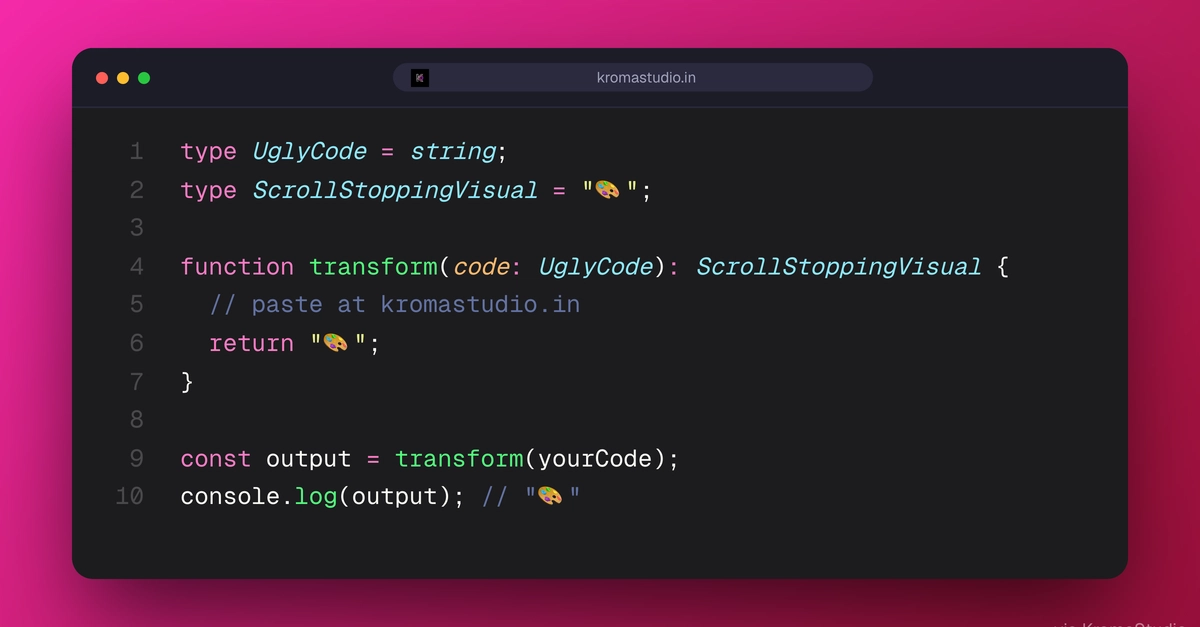
We post a lot of code to X and LinkedIn. For a long time we grabbed those screenshots by hand: snippet open in the editor, crop the window, drop the PNG into the post. It worked, but it never stayed consistent. The theme drifted between posts, the widths were all over the place, the output looked soft on retina screens, and roughly once a month someone shipped a screenshot with the file tree still showing.
So we stopped doing it by hand. These days we generate code screenshots two ways, and which one we reach for depends entirely on whether a human or a machine is making the image. For one-offs we use a browser tool, the Code Screenshot Generator, which turns a snippet into a PNG without going anywhere near the codebase. For anything that needs to happen at publish time, or the same way across fifty snippets, we call a code screenshot API instead. This post covers both, and why we settled on the split.
Why screenshotting the editor does not scale
Grabbing the editor window is fine for one image. The trouble starts when you do it repeatedly.
Every screenshot ends up slightly different. One uses your current editor theme, the next uses whatever you switched to last week. The line gutter is in one, absent from another. The padding is whatever the window happened to be. Crop them by hand and the widths never match, so a thread of three snippets reads as three different posts stitched together. And because you are capturing a real screen, the output is tied to your display, which means it looks crisp on your machine and soft on everyone else's phone.