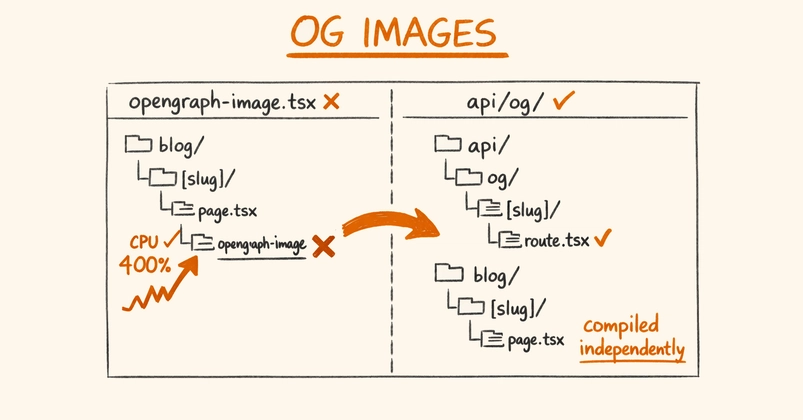
Every blog post needs an OG image. Without one, your links look blank on Twitter, LinkedIn, and Slack — just a plain URL that nobody clicks. Most developers solve this by spinning up a headless browser, loading an HTML template, taking a screenshot, and uploading it somewhere. It works, but now you're maintaining a Puppeteer instance, dealing with font rendering quirks, and burning server resources on something that should be simple.
There's a faster approach: design your OG images as HTML templates and let a screenshot API handle the rendering.
The Idea: HTML Templates as OG Images
Think of your OG image as a tiny webpage. You already know HTML and CSS. Build a 1200×630 template with your blog title, author name, maybe a gradient background — whatever fits your brand. Host it or pass it as raw HTML. Then call an API to screenshot it. Done.
A basic template might look like this: