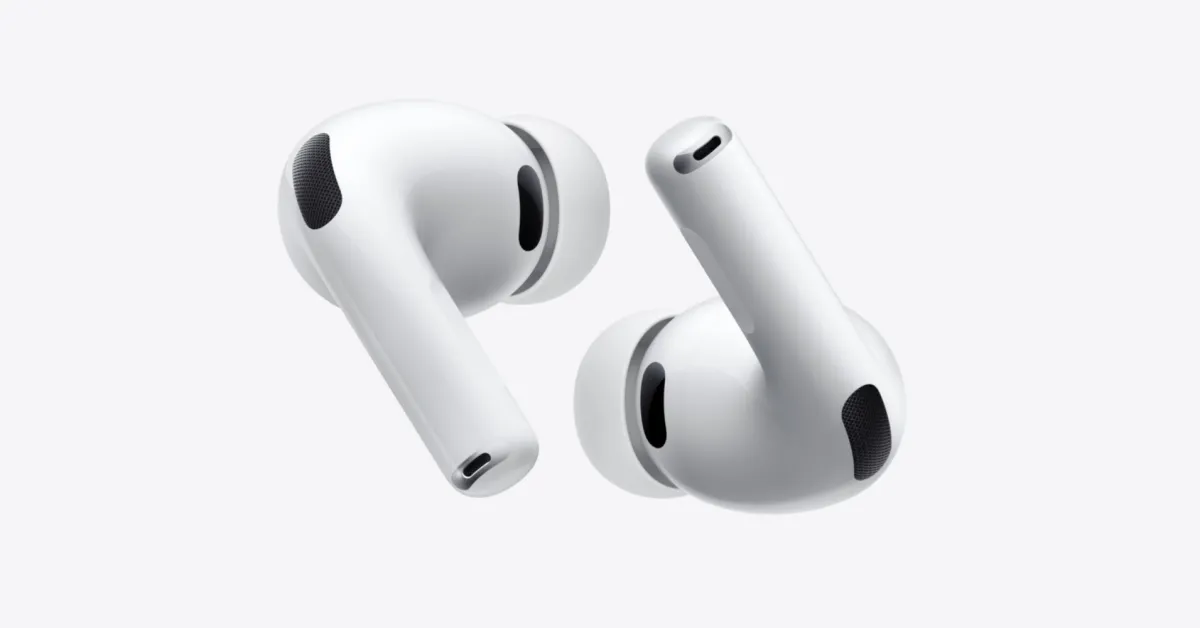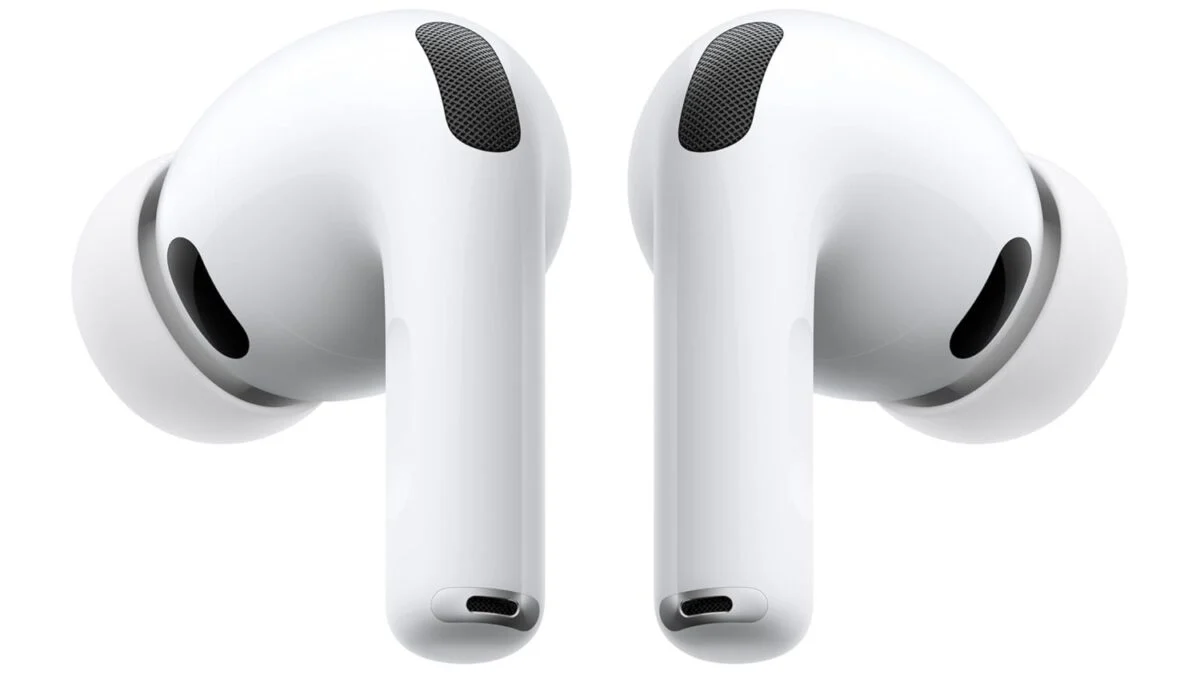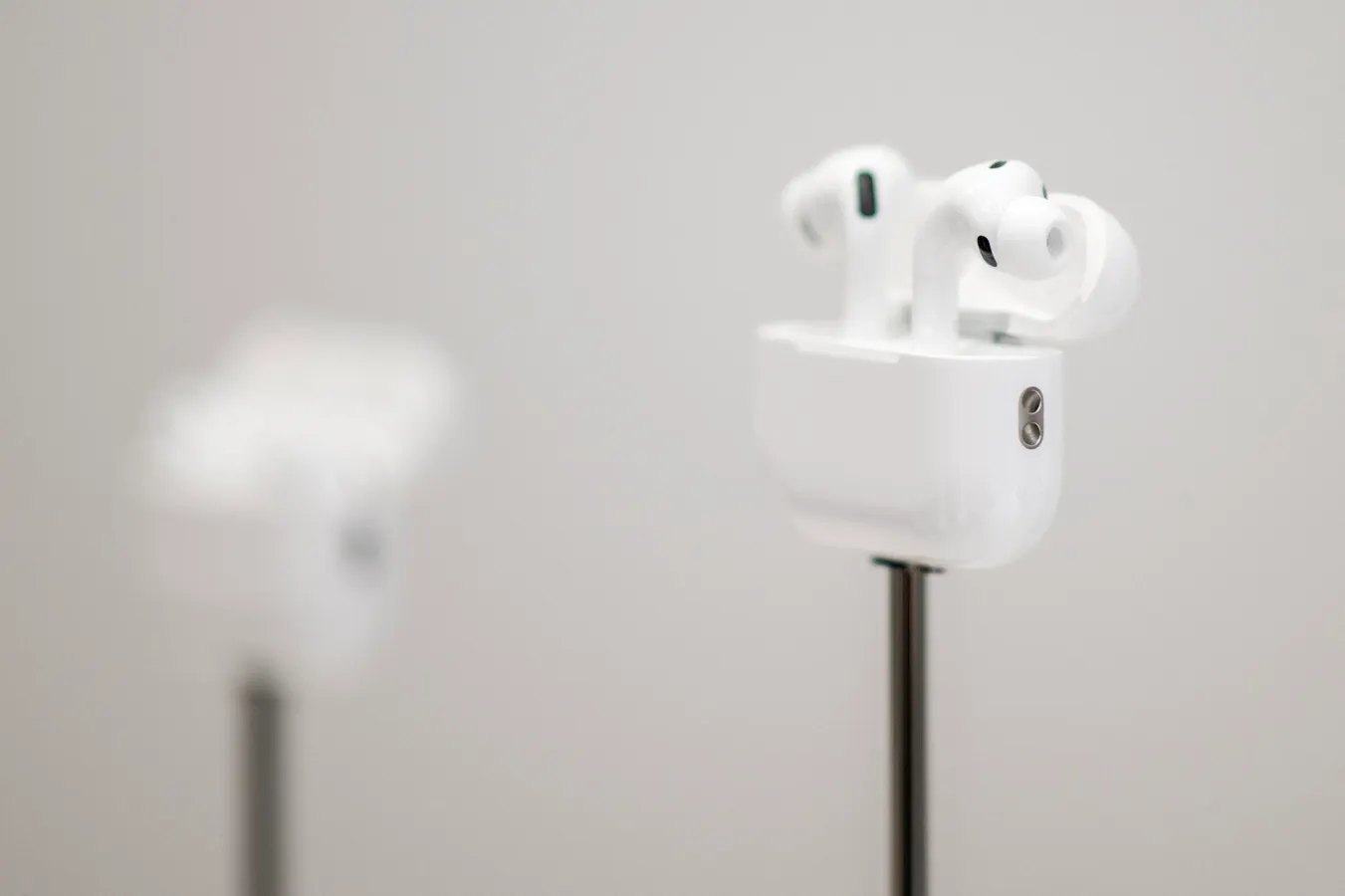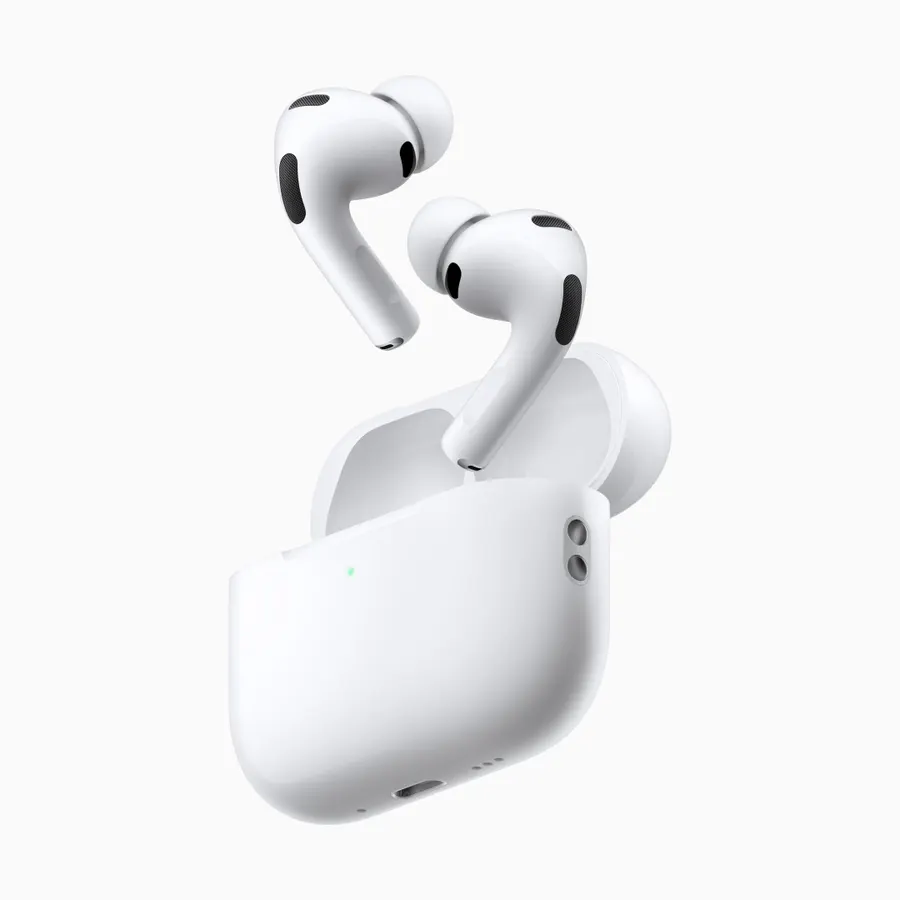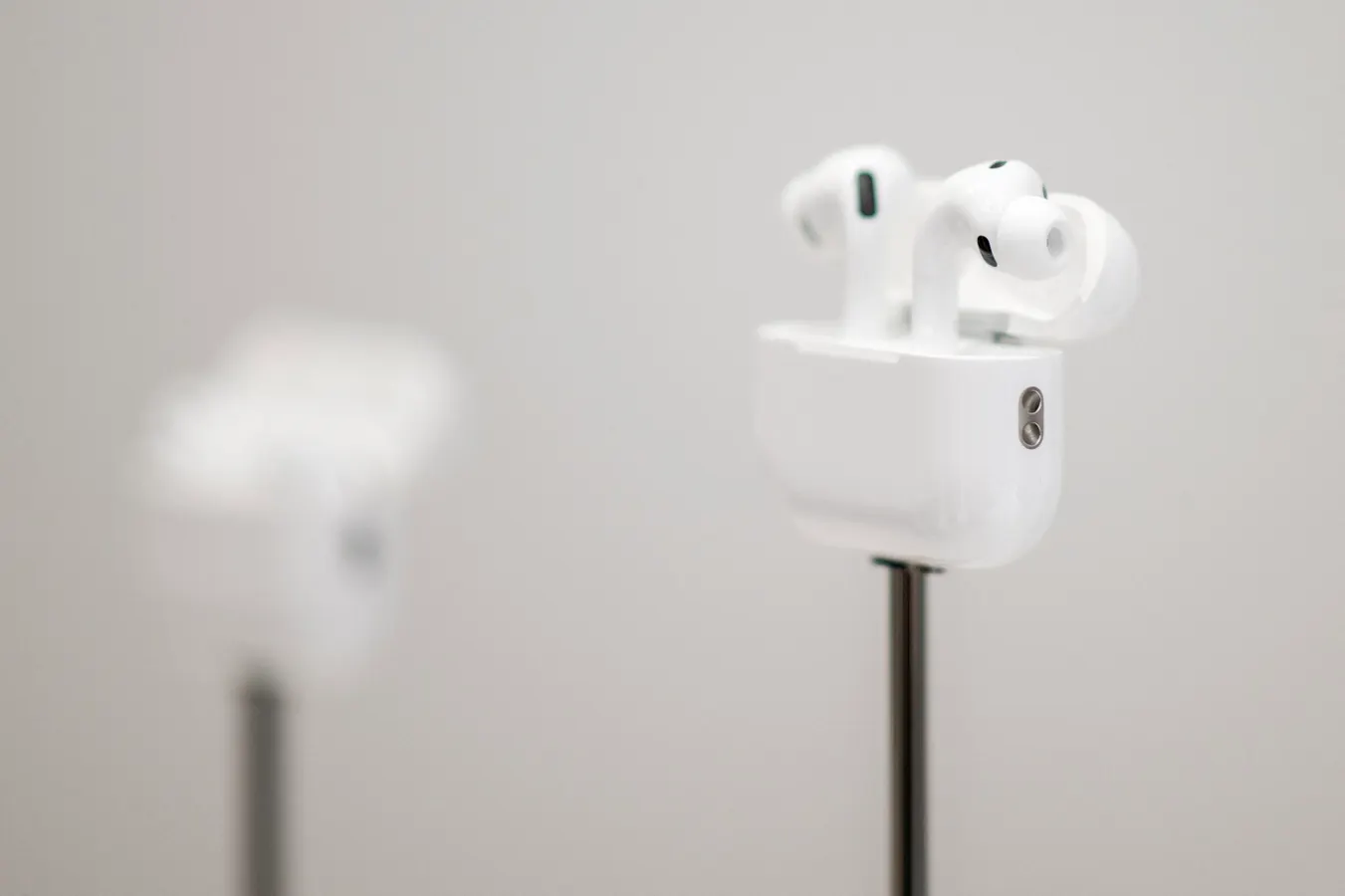
Apple AirPods Pro 3AFP via Getty ImagesApple has just updated the firmware for its AirPods Pro earbuds. The last update for AirPods Pro 3 was two months ago, but this time the software is for AirPods Pro 2 as well. Installation is not quite as intuitive as for the iPhone — read on for full details.ForbesApple iPhone 18 Pro Release Date: How WWDC 2026 Clues Signal September LaunchBy David PhelanWhat’s In The New AirPods Pro Firmware Update?Firmware updates for Apple’s earbuds happen sporadically and are usually accompanied by the briefest of release notes. Apple merely says the new firmware is all about “Bug fixes and other improvements,” on its support page. That’s identical to the notes for the 11 updates that preceded it, by the way. In other words, there’s not much to be deduced here, unlike the extensive notes which accompanied the release of AirPods Pro 3 last fall. Nonetheless, bug fixes and improvements seem like good things to have, so here’s how it’s done. MORE FOR YOUHow To Update AirPods Pro 2 And AirPods Pro 3 FirmwareUnlike an iPhone software update, which just involves going to Settings and choosing Software Update, the route here is a little more circuitous. First, make sure the Apple device to which you’re going to connect the AirPods Pro 3 or AirPods Pro 2 is on the latest software, with Bluetooth turned on. The device can be an iPhone, iPad or Mac. Connect the AirPods to the device and make sure the device is connected to Wi-Fi. Connect the charging case to power.Put the earbuds in the charging case if they’re not there already and close the lid. Make sure the case is within Bluetooth range of the device. Apple then recommends waiting at least 30 minutes for the update to take place — for me this happened in less than 20 minutes, for reference. After that time, open the lid of the case so the AirPods reconnect to your device so you can check the firmware version again. How To Check Your AirPods Firmware Build NumberOn the iPhone, for instance, this is done by opening Settings where you’ll see the AirPods listed on the first page. If they’re not, they’re not connected. Tap the AirPods listing and scroll right to the end of the page that opens. Under About you’ll see the version listed. You’re looking for 8B41, the latest version number. That’ll be the same on AirPods Pro 3, AirPods Pro 2 with MagSafe charging case (USB-C) and AirPods Pro 2 with MagSafe charging case (Lightning).ForbesiOS 26.6 Release Date: Why New iPhone Software Update Is Tracking For Early JulyBy David Phelan
Apple Releases AirPods Pro 3 And AirPods Pro 2 Update With Bug Fixes: How To Install
Apple has just released new firmware for AirPods. Installation is different from other software: here’s how to do it.
440 words~2 min read