How to Build a Private Offline Voice Assistant with Gemma 4 12B: A Complete Local Setup Guide
A developer’s guide to running Google’s 11.95B-parameter multimodal model with local STT/TTS on a 16 GB laptop under Apache 2.0.
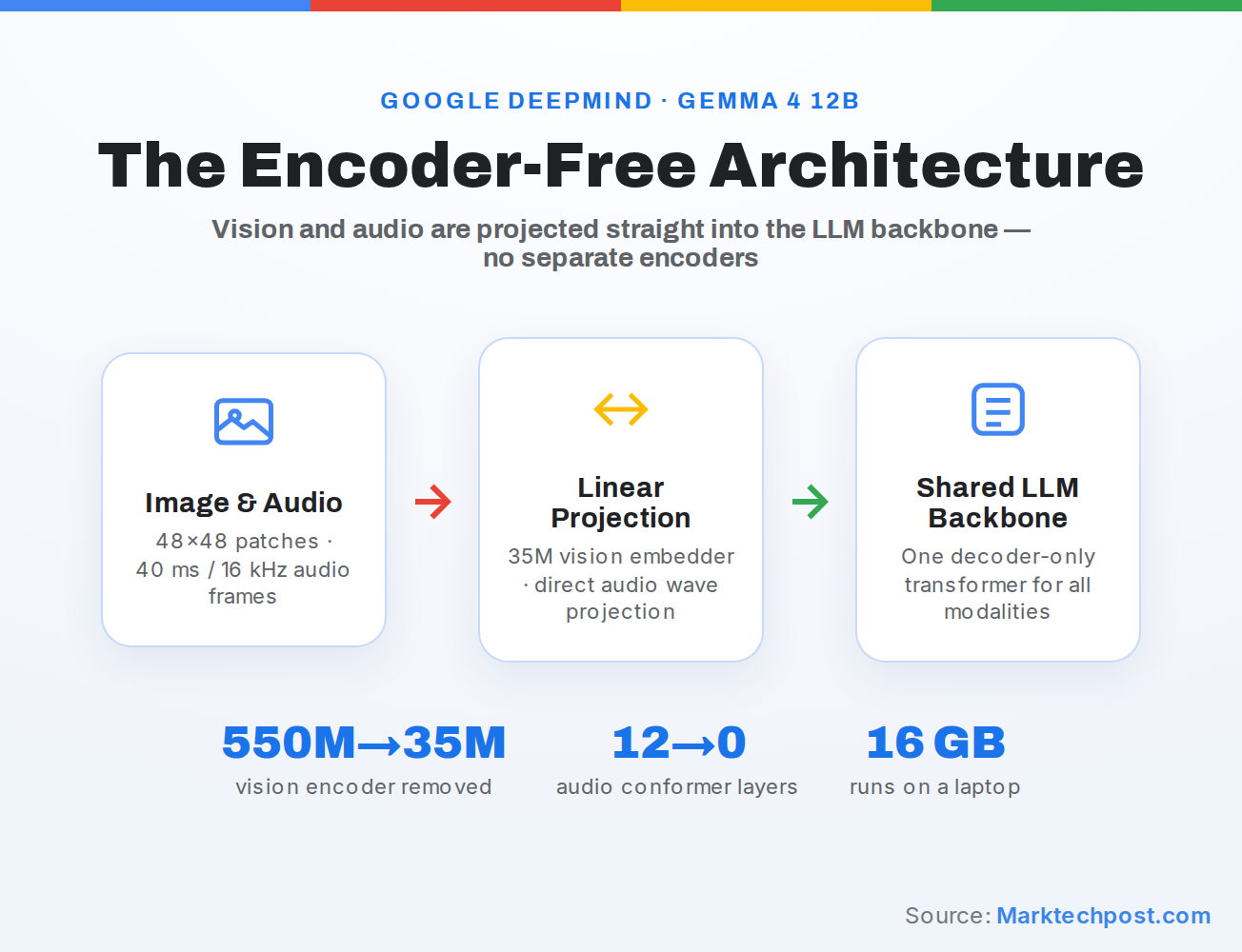
TL;DR: Download Gemma 4 12B (~6.7 GB at 4-bit) into a local runtime such as Google AI Edge Gallery, pair it with a local STT/TTS stack, and expose a local endpoint. The 11.95B-parameter model fits on a 16 GB laptop, runs offline under Apache 2.0, and keeps all voice data on-device.
Check Hardware Constraints and the 30-Second Audio Limit
Before downloading the model, verify your machine has at least 16 GB of RAM and plan your voice pipeline around the model’s strict 30-second audio ceiling. At 4-bit quantization, Gemma 4 12B’s 11.95 billion parameters compress to roughly 6.7 GB. After loading the weights, the remaining ~9 GB must cover the operating system, the inference framework overhead, and any local audio capture or STT services. If you are running other local models or Home Assistant addons concurrently, budget even more conservatively.