Claude Code for .NET Developers: From Zero to Productive in VS Code and Visual Studio
Here is the pattern that plays out constantly with AI coding tools: you try one, it blows your mind. You use it for a week, and it starts feeling random. Sometimes it's brilliant; sometimes it confidently suggests code from three framework versions ago. You stop trusting it, and it fades into the "cool but not practical" category.
The problem is not the model. The problem is that you are using a powerful tool without understanding how it works. Claude Code is different from a chat window, and once you understand its mechanics — how it discovers context, how you shape its behavior, how you extend it with custom commands — it becomes genuinely reliable for .NET work.
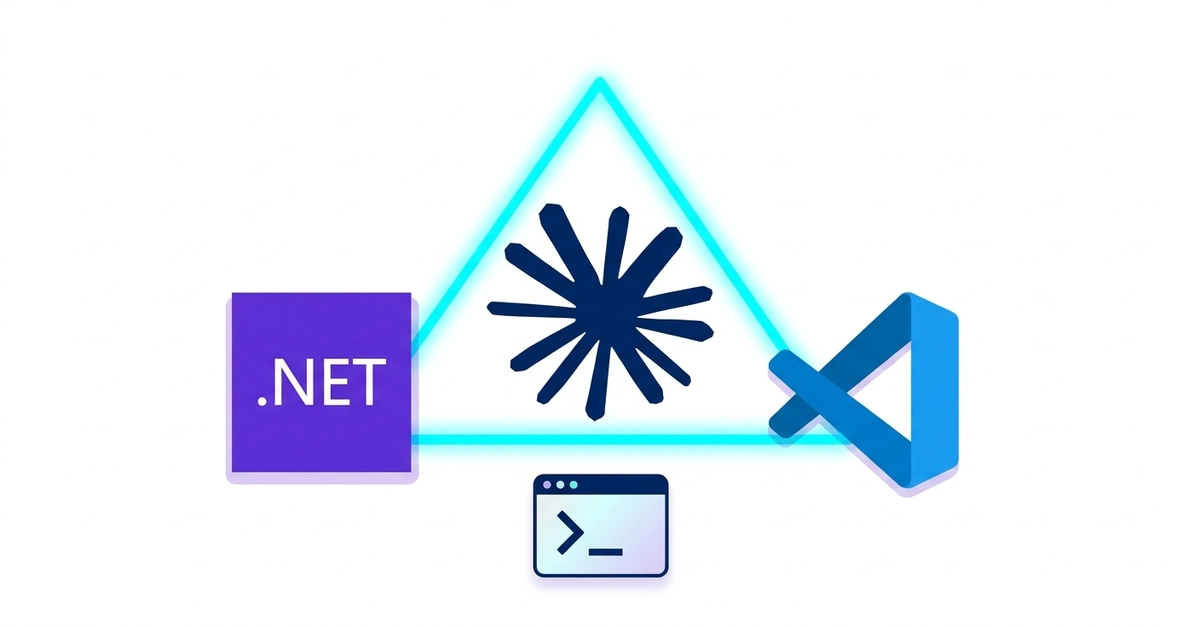
This article covers everything: installation, VS Code integration, the honest story about Visual Studio 2022 and 2026, CLAUDE.md (the most important file you are not writing yet), context management, Skills, and MCP. Whether you are new to AI tooling or already use it daily, there is something here for you.
What Is Claude Code, Exactly?