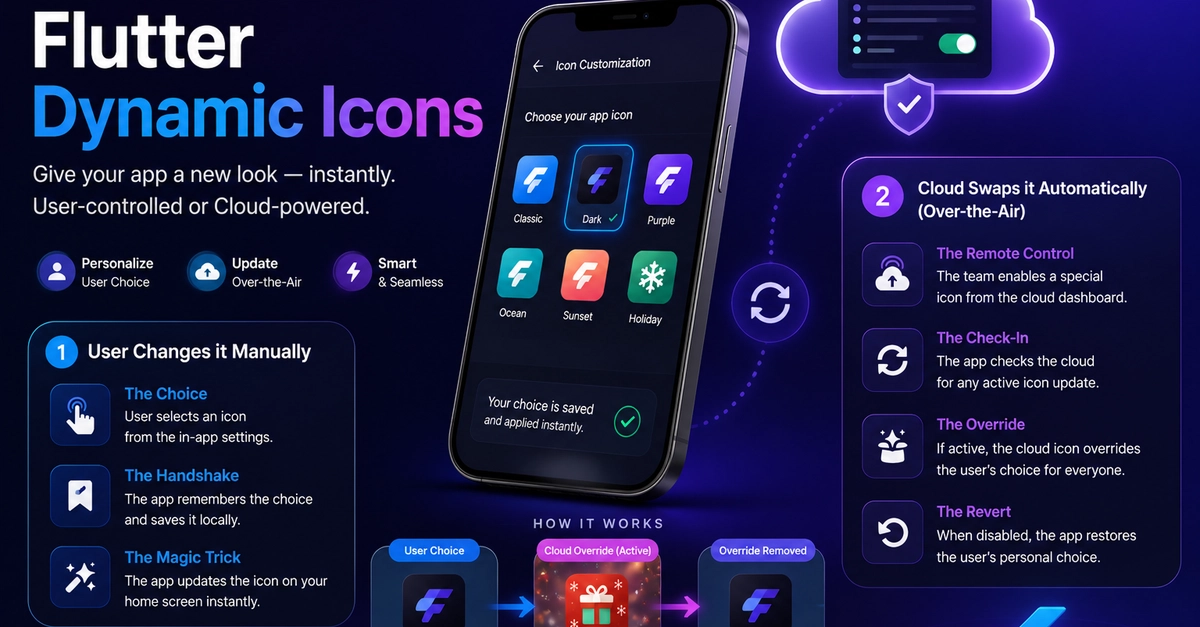
An application's home screen presence is prime real estate. Giving users the option to customize their app icon manually creates a delightful sense of personalization. Simultaneously, having the power to change app icons remotely allows you to ship global thematic shifts - like a festive holiday theme, a dark mode rebranding, or temporary promotional campaign artwork - without pushing a new build to the App Store or Google Play Store.
In this deep-dive guide, we will implement a dual-mode dynamic icon framework in Flutter without relying on buggy or outdated third-party packages. We will build our own MethodChannels using Kotlin and Swift to support two core features:
Manual Selection: Letting the user pick their preference inside an settings UI menu.
Over-the-Air Updates: Overriding or syncing the icon automatically using Firebase Remote Config.
Architectural Deep Dive