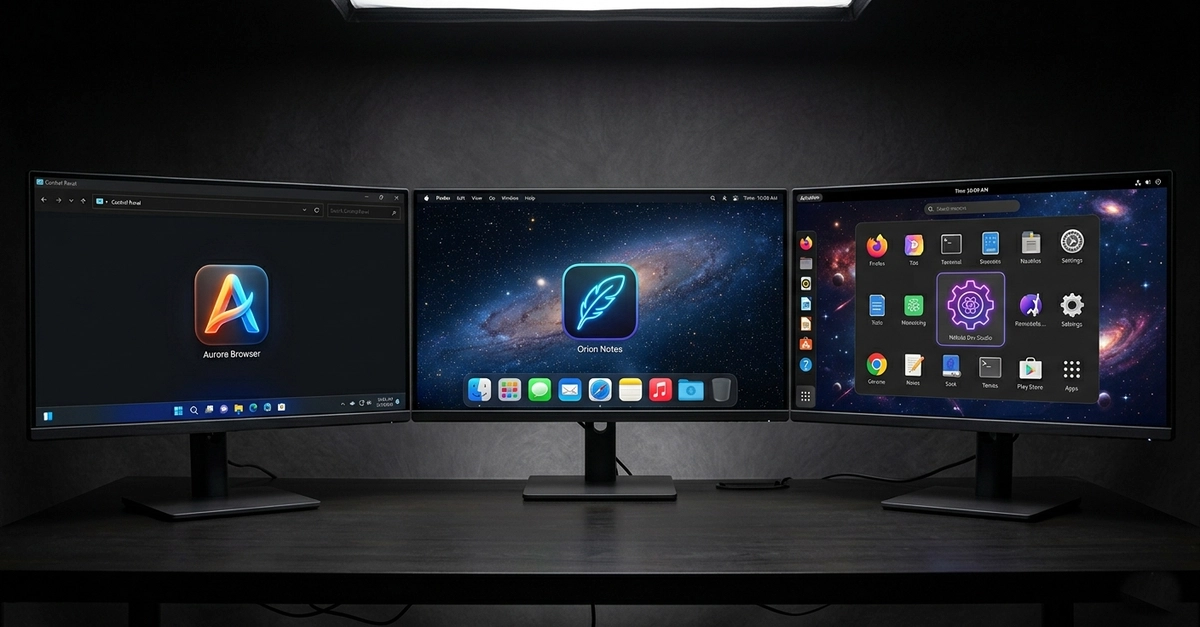
Electron has democratized desktop application development by allowing web developers to build for Windows, macOS, and Linux using the technologies they already know — HTML, CSS, and JavaScript. But with great accessibility comes great responsibility, particularly when it comes to icons. Electron applications must provide correctly formatted icons for each operating system, and the format requirements differ dramatically between platforms in ways that catch many developers off guard.
A common Electron mistake: shipping the same PNG file as the icon for all three platforms. It will technically work on some platforms, but it will look suboptimal on Windows (which expects ICO format) and will not take advantage of the multi-resolution capabilities that macOS's ICNS format provides for Retina displays. Professional Electron apps provide platform-specific icon formats.
Windows: The ICO Format
Windows expects application icons in .ico format. Unlike PNG, an ICO file is a container format that holds multiple images at different resolutions within a single file. A proper Windows ICO for a modern Electron app should contain at minimum: 16×16, 32×32, 48×48, 64×64, 128×128, and 256×256 pixel variants. Windows selects the most appropriate size depending on display context — taskbar, file manager, application switcher, and so on.