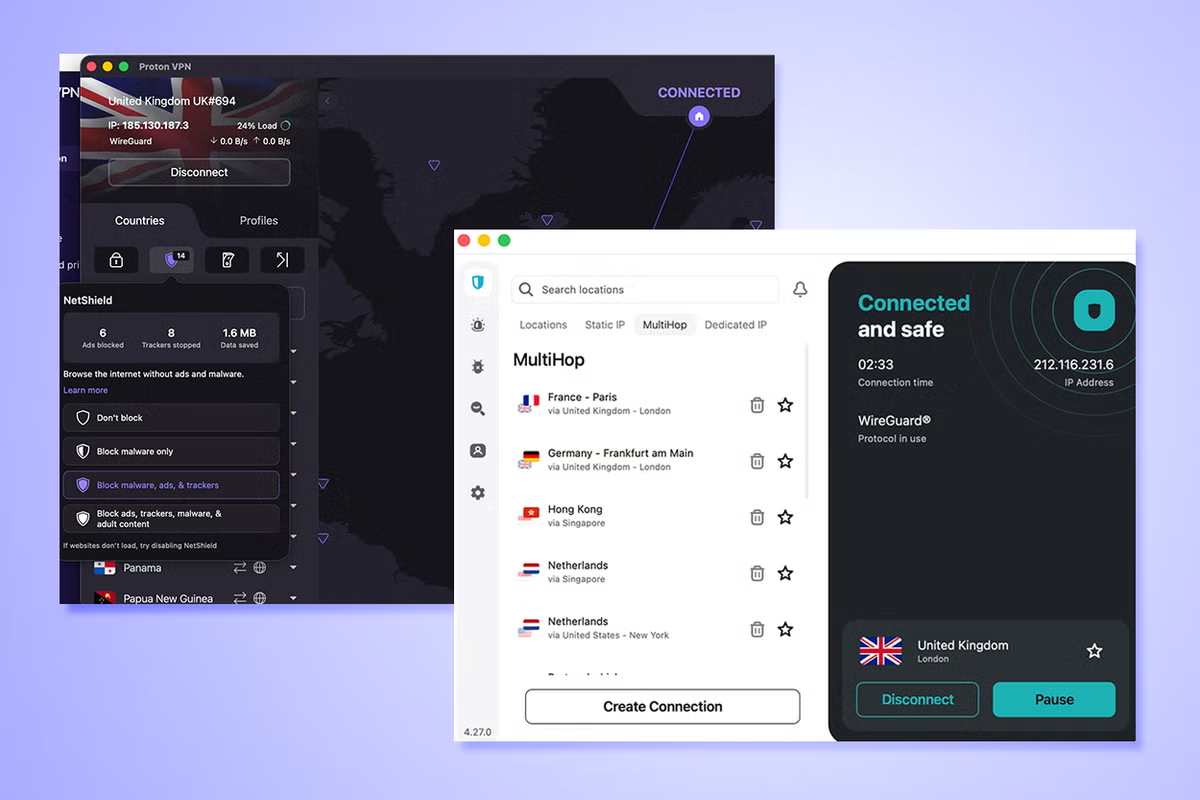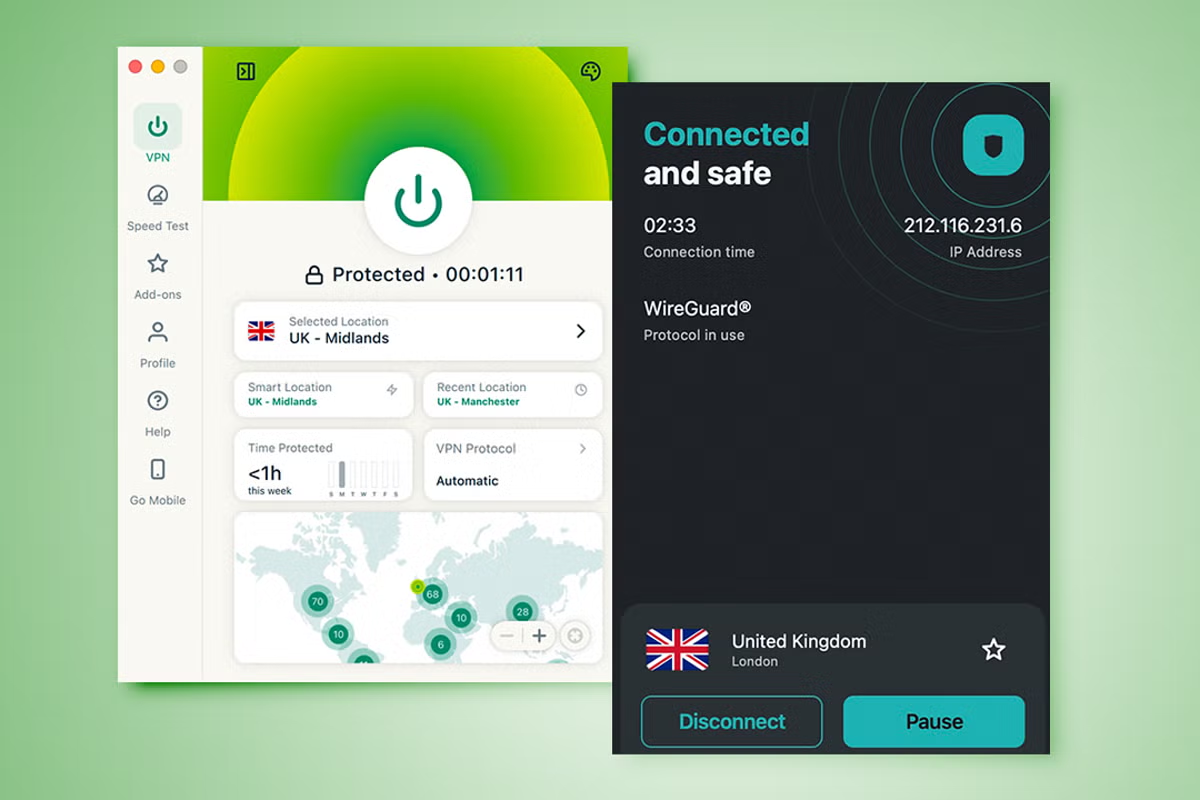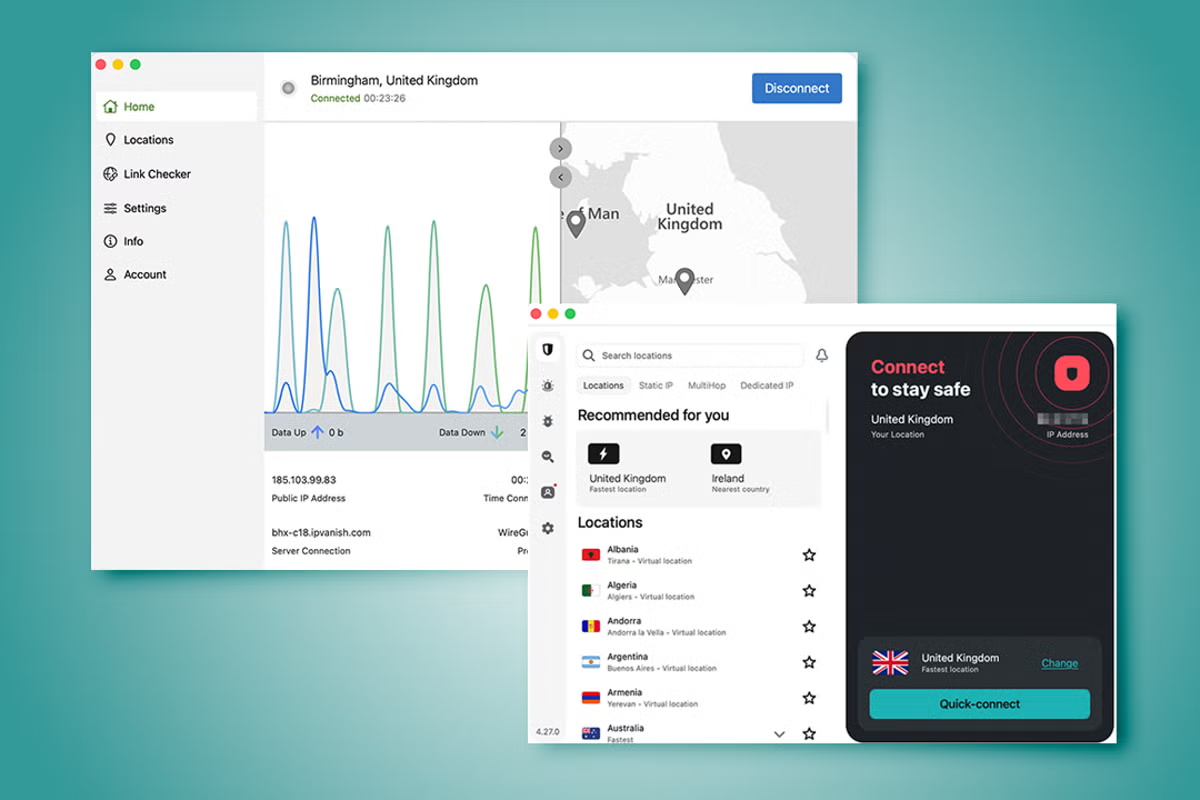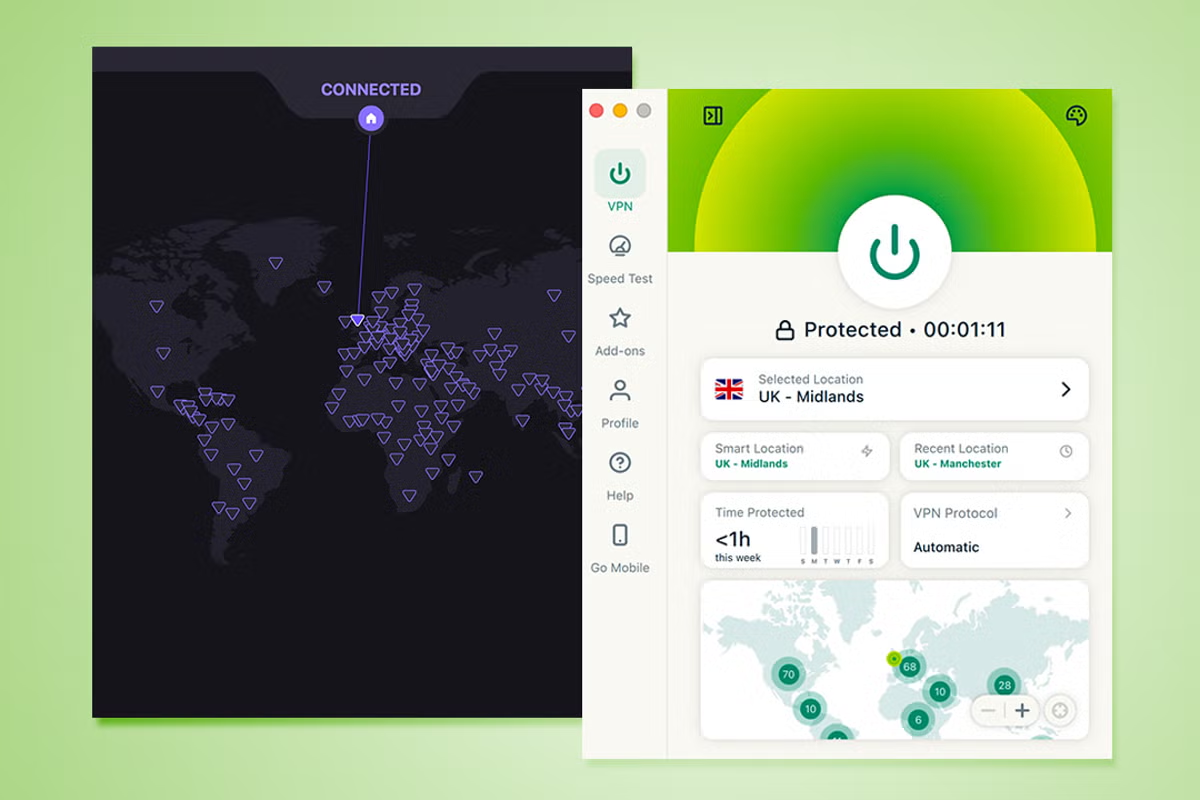
A VPN hides your IP address from others, ensuring your ISP can’t track your activity, and also means you can use public wifi without worrying about anyone intercepting your browsing. Many VPNs also add additional security features to keep you safe online. It’s a useful tool in your online privacy arsenal, but sometimes it can be overlooked. Proton is a big name in privacy thanks to its email service and it’s extended that security to its VPN. Alongside that, there’s ExpressVPN which is a reliable and well known name in the VPN world. Both are well worth checking out with key features that are unique to each service. I’ve spent plenty of time using both to work out which is the best option and for who. Below, I’ve looked at their prices, plans, ease of use and all the features that Proton and ExpressVPN have to offer.How I tested(Proton/ExpressVPN)I’ve used ExpressVPN at different times over the years, but I made sure to sign up as a new user to evaluate it here. I spent many days using both ExpressVPN and Proton. I used them like anyone else, connecting throughout my day to see how well it worked alongside my regular connection. I also looked at the features included and the prices of each plan.Read more: Best VPN, reviewed Proton VPNProton VPN is potentially the most security conscious VPN out there. It’s open-source, has a very open attitude to how it keeps your data private and it’s much more than a VPN. That’s because it also offers secure email, a calendar, cloud storage and more. That may make it excessive for some but its basic VPN is still very good and it has a free plan. It can feel a little more technically minded than others, but if you need specific features like port forwarding, you’ll truly appreciate it.ExpressVPNExpressVPN is the more beginner-friendly of the two options here. It’s well priced but lacks a free plan like Proton, but it’s a good thing to stick with. Its servers are faster in general than ProtonVPN and your data is still secure. There’s split tunneling and all the essentials as standard and its setup guides are near unparalleled in terms of simplicity. Keep an eye out for additional fees if you want extras like a dedicated IP, but other than that, ExpressVPN is a winner.Proton VPN vs ExpressVPN: Pricing and plansProtonPros: Free plan; unlimited plan offers a lot of extrasCons: Not the cheapest VPNExpressVPNPros: Private email relay service is a useful bonus as standard; monthly plans are quite affordableCons: 2-year plan isn’t the cheapestProton VPN has a big selling point – it has a free plan. That free plan is a little limited as you can only connect via one device at a time. Also, it randomly picks which server you connect to, so speeds are just average. Still, it’s a good option if you’re looking to save money or simply need a VPN for a short period of time. Subscribe to VPN Plus for £57.36 (for two years), and you get full speeds, 10 device support and an ad and malware blocker. There’s also Proton VPN’s Unlimited plan. It costs a hefty £153.36 for 24 months but you get a VPN, password manager, Proton email, 500GB of cloud storage and an encrypted calendar so it could solve a lot of your needs. Not everyone is likely to need so much but that’s where VPN Plus proves useful. Even a one year plan here only costs £38.28. Sign up month by month, and it’s just £7.99 per month.At first glance, ExpressVPN is a slightly pricier (ExpressVPN)ExpressVPN is a slightly pricier option than ProtonVPN on the surface. Its basic plan is £69.72 for the first 28 months. You get support for 10 devices at once and it also offers a private email relay service as standard. Above that basic plan is the advanced plan. That costs £97.72 for 28 months. You can use it with up to 12 devices at once, plus you get a password manager, email relay services and a travel eSIM is bundled in. Go one step further and you can sign up for the pro plan for £153.72 for the first 28 months. The addition here is its AI tools with 500 AI credits which can be used with its private AI chatbot.Notably, ExpressVPN is more expensive than Proton VPN, although that balances out a bit more when you consider the free months included. Still, it’s worth weighing up what works for you. Even if you subscribe to ExpressVPN on a monthly basis, it still costs £9.99 compared to ProtonVPN’s £7.99. Price wise, ProtonVPN has things tied up nicely.Winner: Proton VPNSubscribe to Proton VPN now Subscribe to ExpressVPN now Read more: Best cheap VPNs, reviewed Proton VPN vs ExpressVPN: FeaturesProtonPros: Huge amount of servers; very secureCons: Only 10 devices at onceExpressVPNPros: Fast servers; built-in speed testCons: Dedicated IP is expensiveMuch like its email service, Proton VPN is truly all about security. All VPNs are, but Proton VPN is open-source and similarly open about its no-logs policy and its auditing process. Alongside that, it has a huge supply of server options with over 20,000 across more than 140 countries. Speeds are pretty good too, if a little slower than some of the competition. For extra security, you can use its Secure Core feature which makes things even more secure at the expense of a little speed. Proton VPN gas a dark interface with a map layout (Proton vpn)Alongside that, there are typical but useful features like a kill switch, ad and tracker blocker and split tunnelling as standard. Unusually, there’s also port forwarding which is needed for gaming or torrenting, and something that isn’t always available with many other VPN services. Proton VPN is available for free if you don’t mind a speed hit and only one device being supported (the paid plan supports up to 10 devices), but if you upgrade to the Unlimited plan, you get so much more, such as a password manager, secure email and 500GB of cloud storage. ExpressVPN isn’t quite trying to be your replacement to all things Google, but it’s a well-designed VPN. Depending on the plan you commit to, you can connect via 10, 12 or 14 devices. All plans provide ad and malicious site blocking, but you’ll need to upgrade to block trackers or adult sites. It also has a private email relay system as standard, with a password manager and eSIM available for extra.ExpressVPN has servers spanning 105 countries which should be sufficient. In my experience, I found them pretty speedy. You can also sign up for a dedicated IP address – something that Proton VPN only provides on its business plans.I love the wealth of functionality that Proton VPN offers but for pure simplicity, ExpressVPN will suit more people’s needs.Winner: ExpressVPNSubscribe to Proton VPN now Subscribe to ExpressVPN now Read more: ExpressVPN review in full Proton VPN vs ExpressVPN: Ease of useProtonPros: Map interface looks good; easy to set upCons: Can get quite technical which is a double edged swordExpressVPNPros: Activation code login is nice timesaver; setup guides are greatCons: App is a little simplistic for someProton VPN and ExpressVPN are aimed at very different kinds of users. ExpressVPN is a very simple process. Installation takes moments. In particular, I appreciated the activation code method of logging in. Rather than transferring your details across to the app, you can get an activation code from the website and copy and paste it. It’s not essential but it makes things a little quicker, and saves you from needing to remember your password.From there, ExpressVPN’s app is simple and straightforward. If you want, you can just hit the power button on the app and it’ll Quick Connect to the nearest server. Alternatively, you can pick a specific server if you prefer. Poke around in the app and you can use a speed test to check you’re not missing out too much with speeds. You can also block ads and trackers at a flick of a switch. It’s incredibly simple.Proton VPN gas a dark interface with a map layout (Protonvpn)Proton VPN is similarly easy to use, but it goes for a dark interface with a map layout that can be pulled out from the side. You can pick your location via the map or by scrolling through a country list. It’s still very simple to do but visually, I preferred the welcoming interface of ExpressVPN.Proton VPN also has options for blocking ads and trackers, plus you can enhance security via its Secure Core feature and you can enable port forwarding if you need to. The latter is best for torrenting speeds and gaming, so not everyone will need to do this. It feels like it needs a little more technical knowledge than ExpressVPN but in reality, you don’t have to dig too deep unless you truly need to.Winner: ExpressVPNSubscribe to Proton VPN now Subscribe to ExpressVPN now Proton VPN vs ExpressVPN: SupportProtonPros: Feature suggestion page is a neat touch; help centre is valuableCons: No phone supportExpressVPNPros: Training centre is very useful; setup guides for seemingly everythingCons: No phone supportExpressVPN sticks to fairly traditional methods of support. It has a live chat available 24/7 and you can email support if you want to go the ticket route. The highlight for ExpressVPN, however, is its training centre. The training centre offers videos which explain and answer common queries. It goes further still by offering you insight into why you might want to download a VPN and other simple questions you may have. That extends to providing additional safety advice too. ExpressVPN generally covers all you need and does so in a friendly and genuinely useful way. ProtonVPN follows a similar path. It has a live chat tool which starts with a chat bot helping triage and determine if you need to talk to a human being through the same live chat. There’s also its help centre which is pretty comprehensive. It covers all the essentials from setup to ensuring streaming or downloading files works properly. Unusually, ProtonVPN also has a feature request section. You can add a suggestion for what you’d like to see in the future as well as see what has already been suggested. This might not interest you and the current suggestions can be quite advanced, but it’s an interesting insight into Proton’s approach to its VPN. Listening to customer feedback (or at least acknowledging it) is generally a good move.Winner: ExpressVPNSubscribe to Proton VPN now Subscribe to ExpressVPN nowRead more: Proton VPN, reviewed in full Should you get Proton VPN or ExpressVPN?For the average user, ExpressVPN will more than suffice. It’s very simple to use with an attractive app that gets straight to the point. You get all the basics like a private email relay service, an ad blocker and fast servers. It costs extra for a dedicated IP but the option is there unlike Proton VPN which only offers it on its business plans.Proton VPN is a good choice if you’re looking for a replacement for a lot of services, such as email, calendar and more, but for a basic VPN, I’d lean towards ExpressVPN. Trying out Proton via its free plan is a great move, but for long term commitments, stick with ExpressVPN and you won’t be disappointed.How Proton VPN and ExpressVPN were testedWhile using Proton VPN and ExpressVPN, I made sure to focus on particular criteria that are important to any VPN service. Here’s an overview of what I considered while using both:Ease of use: It’s important that a VPN is easy to set up and use. That goes for whether you’re using the app on a device-by-device basis or if you want to set it up at router level. I looked at how beginner-friendly each VPN was but also that advanced features are available as needed. Features: I looked at the features that Proton and ExpressVPN offered. I checked they were ones you’d actually use, and evaluated how well they worked. I also looked at how they compared to the competition, and anything else you need to know about them. Value for money: Related to the features, I wanted to make sure that Proton and ExpressVPN offered good value for money. That didn’t mean they needed to be the cheapest but that the price reflected the features they offered. I also looked at renewal prices and deals too.Performance: Speed and reliability is key with any good VPN. I looked at how fast each VPN performed and how much it potentially impacted your internet connection. I also looked at the performance of the VPN’s app so that it played well with the rest of your PC.Why you can trust IndyBest reviews Jennifer Allen is an expert in everything tech. She has been writing about online security, as well as website building and hosting, gaming and console reviews since 2010. For more, we’ve reviewed the best VPNs for Fire TV Stick
Proton VPN vs ExpressVPN review: Which VPN is better? An expert weighs in
From pricing to features, I’ve pitted both VPN services against each other to find the best
TL;DRAI
Proton VPN: open-source, 20K+ servers, free tier, port forwarding (£57/2yr). ExpressVPN: faster, 10-14 devices, £69+/28mo. For IT teams, Proton suits security-first deployments and advanced routing; ExpressVPN offers multi-device simplicity.
2,161 words~10 min read