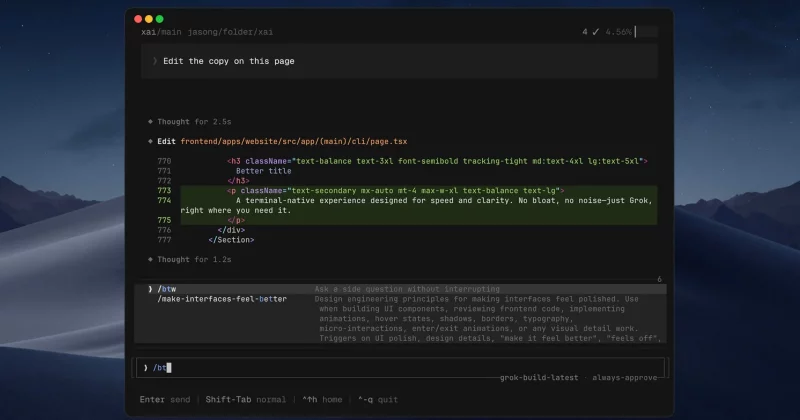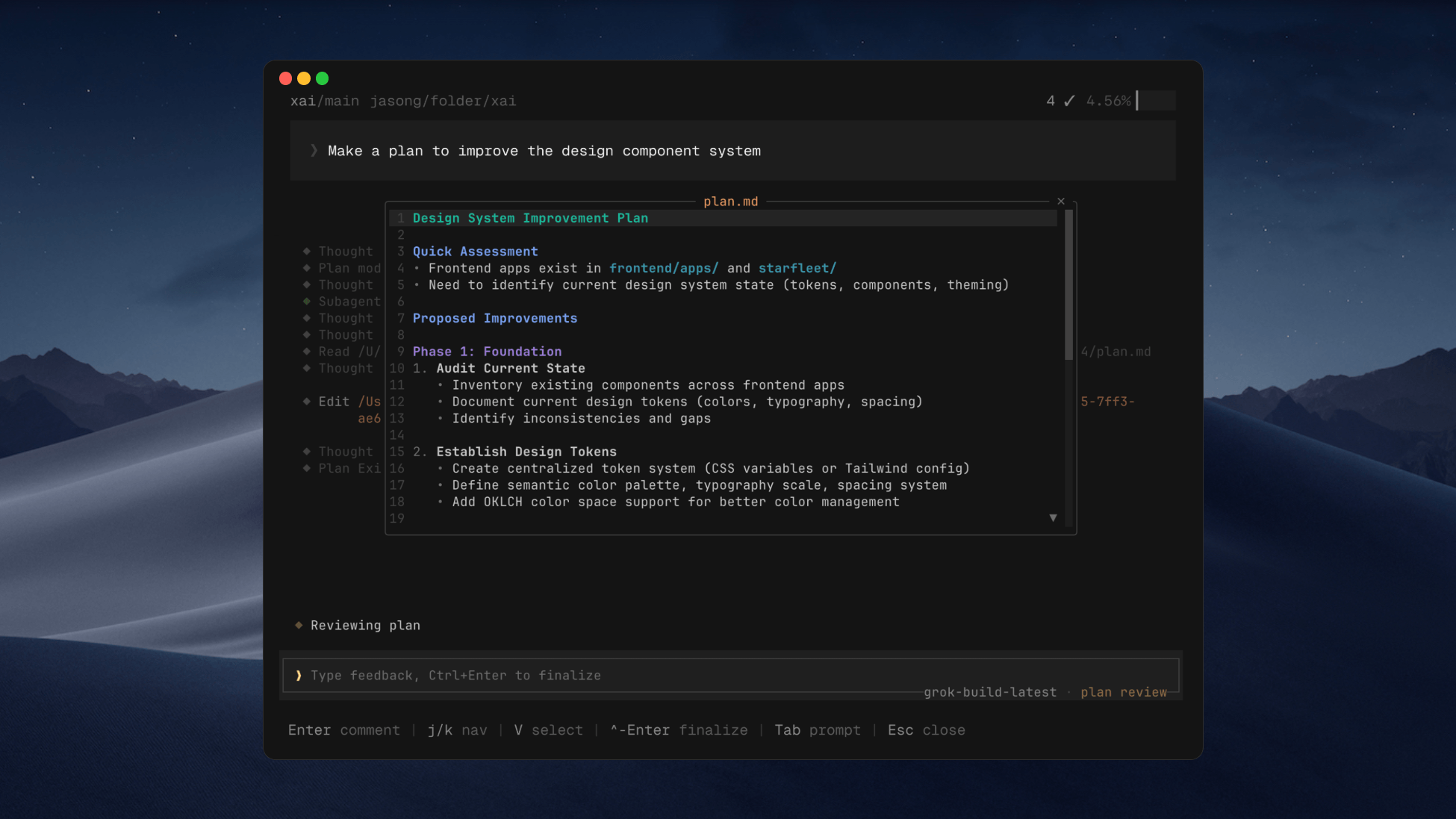
xAI rolled out a Plugin Marketplace in beta on June 11, giving its Grok Build coding agent a direct line to Sentry’s error tracking platform. Developers can now install the Sentry plugin and use it to find bugs, analyze stack traces, and triage alerts, all from the same terminal window where they’re writing code.
What the Sentry plugin actually does
Sentry is one of the most widely used application monitoring tools in software development. It captures errors in real time, logs stack traces, and helps engineering teams figure out what broke, when, and why. Plugging it directly into an AI coding agent means developers can skip the context-switching between their terminal, their browser, and their monitoring dashboard.
The plugin is accessible through terminal interface commands, which fits neatly into Grok Build’s identity as a CLI-first tool. Developers install it, point it at their Sentry data, and let the AI agent do the initial triage work.
One security detail worth noting: plugins in the Grok Build marketplace are pinned to GitHub commit SHAs. That means each plugin version is tied to a specific, immutable snapshot of its source code. It’s a meaningful trust signal for developers who are understandably cautious about giving third-party tools access to their error logs and production data.