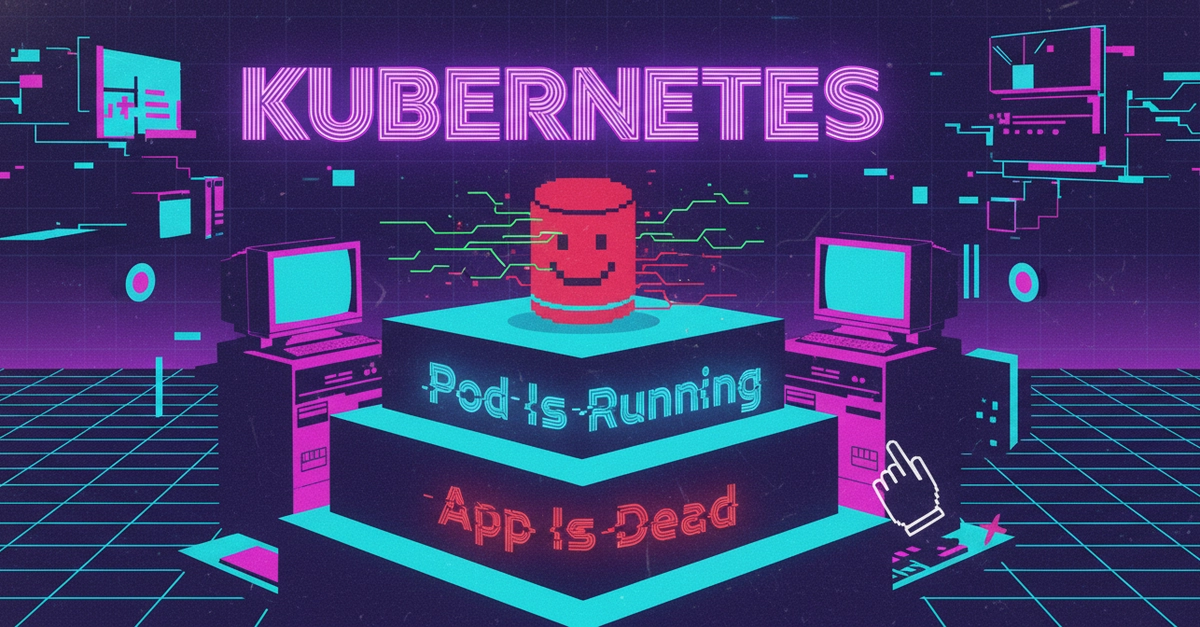
Your pods keep getting killed. Not crashing — killed. One moment they're running fine, the next they're gone and Kubernetes is spinning up replacements. You check the logs and there's nothing useful. The pod just… disappeared.
Turns out Kubernetes killed it on purpose. And if you don't tell it how much memory your app actually needs, it'll keep doing it.
Why Kubernetes evicts pods
Kubernetes runs on nodes — physical or virtual machines that host your containers. Each node has a finite amount of CPU and memory. When a node runs low on resources, Kubernetes has to make a choice: which pods stay, and which ones get evicted to free up space.
The decision comes down to QoS classes — Quality of Service tiers that Kubernetes assigns to every pod based on how you've configured resource requests and limits.