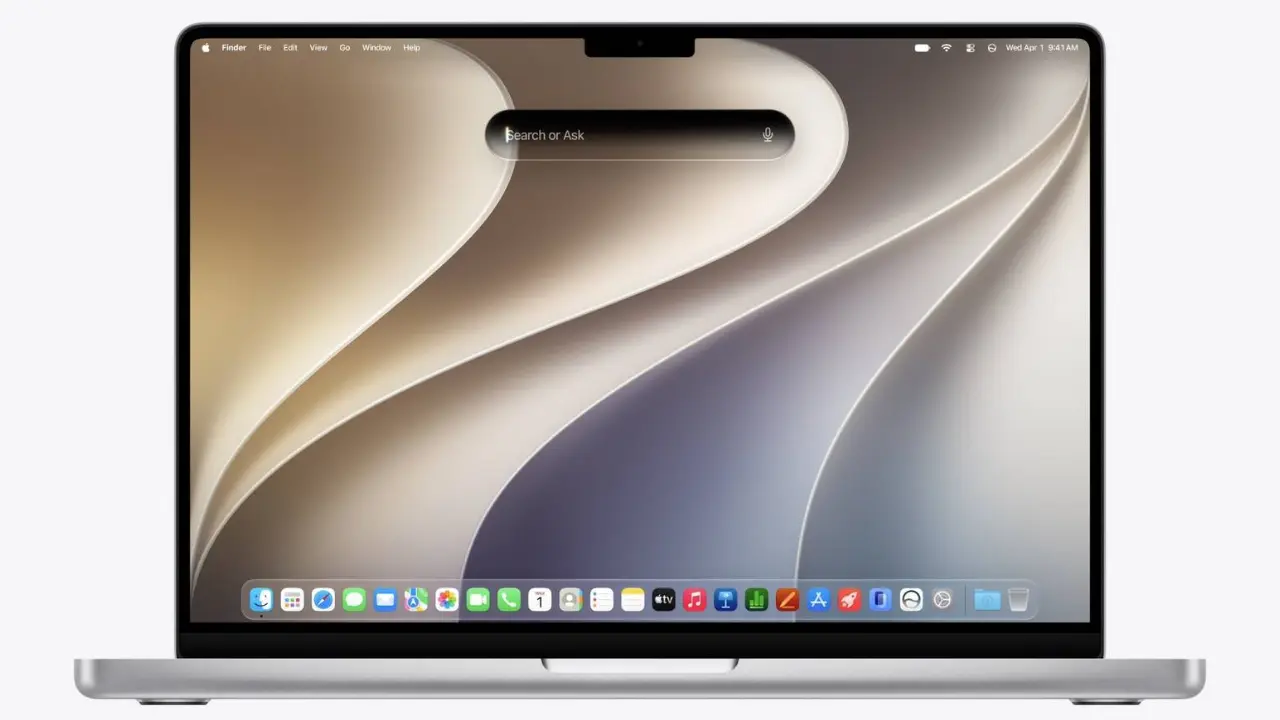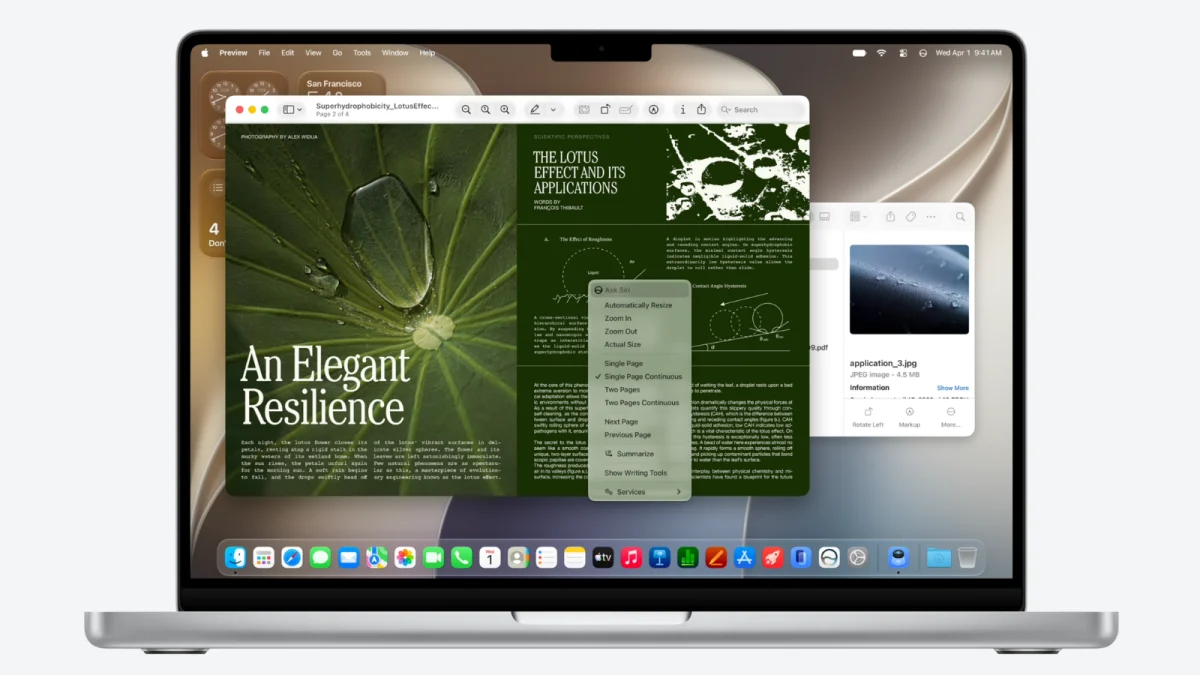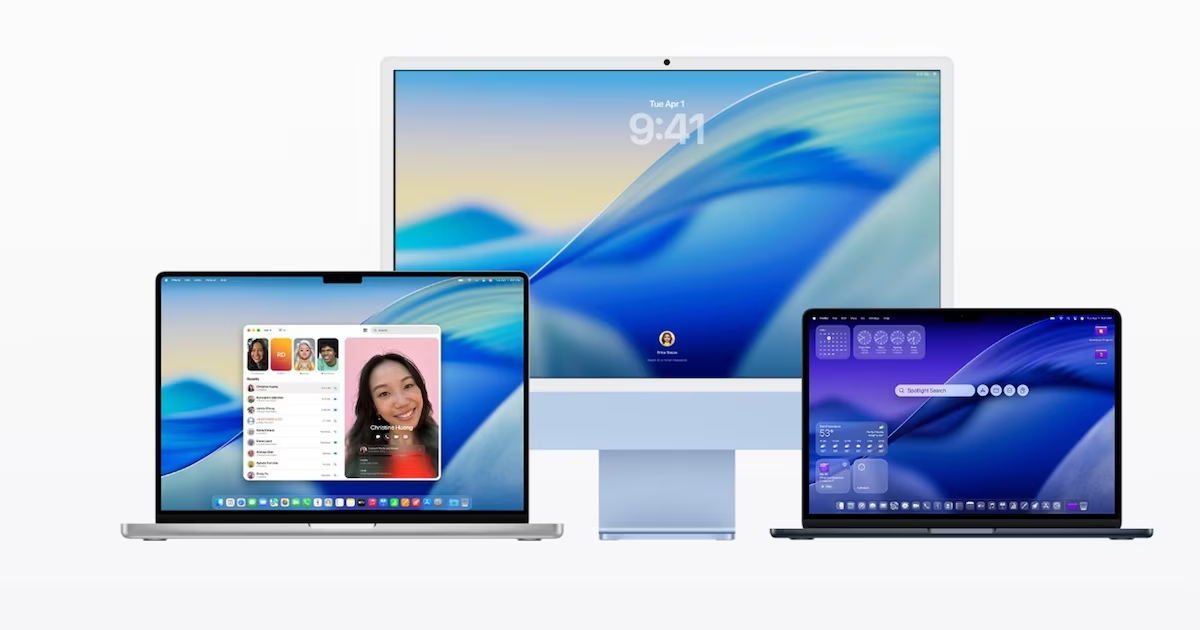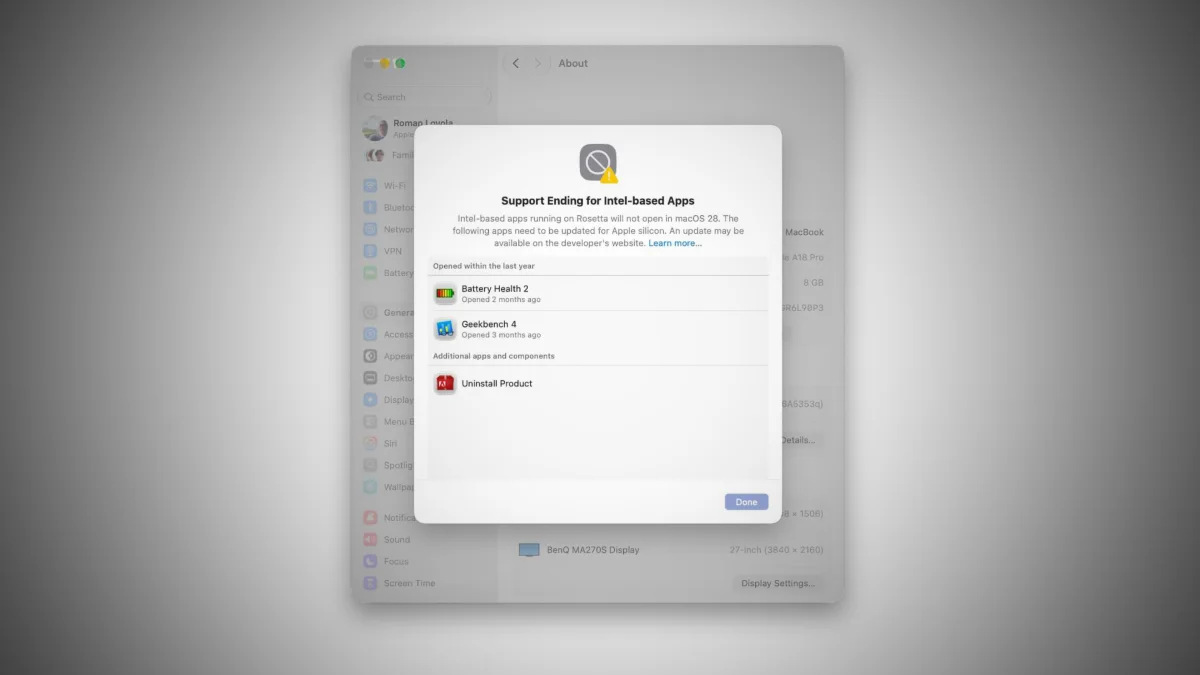
It’s been nearly six years since Apple released the first Macs with Apple Silicon. But up until now the company has continued to support older Mac laptop and desktop computers with Intel Inside. And the company has also you to run older applications made for Intel-powered Macs on newer models with Apple M series chips.Both of those things are coming to an end. When macOS 27 Golden Gate hits the streets in September, it won’t support older Macs with Intel processors. And it will also be the final version of Apple’s desktop operating system to support the Rosetta software that lets you run x86 software on Macs with Apple’s Arm-based processors.Apple released the first beta of macOS 27 during WWDC, and confirmed that it’s the first version that cannot be installed on systems with Intel processors. That means folks with older Macs will either have to stick with an older operating system or consider upgrading to a newer device to run the latest software. Or, you know, switch to Linux (or Windows, I guess).The company also revealed that it will phase out the Rosetta translation layer that makes it possible to run x86 applications on Macs with Apple Silicon with the next major operating system release. MacOS 28 is expected to launch in the fall of 2028 and it won’t support any Mac software that has not been updated to run natively on Apple’s Arm-based processors.For many users, that won’t be a big problem. Six years after the Apple M1 chip was released, the vast majority of macOS software does run natively on Apple Silicon. But there are still thousands of older applications that have not been recompiled for Arm architecture, and which may not work on MacOS 28.This is especially likely to hit folks using niche tools that they may have installed many years ago that are still useful even if their developers haven’t updated them. For example, I first became aware of the impending doom for x86 apps on Mac through a post on Gearnews alerting musicians, producers, and sound engineers that many older plugins for digital audio workstation software could stop working on MacOS 28.Anyone who follows that particular industry knows that it’s often recommended that users wait months or even years before updating to the latest version of macOS to make sure developers have time to make sure key software is compatible. But when it comes to older plugins that haven’t been updated in years, there’s little reason to think that developers will release new versions in the next 15 months, so it could be the end of the road for those tools… and/or time to look for alternatives.Another thing to keep in mind before upgrading to macOS 27 (or at least the beta that was released this week)? It may interfere with your ability to dual boot Linux. The folks at the Asahi Linux project report “Apple has changed how the boot picker and Startup Disk applications detect valid OS boot volumes,” in a way that means “your Asahi partition will not be visible!”The Asahi team is optimistic that this is a bug that Apple will fix in the future, but it’s possible that it’s not and Apple won’t.
MacOS 27 won't run on Intel hardware, MacOS 28 will end support for x86 apps on Apple Silicon - Liliputing
MacOS 27 won't run on Intel hardware, MacOS 28 will end support for x86 apps on Apple Silicon
TL;DRAI
Apple drops Intel support in macOS 27 (Sept 2026) and ends Rosetta x86 in macOS 28 (2028), leaving thousands of legacy plugins obsolete. Enterprise IT faces a hard 15-month migration window for legacy software; unmaintained tools lack commercial incentive for ARM ports, forcing choices between stack obsolescence and deferred security patches.
534 words~2 min read